Physical Address
304 North Cardinal St.
Dorchester Center, MA 02124
Physical Address
304 North Cardinal St.
Dorchester Center, MA 02124

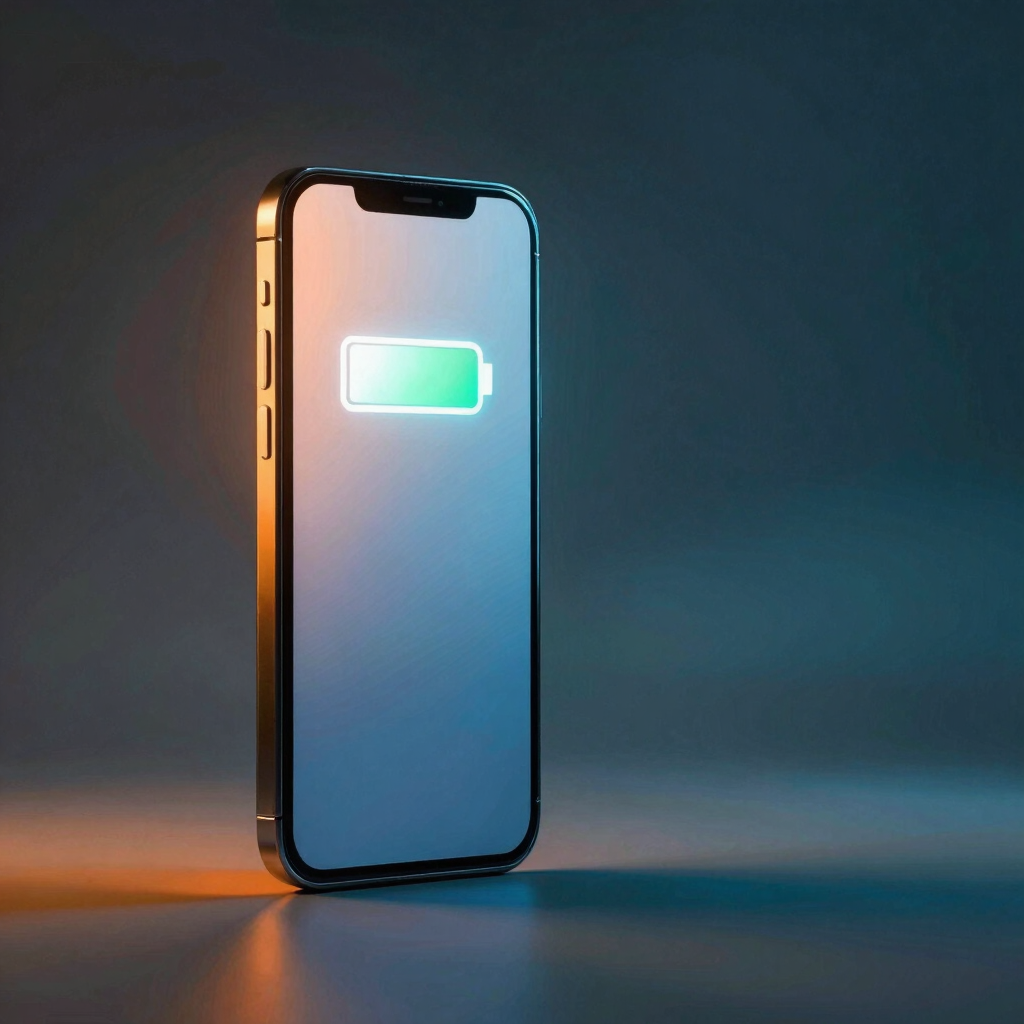
Most people charge their phones the same way every night: plug in, leave it, wake up to 100%. That habit quietly speeds up battery wear, especially in warm rooms. Here’s what actually happens inside the battery and how to set a charge limit on Samsung, Pixel, and Xiaomi phones.
The charging mistake almost everyone makes isn’t a cheap cable or topping up too often. It’s leaving your phone parked at 100% for hours, usually overnight and usually somewhere warm.
Plug in at midnight and the phone is typically full long before you wake up. The remaining hours are spent at the very top of its charge range, which is a stressful place for a lithium-ion battery to sit.
The fix takes about a minute. Most modern Android phones can now stop charging before 100% on their own. Here’s why it matters and how to switch it on.
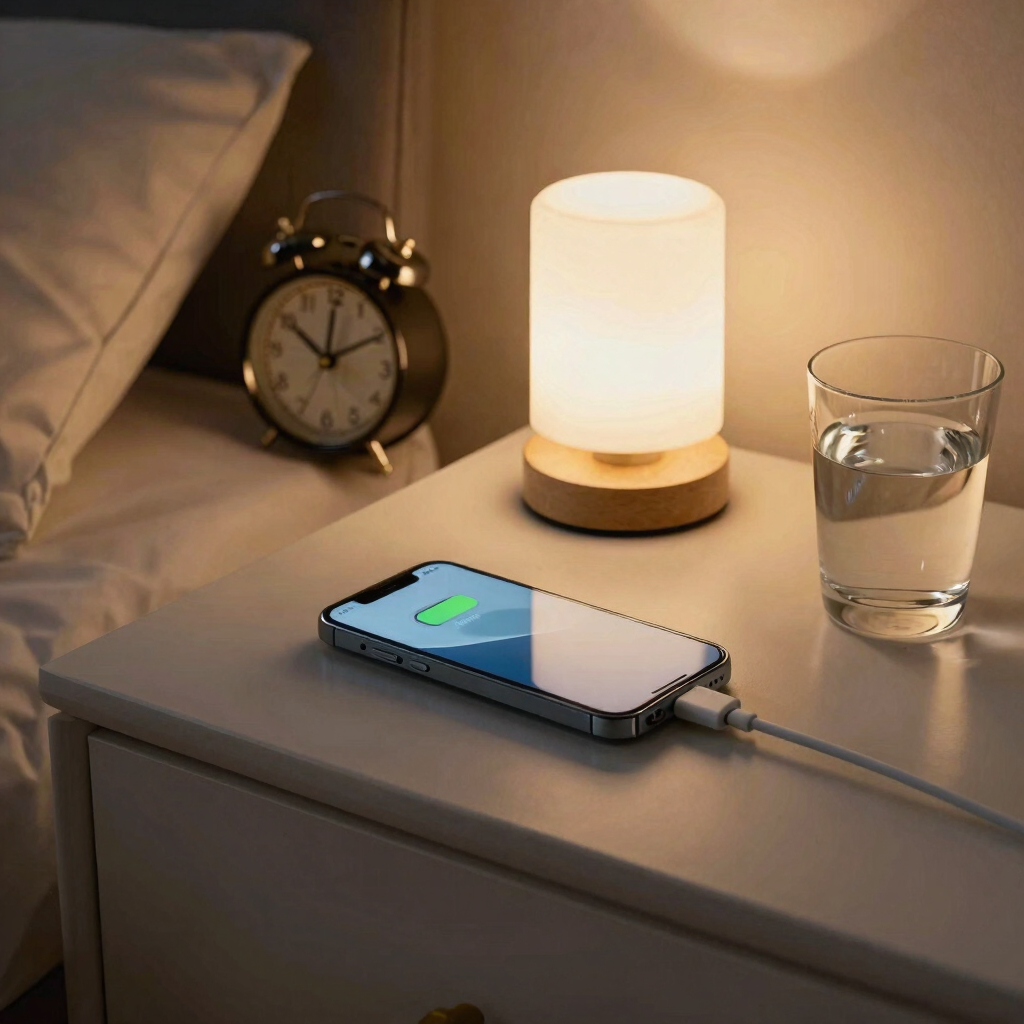
The mistake is treating 100% as the goal and leaving the phone there. It shows up in a few familiar forms:
It isn’t “overcharging” in the dramatic sense. A lithium-ion charger turns off the charging current once the battery is full, so your phone isn’t being force-fed extra power.
The wear comes from time. Long stretches at a high charge level, often combined with heat, age the battery faster than short visits to 100%.
Samsung’s own support page shows how this works. Its default Basic mode only limits extra charging after the phone reaches 100%, so the battery still spends the night full.
Every lithium-ion battery loses capacity as it ages. That part is unavoidable. What you control is how quickly it happens.
Battery University, a widely cited reference on battery care, names two main stressors. Heat and a high charge level both put stress on lithium-ion cells.
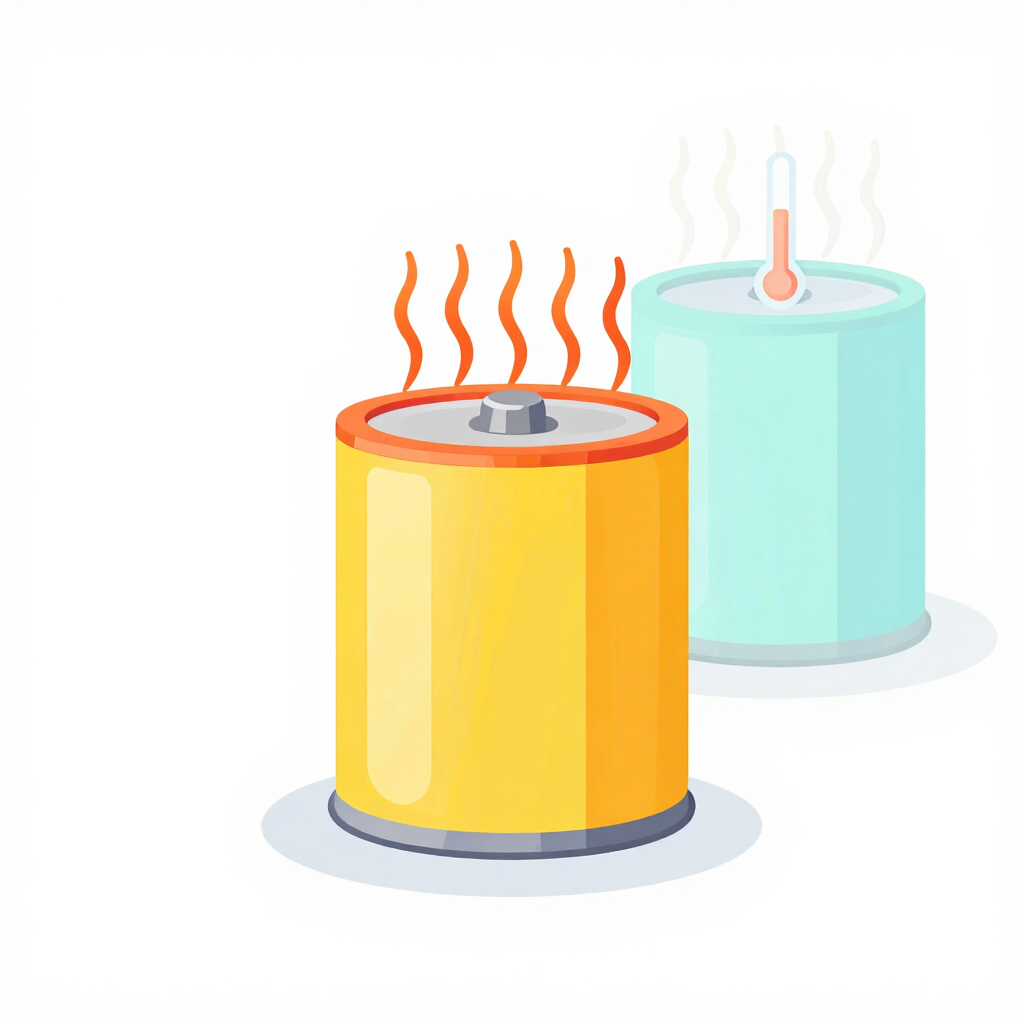
According to Battery University, a battery that stays above 30°C (86°F) is in an elevated temperature range. It also notes that dwelling at full charge while hot can be more stressful than ordinary cycling.
That matters in Pakistan. A phone charging in a summer bedroom, under a pillow, or beside a sunny window can run warmer than the room around it. Add six hours at 100% and the battery gets both stressors at once.
Overcorrecting doesn’t help. Letting the phone fall into single digits again and again means deep discharge, which is also best avoided.
There’s good news too. Lithium-ion has no memory effect, so partial charging is fine and the battery never needs a full drain.
A rough 20–80% range is a popular rule of thumb. It’s a guide, not a law, and nothing breaks if you stray from it now and then.
You don’t need to wake up at 3 a.m. to unplug. Many phones now include a charge limit or an overnight mode that holds the battery near 80% while you sleep, then finishes shortly before you wake.
There is one honest trade-off. A lower peak charge means the battery stores less energy. With an 80% cap, you start the day with about 20 percentage points less. For most people who can top up during the day, that’s an easy trade.
| Phone | Where to look | What it offers | Good to know |
|---|---|---|---|
| Samsung Galaxy | Settings > Battery > Battery protection | Basic, Maximum, and an overnight option | Custom limits of 80, 85, 90 or 95% arrive with One UI 7 |
| Google Pixel | Settings > Battery > Charging optimization | Adaptive Charging or Limit to 80% | The 80% limit arrived with an Android 15 update |
| Xiaomi, Redmi, POCO | Settings > Battery > Battery protection | An 80% limit and a night-charging option | Not every model has it |
Menu names and locations change between brands, Android versions, and even models. Use the paths below as a guide. If your menu looks slightly different, you’re probably in the right area.
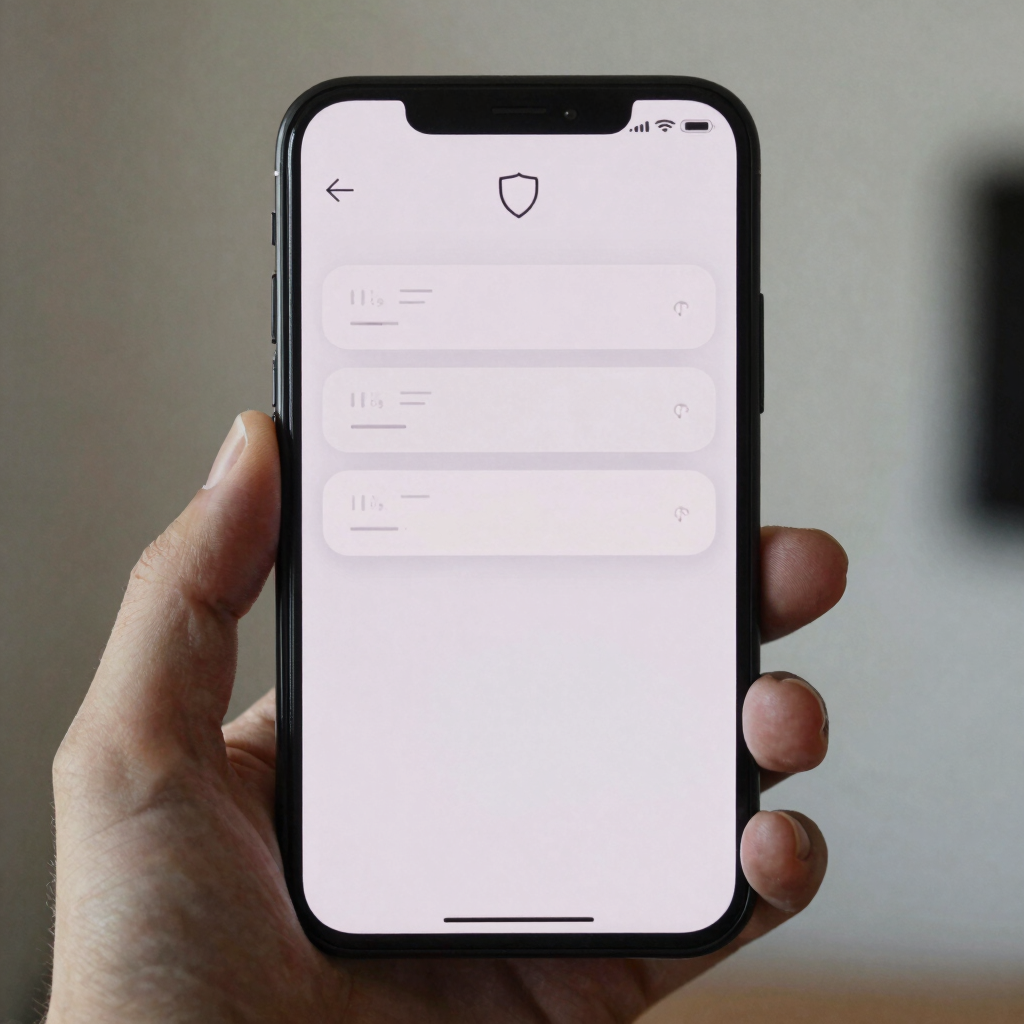
Two details are worth knowing. If you pick 80%, your phone may sit at 79% and begin charging again at around 78%, which is normal. Also, the overnight option may not work if your sleep pattern is irregular.
If you charge at night, the overnight option suits you best. If you top up through the day, Maximum is the stronger choice.
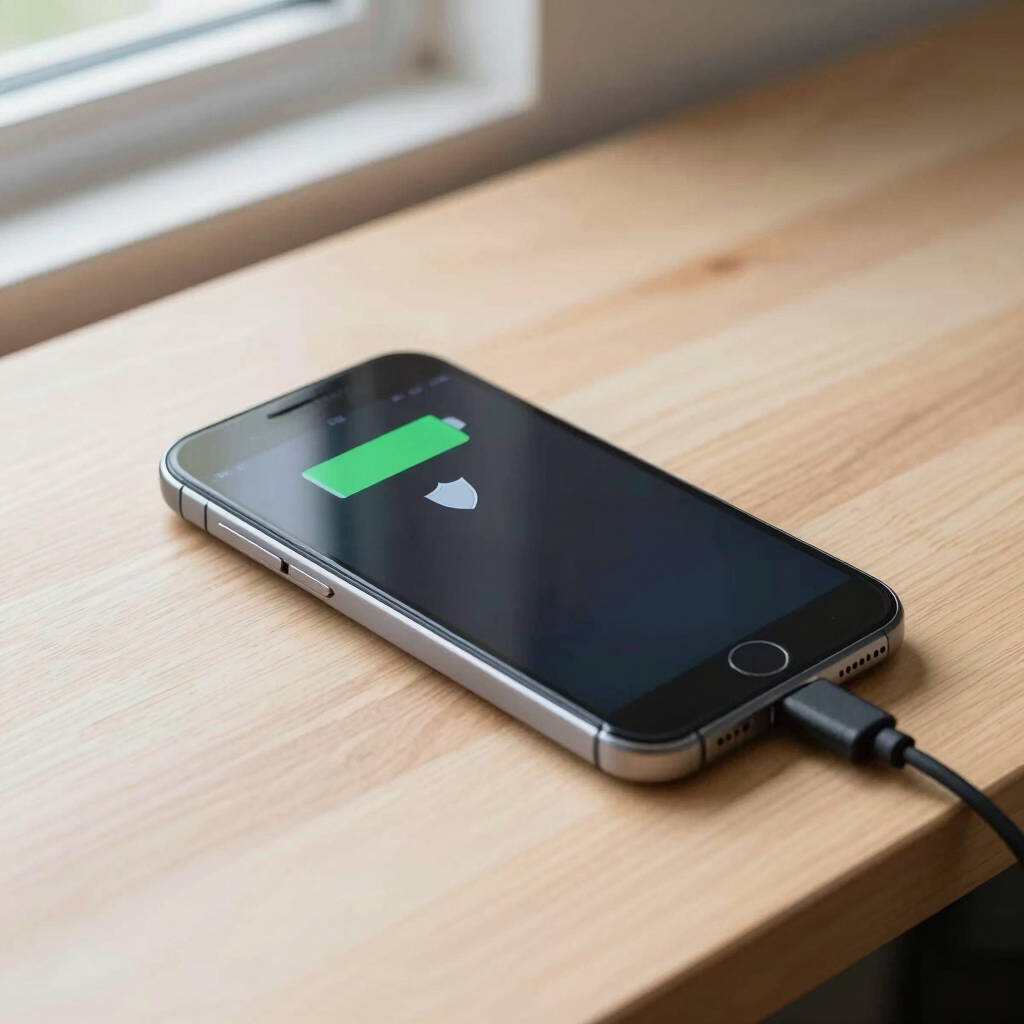
Adaptive Charging pauses around 80% and finishes about an hour before you usually unplug. Limit to 80% is stricter. With it on, a shield icon appears over the battery in the status bar.
Google says the phone will still charge to 100% once every one to two weeks so battery readings stay accurate.
HyperOS also has a night-charging feature that learns your routine, holds the battery at 80% overnight, and finishes near your wake-up time.
Availability varies. Reports suggest only selected Xiaomi models have the 80% limit, so a missing option doesn’t mean you did something wrong.
Oppo, Vivo, Realme, Infinix, Tecno and others have their own battery-care features, but names and availability differ by model. Open Settings, tap the search bar, and try “battery protection,” “charging,” or “optimized charging.”
If nothing shows up, the habits below still help.
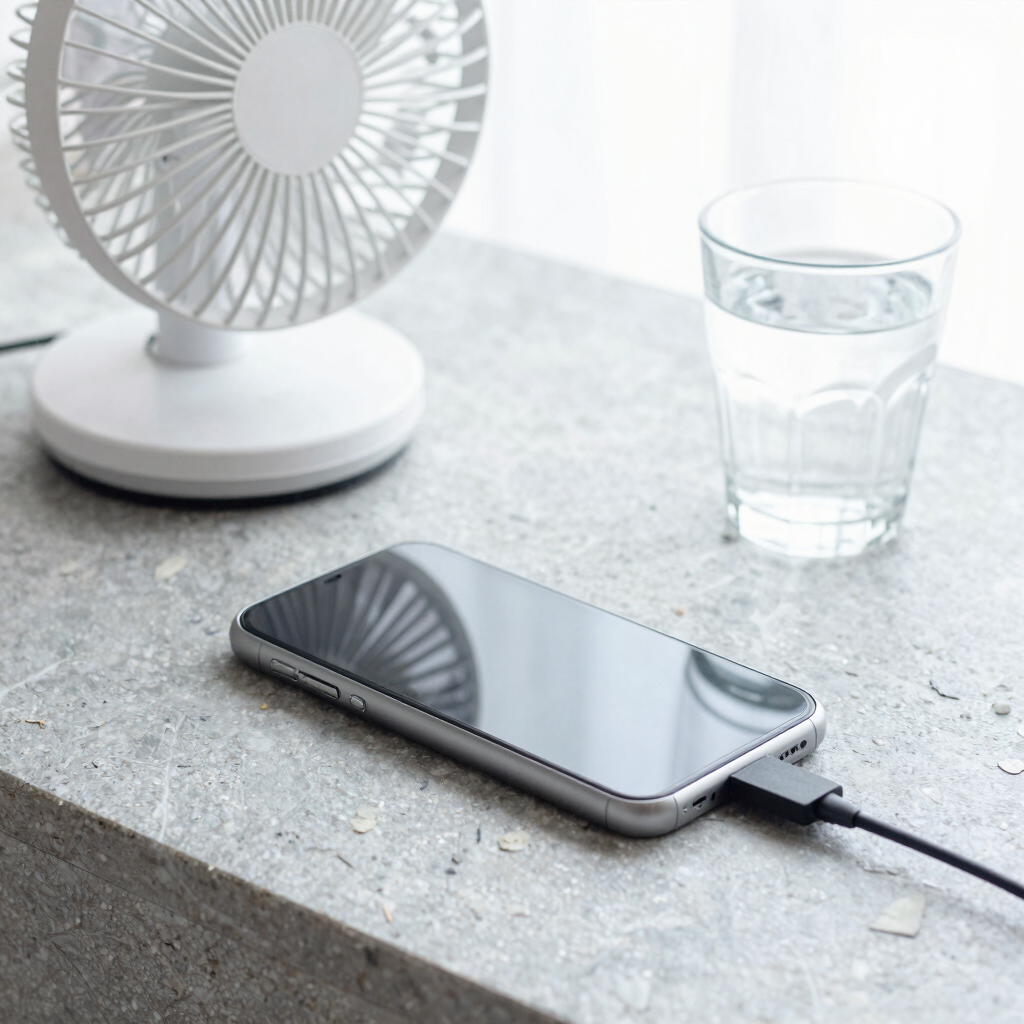
A charge limit does most of the work. These small habits do the rest:

Sometimes you need every last percent. A long travel day, a day with no socket nearby, or a long power cut all justify a full charge.
Charge to 100%, unplug when it’s done, and switch your protection mode back on afterward. Batteries are meant to be used, and a phone that dies at the wrong moment is a bigger problem than a little extra wear.
Not in itself. The phone stops drawing current once it’s full. The wear comes from sitting at a full charge for hours, especially in a warm room. A charge limit or overnight protection mode removes most of that.
No. Lithium-ion batteries have no memory effect, so a full drain isn’t needed. Regular deep discharges add stress, and partial charges are perfectly fine.
Fast charging brings higher currents and more heat, and both add wear over time. It’s fine when you’re in a hurry. For overnight charging, a slower charger is the gentler choice.
It reduces stress from sitting at a full charge, which helps over the long term. You won’t stop aging completely, and you’ll have about 20 percentage points less battery each day. Most people find that a reasonable trade.
Check the search bar in Settings first. If your phone doesn’t offer one, the habits above still help: keep it cool, avoid long stretches at 100%, and top up during the day.