Physical Address
304 North Cardinal St.
Dorchester Center, MA 02124
Physical Address
304 North Cardinal St.
Dorchester Center, MA 02124

A week without notifications tends to bring sharper focus and a nagging fear of missing out. Here's what research says happens, which alerts are worth keeping, and the Android settings that let you try a quiet week without missing calls, bank alerts, or OTPs.
A week without notifications tends to do two things at once. Your focus improves, and a small worry about what you’re missing creeps in. Both effects appear in the best-known experiments on the subject, and both make sense once you see why they happen.
This guide covers what actually happens when you silence your phone for a week, based on published research. It also shows the exact Android settings to try it yourself without missing calls, bank alerts, or one-time passwords (OTPs).
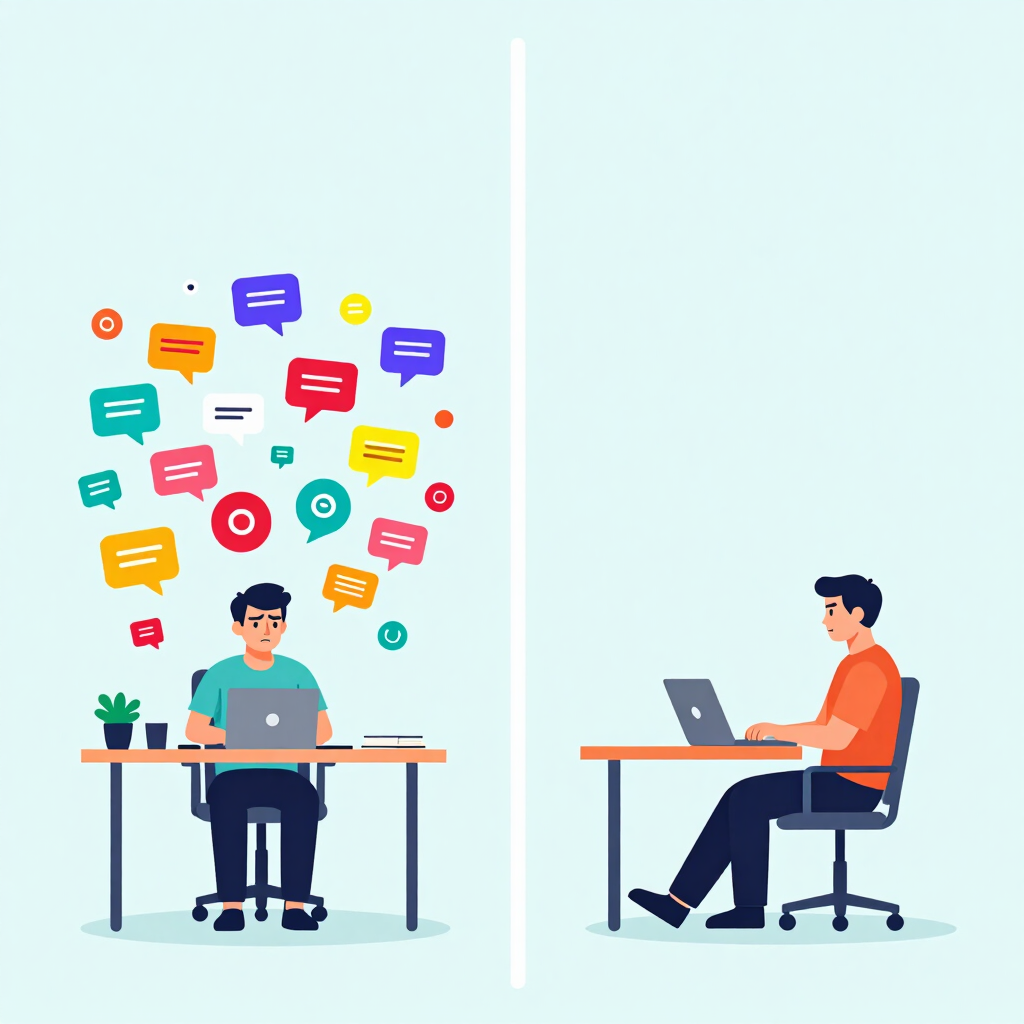
Every buzz pulls your attention away from what you were doing. Researchers have tested what happens when the buzzing stops.
In a 2016 study presented at the CHI conference, 221 University of British Columbia students spent one week with alerts on and the phone within reach, and another week with alerts off and the phone kept away. They reported higher levels of inattention and hyperactivity when alerts were on. Higher inattention also predicted lower productivity and wellbeing.
Keep in mind that the quiet week also meant keeping the phone away, so the result reflects both changes. The lead researcher also stressed that students didn’t develop ADHD. They simply showed more symptoms of inattention.
A second experiment, the Do Not Disturb Challenge, looked at a shorter window. Thirty volunteers switched off alerts on all their devices for 24 hours. They felt less distracted and more productive, but some felt anxious about being less responsive, and they felt less connected to their social group.
The researchers originally planned a full week. They couldn’t find anyone willing to go that long, so they shortened it to 24 hours.
Both studies relied on self-reported answers from small or student-only groups. Treat them as strong hints, not proof.

Putting the two studies together gives a fairly consistent picture. Here is what to expect and how to handle each part.
| What you may notice | Why it happens | What helps |
|---|---|---|
| Easier to stay on one task | Nothing breaks your concentration mid-task | Keep alerts off during work or study blocks |
| An urge to check the phone anyway | Habit, plus worry about missed messages | Pick two or three fixed times to check |
| Friends or family wondering where you are | People expect quick replies in chat apps | Tell them before you start |
| Missing something time-sensitive | Silenced apps can’t interrupt you | Keep calls, banking, and OTPs on |
Some volunteers worried enough about what they were missing that they were more likely to feel they had missed professional or personal information. The silence itself can feel louder than the buzzing.
Stress levels depended heavily on other people. Participants whose circle didn’t expect quick answers rarely felt stressed, while those with a boss who wanted fast replies felt the strain.
Participants also felt less connected to their social group without alerts. A short message to close contacts before you start softens this considerably.
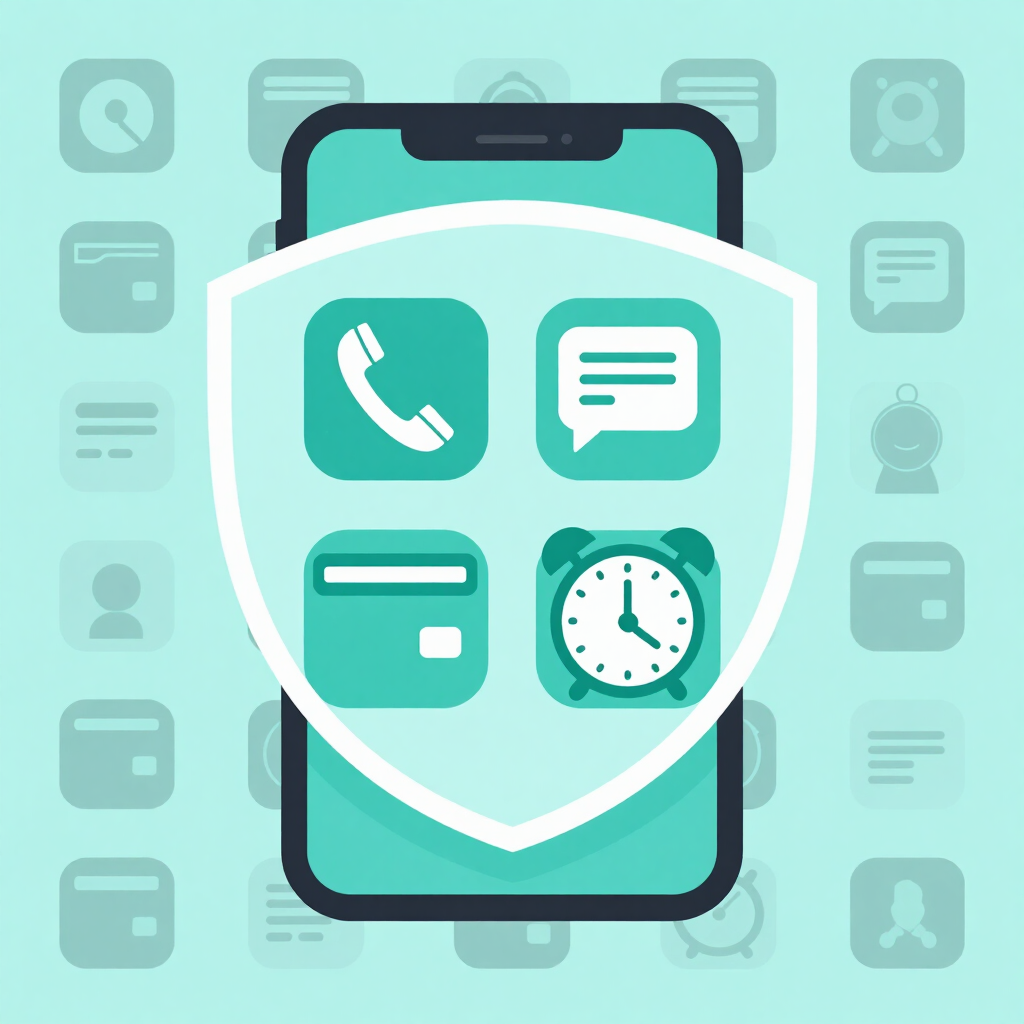
A total blackout is risky. Some alerts protect your money, your safety, or your plans. Muting them could mean missing a bank security warning or an OTP that expires within minutes.
Keep these active:
Then give people a heads-up. Family, school, and work chats on WhatsApp are often where quick replies are expected. One message such as “I’ll check my phone at set times this week, so call me if it’s urgent” prevents most misunderstandings.
Menus differ by Android version and phone brand. Google notes that notification settings can vary slightly among devices. If you can’t find an option, type “notifications” into the Settings search bar. The steps below run from the simplest and safest to the more advanced.
Start with social media, games, shopping, and news apps. They are the main sources of nonessential pings.
Google says you can turn off all notifications for an app or only chosen categories. Tap an app in the list and check whether it offers categories. If it does, silence the noisy ones, such as promotions or suggestions, and keep the useful ones, such as security alerts or direct messages.
Many apps also have their own notification menu inside the app.
Set your exceptions before switching this on. Alarms normally still ring, but confirm that the alarm option is enabled so a silent morning alarm doesn’t catch you out.
Do Not Disturb silences sounds and vibrations while letting you choose which exceptions break through. On Pixel and stock Android phones, it sits under Sound & vibration. On Samsung Galaxy phones, it’s usually called Do not disturb and is found under Notifications.
Stock Android lists four areas here: People, Apps, Alarms & other interruptions, and Schedules. Samsung’s version offers exceptions for calls, alarms and sounds, and apps.
Notification history only works on Android 11 or newer and keeps notifications for 24 hours. Google also warns that some devices may not include it. Check Settings > Notifications > Notification history and switch on Use notification history.
There’s a privacy trade-off. The log includes alerts from sensitive apps like banking and messaging, and it isn’t password-protected. Turn it off again after the week if others use your phone. Apps you’ve switched off completely won’t have anything to show, so history works best alongside Do Not Disturb.
The experiment can change habits for good. About two-thirds of the volunteers planned to change how they manage notifications, and after two years about half were still following through.
A simple test helps you decide what to switch back on: would I want to know about this within the hour? If not, leave it off. Likes, promotions, game reminders, and most news alerts usually fail the test. Calls, OTPs, banking, rides, and alarms pass it.
New installs are easier to handle at the source. On Android 13 and later, apps generally ask permission before sending notifications. Tapping Don’t allow saves you a trip back to Settings.
Not if you keep your SMS app and banking apps active, or add them as exceptions in Do Not Disturb. Test this before the week starts so you aren’t surprised.
No. Do Not Disturb mutes sounds and vibrations and lets selected exceptions through. Turning off an app’s notifications stops that app from alerting you at all.
The studies used 24 hours and one week. A single day is a low-risk way to see how you react before committing to a full week.
On Android 11 or newer, notification history can show the last 24 hours, if your phone includes it. It won’t show alerts from apps you’ve switched off entirely.
No. In the University of British Columbia study, participants without ADHD reported more inattention and hyperactivity symptoms with alerts on, but the researcher made clear they didn’t develop the disorder. If attention problems are a real concern, a doctor is the right person to ask.