Physical Address
304 North Cardinal St.
Dorchester Center, MA 02124
Physical Address
304 North Cardinal St.
Dorchester Center, MA 02124

Swipe away the wrong notification and it feels gone for good. It isn’t. Android has a built-in notification history that keeps dismissed alerts for 24 hours, but it ships switched off. Here’s how to turn it on, where to find it, and what it can’t do.
You hear the buzz, glance at the screen, and swipe the notification away. Seconds later you realise it was the one you needed: a delivery update, an address, a reminder you can’t place.
Android has a built-in fix, and it’s easy to miss. It’s called notification history. It keeps a list of the notifications you’ve dismissed over the last 24 hours, but most phones ship with it turned off. That’s why many people never use it. Turn it on now, and the next accidental swipe costs you nothing.
This guide to Android notification history covers what it does, how to enable it on Pixel, Samsung and other phones, and where its limits are.
Swiping a notification clears it from the shade, and Android doesn’t keep a copy unless you ask it to. Opening the app might show the same information, but not every app keeps a tidy list of past alerts.
The timing makes it worse. Google’s Pixel help page says you must switch the feature on before it can find any past alerts. It can’t rescue anything that arrived while it was off.
Notification history is a log inside your Settings app. When it’s on, your phone saves each notification you dismiss for 24 hours, and tapping an entry opens the app that sent it.
| Detail | What to know |
|---|---|
| Default setting | Off on most phones |
| How long entries stay | 24 hours |
| What gets recorded | Notifications that arrive after you switch it on |
| Android version | Android 11 or newer |
| Tapping an entry | Opens the app that sent it |
| Long messages | Only the first few lines are shown |
The built-in version needs Android 11 or newer. Long messages appear only as a few lines, so treat the list as a reminder, not a full archive.
The history screen shows previews of what you dismissed, including message text. Anyone who unlocks your phone and opens the setting can read them.
That matters if you share your phone, hand it to children, or leave it unlocked at work. A strong screen lock does more work once this feature is on.
There’s no pick-and-choose option either. You can’t enable history for individual apps, so it’s all or nothing. If you change your mind, turning it off on a Samsung phone deletes the saved list.
The setting sits in different places depending on your phone and software version. If you can’t spot it, search for “Notification history” in the Settings search bar.
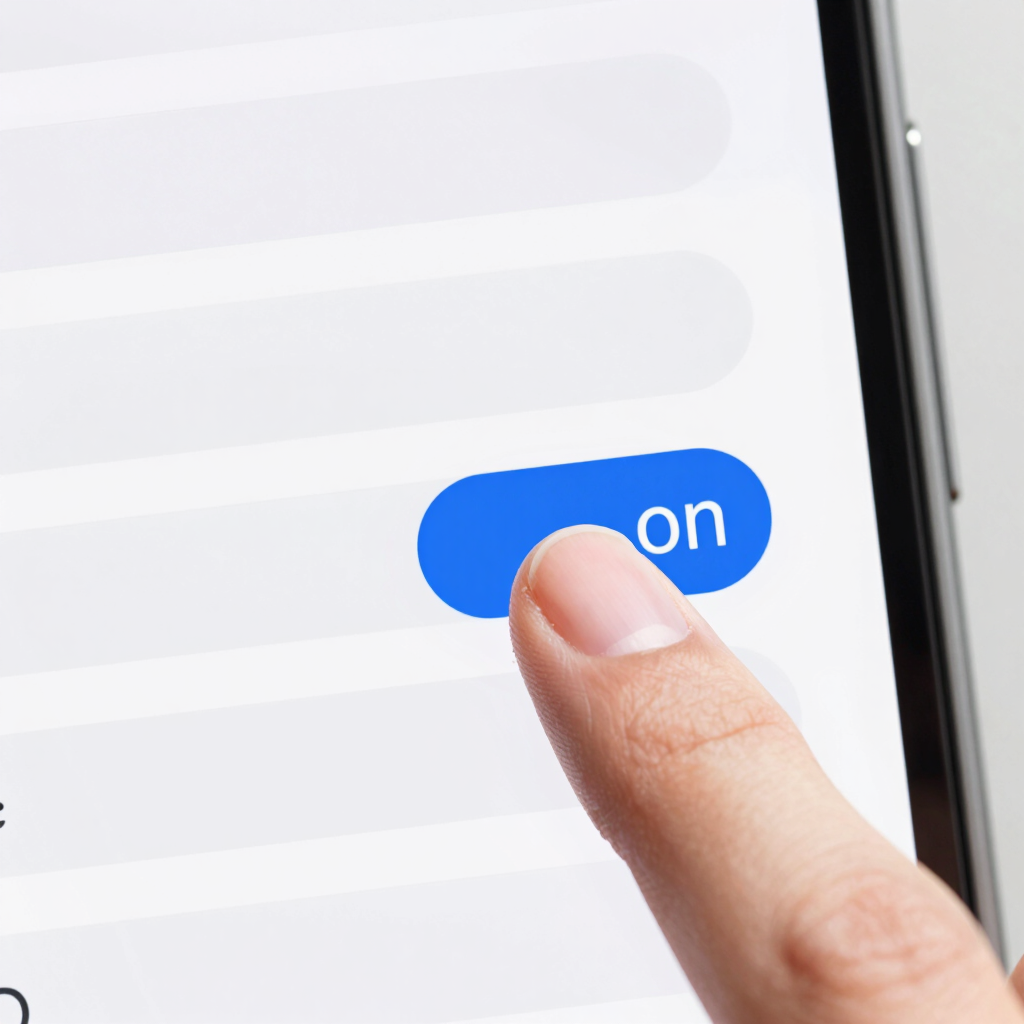
Google documents this path for Pixel phones in its Pixel Help guide. The same route is reported for Motorola devices.
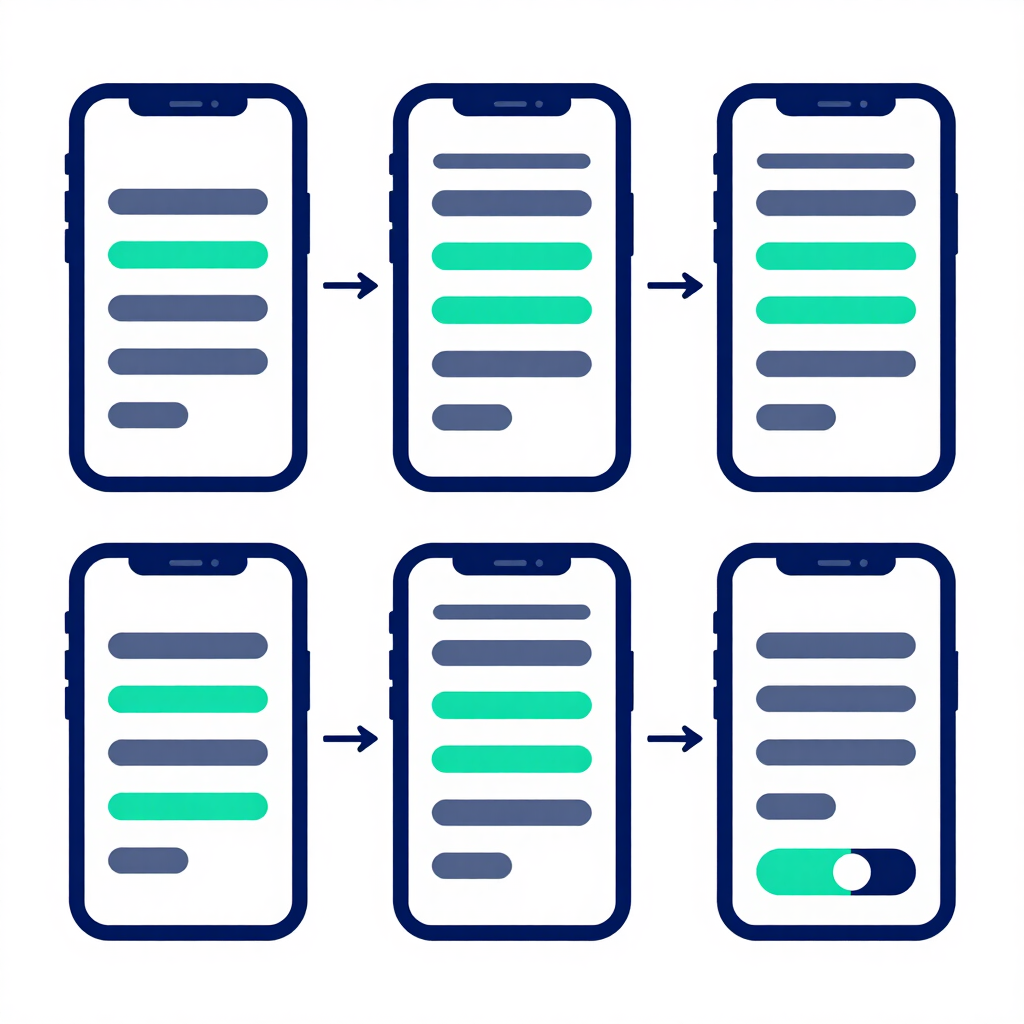
Samsung lists this same route on its support page. The list is empty the first time you turn it on. It fills up as you dismiss notifications.
These brands customise Android more heavily, so the path varies by model and software version. Look under Notifications for an entry called Notification history, or search for it in Settings.
If it’s missing, check your Android version. The feature needs Android 11 or newer.
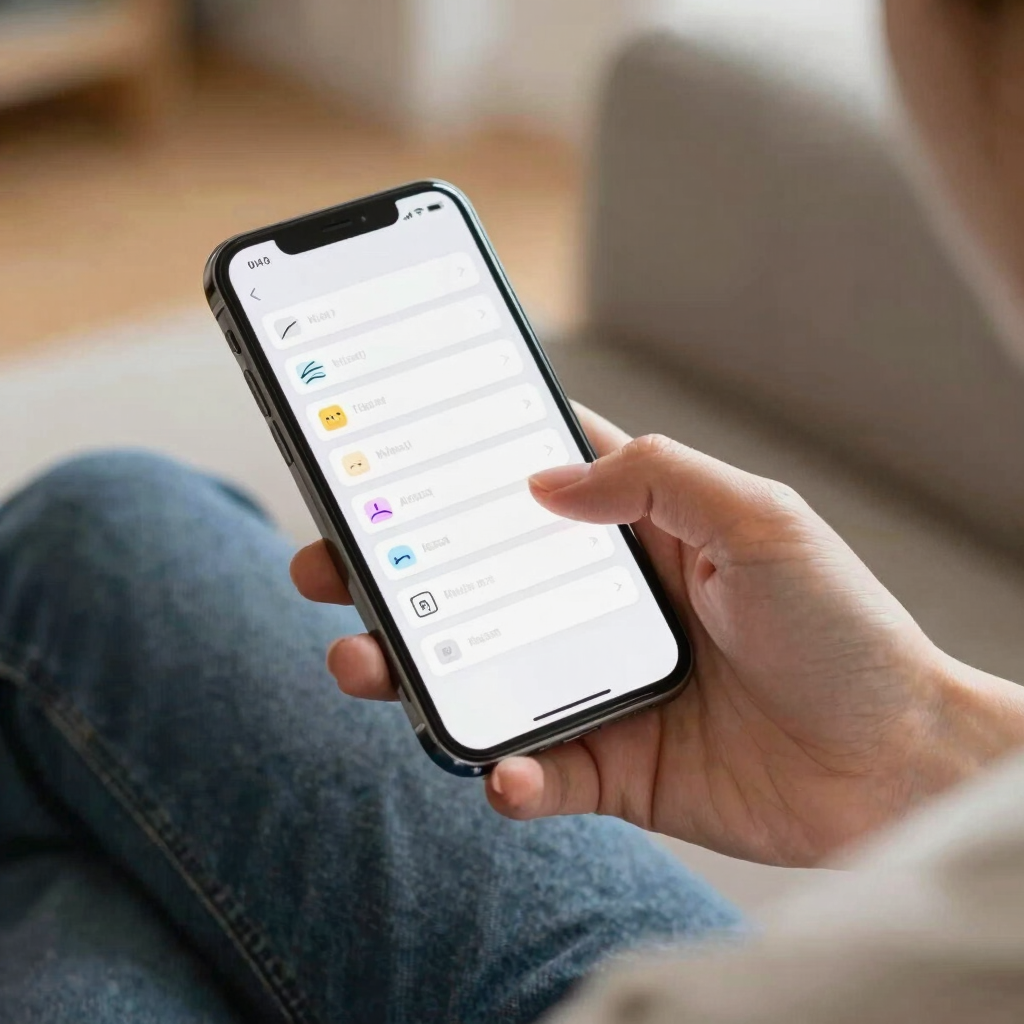
Once the feature is on, you have two ways in.
Tap any entry to jump to the app. On Samsung, pressing and holding an entry opens options such as that app’s notification settings.
For most people, yes. It’s one toggle, and it quietly covers you for the next accidental swipe.
If your phone is often shared or you get sensitive alerts, weigh the privacy note above first. You can switch it off at any time.
The built-in setting needs Android 11 or newer. On older versions you won’t find it in Settings.
No. The feature must be on before it can find past alerts, so it only logs what arrives afterwards.
Not reliably. History keeps a short preview of the notification as it arrived, and what happens when a sender deletes a message can differ by app and phone. Even where a preview survives, it disappears after 24 hours.
Use the same toggle you switched on. On Samsung phones, turning it off also deletes the saved list.
That depends on who can unlock your phone. Use a strong screen lock, and switch the feature off if you regularly share your device.