Physical Address
304 North Cardinal St.
Dorchester Center, MA 02124
Physical Address
304 North Cardinal St.
Dorchester Center, MA 02124

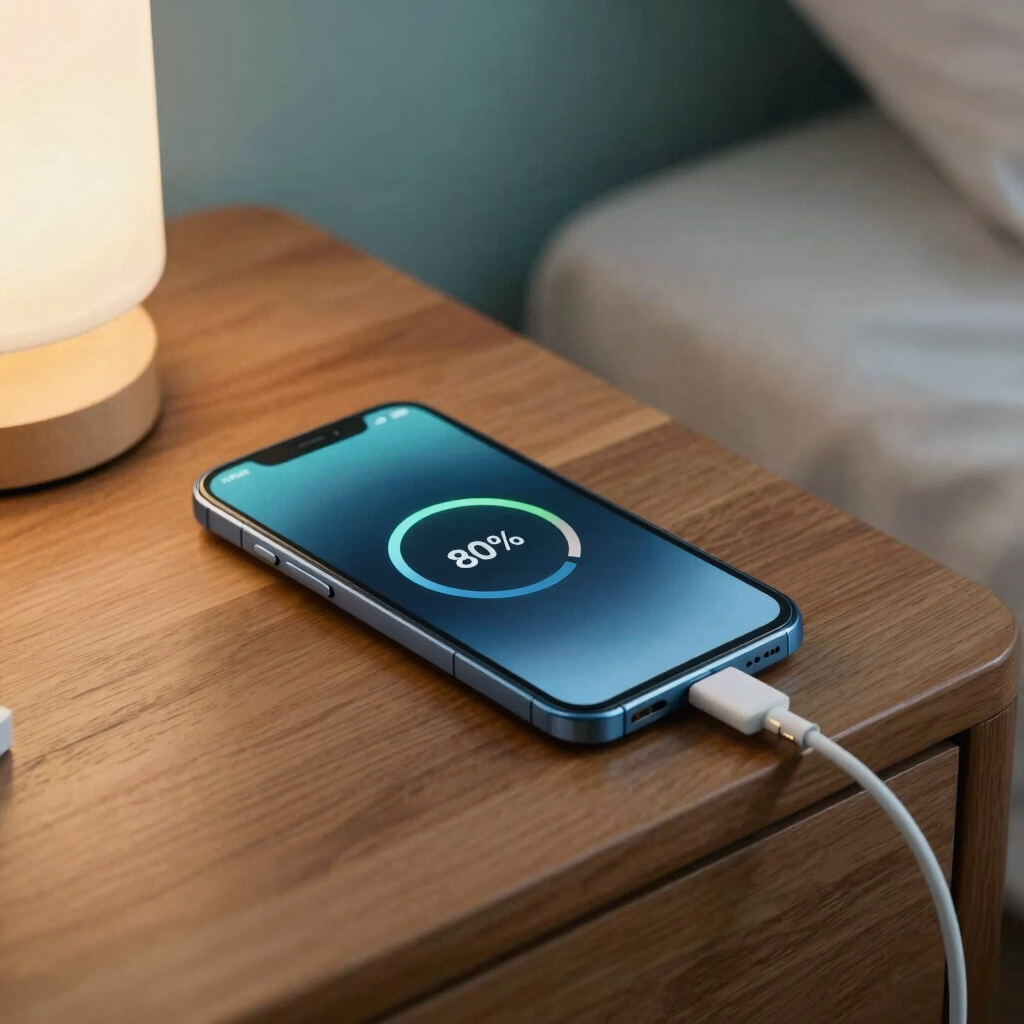
Charging your phone to 100% every night quietly shortens your battery’s life. This guide explains the one setting that fixes it, why it works, how to turn it on for Samsung, Pixel, Xiaomi and realme phones, and what you give up in return.
The setting is a charging limit. It stops your phone from charging past roughly 80%, and it is one of the easiest ways to slow battery wear.
Most phones don’t get replaced because the processor slows down. They get replaced because the battery fades. A phone that once lasted all day starts begging for a charger by dinner. A charging limit slows that decline by keeping the battery away from the conditions that age it fastest.
“Double” is the headline promise, so this guide also looks at how realistic it is. It covers what the setting is called on Samsung, Pixel, Xiaomi and realme phones, and how to switch it on.
Most big Android brands now ship some version of the same idea. The phone either stops charging at a set level, or it holds back near the top and finishes just before you wake up.
The name changes by brand. Samsung and Xiaomi call it Battery protection. Google calls it Charging optimization. realme calls it Charging limit.
All of them aim to stop your battery from sitting at 100% for hours, which is exactly what happens when you charge overnight. Samsung’s own support page says that holding a battery at full charge for long periods can reduce its lifespan.
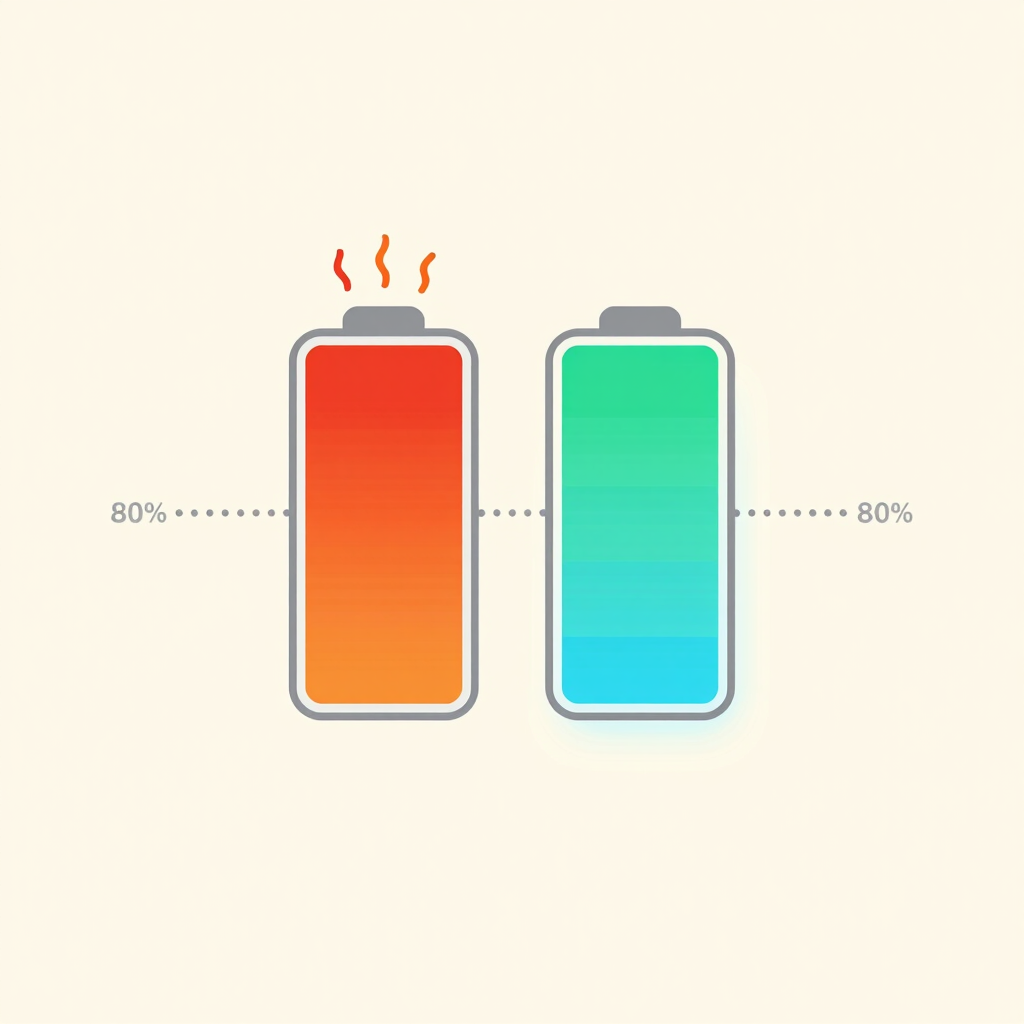
Phone batteries are lithium-ion. They age from two main stresses: heat and a high charge voltage.
Battery University, a widely cited technical reference, explains the voltage side. Most lithium-ion cells charge to 4.20 volts, and every 0.10-volt reduction in that peak is said to double the cycle life. The catch is that a lower peak voltage means the battery stores less energy.
In plain terms, a battery that tops out lower lives longer but gives you less on each charge. A charging limit is the phone-friendly version of that idea. The exact voltage behind “80%” differs from phone to phone, so treat this as a principle, not a precise formula.
Heat is the second stress. Battery University considers temperatures above 30°C to be high, and says holding a battery at a high charging voltage is also stressful. Charging overnight combines both: a full battery, often in a warm room.
Not exactly, and it helps to be clear about why.
The “double” figure comes from cycle-life data on lithium-ion cells, not from a promise by phone makers. Real results depend on how hot your phone runs, how often you charge and how worn the battery already is. The phone’s total lifespan also depends on software updates, storage and repairs, none of which a charging limit touches.
What the evidence does support is that a lower charging ceiling slows battery aging. Manufacturers apply the same principle themselves. Google’s battery health assistance on newer Pixels lowers the battery’s maximum voltage in stages, starting at 200 charge cycles and continuing up to 1,000.
Think of “double” as the best case for the battery, not a guarantee for the whole phone. For someone who charges every night in a hot climate, the gain can still be substantial.
Menu paths differ by brand, model and software version. If you can’t find yours, open Settings and search for “battery protection,” “charging limit” or “charging optimization.”
| Brand | Where to find it | What it does |
|---|---|---|
| Samsung Galaxy (One UI 6.1 or later) | Settings > Battery > Battery protection | Basic, Adaptive or Maximum (80%) modes |
| Google Pixel (Android 16) | Settings > Battery > Battery health > Charging optimization | Off, Adaptive Charging or Limit to 80% |
| Xiaomi, Redmi, POCO (HyperOS) | Settings > Battery > Battery protection | 80% cap or phone-decided smart charging, on supported models |
| realme (realme UI 6.0) | Settings > Battery > Battery health | Charging limit that stops at 80% |
On One UI 6.1 and later, Basic stops charging at 100% and resumes at 95%. Adaptive uses Maximum while you sleep and switches to Basic before you wake. Maximum stops charging at 80%. Samsung warns that Adaptive may not work well if your sleep schedule is irregular.
Newer versions, including One UI 7, let you pick your own ceiling between 80% and 95% in Maximum mode. Phones on software older than One UI 6.1 only offer a fixed 85% limit.
On Android 16, the choices are off, Adaptive Charging or Limit to 80%. Adaptive Charging finishes right around the time you normally unplug. Google added the 80% limit with Android 15 QPR1, and on that version Charging optimization sits directly under Battery.
With the 80% limit on, your Pixel will still charge to 100% once every one to two weeks so the battery percentage stays accurate. That is normal, not a bug. Availability can vary by Pixel model and software update.
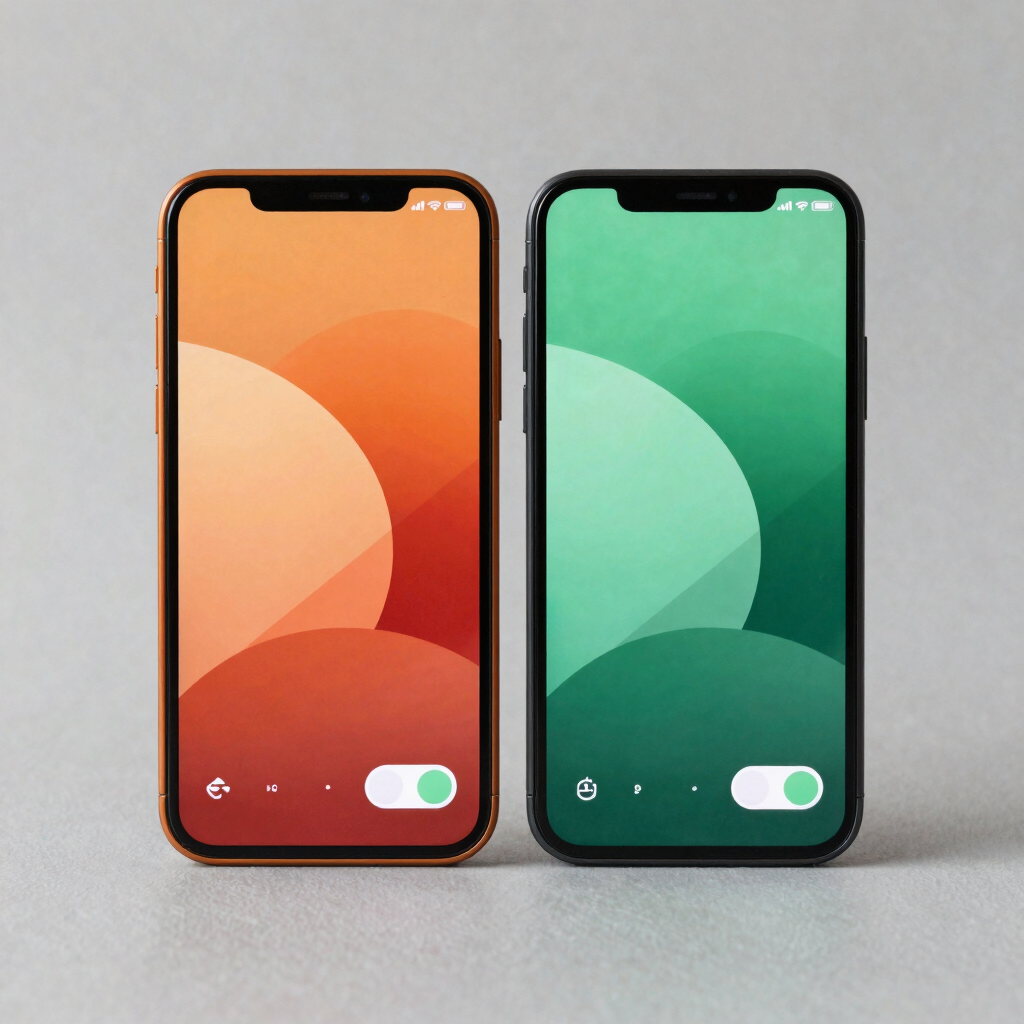
HyperOS offers two styles: one that firmly caps charging at 80%, and a smart mode that decides whether you need more than 80% that day. Support differs between models. Reports suggest the 80% limit only appeared on selected Xiaomi phones at first. If you don’t see it, check for a software update.
On realme UI 6.0, a Charging limit option sits under Settings > Battery > Battery health, and once it’s on, the phone stops charging at 80%. If the phone stays plugged in for a long time, it also prompts you to turn the limit on.
Oppo, vivo, Infinix and Tecno phones may offer something comparable under a different name, usually inside Battery or Battery health. If yours has nothing, set a phone alarm when you plug in and unplug at around 80% yourself.

An 80% cap means roughly a fifth less battery on any given day. If your phone barely survives a full day at 100%, that will feel tight.
That is why adaptive modes exist. They hold the charge lower overnight and top up to full shortly before your usual wake-up time. You get a full battery in the morning with much less time spent at 100%.
A simple way to handle it:
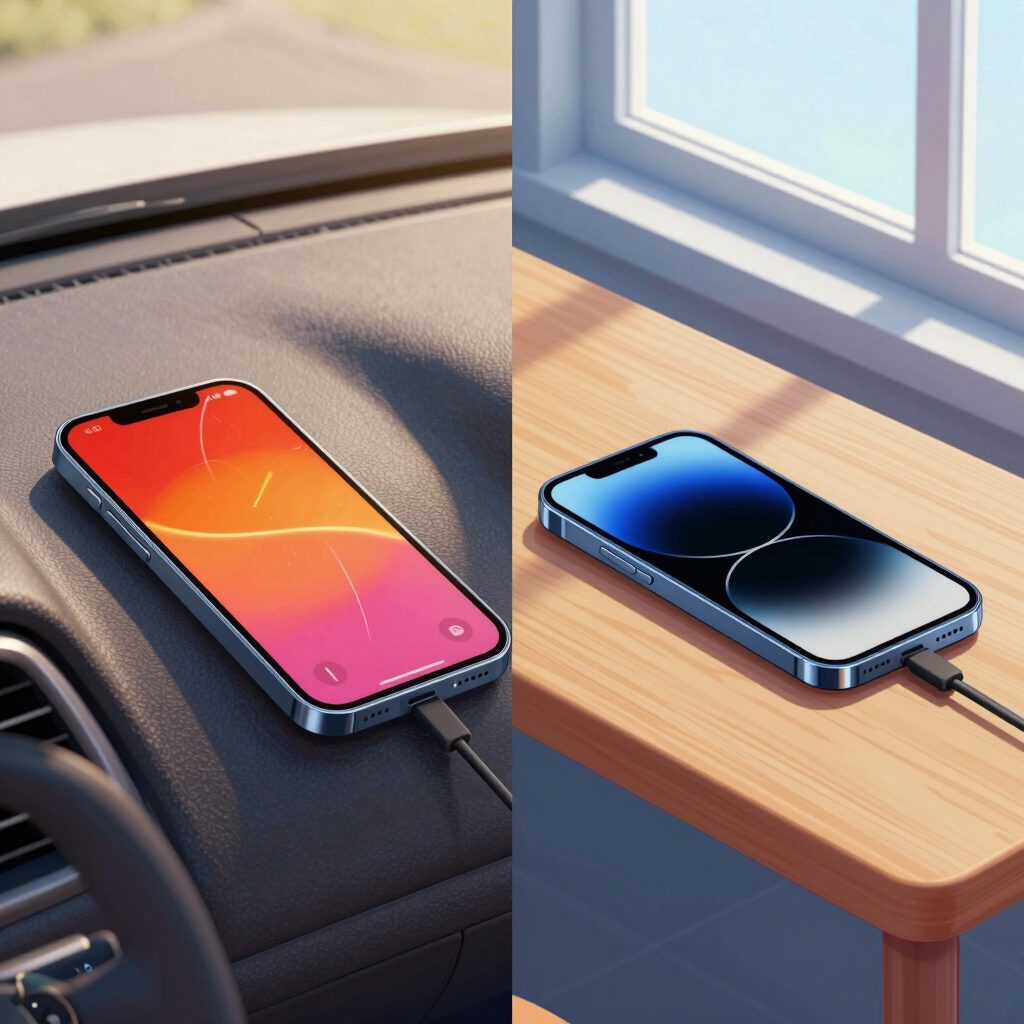
Keep it cool. In a Pakistani summer, a phone left in a parked car, on a sunny windowsill or under a pillow while charging can sit well above the 30°C mark. Charge in the shade, and take off a thick case if the phone feels warm. Fast charging and heavy use both add heat, so avoid combining them on hot days.
Avoid deep drains. Battery University notes that partial discharges and partial charges both reduce stress on the battery. Plugging in at 20 to 30% is gentler than running to zero.
Don’t treat 100% as forbidden. The wear comes from long stretches at full charge, not from reaching it once in a while. A full charge before a long day out is fine.
Modern phones manage charging and stop topping up when full, so the main cost is gradual battery wear, not immediate danger. A charging limit or adaptive mode removes most of that wear. Use a quality charger and keep the phone on a hard, ventilated surface rather than under a pillow.
If your phone gives you a choice, 80% protects the battery most. A cap of 90% is a reasonable compromise if 80% doesn’t last your day. Not every phone offers a custom number, and Samsung’s custom range of 80% to 95% depends on your One UI version.
No. It slows further wear but doesn’t bring back lost capacity. On Pixel phones, the battery health page marks capacity below 80% as reduced. Once your battery reaches that point and no longer lasts your day, a battery replacement is the real fix.
No. Battery saver reduces background activity to make a single charge last longer. A charging limit changes how the battery is charged to slow its aging over months and years. You can use both.