Physical Address
304 North Cardinal St.
Dorchester Center, MA 02124
Physical Address
304 North Cardinal St.
Dorchester Center, MA 02124

Selling an old Android phone online in Pakistan means choosing between OLX and Facebook Marketplace. We compare how each handles buyer identity, scams, payments and privacy, then show the steps that protect you on either platform before you hand the phone over.
Neither platform is safer by default. The bigger risk when selling a phone in Pakistan is the handover itself, not the app you list it on. Fake payment screenshots, no-show buyers and stolen-phone disputes happen on both OLX and Facebook Marketplace.
The platforms do differ in what they show you about the person on the other side. That changes which scams you are more likely to spot, and how much of your own identity a stranger can see.
| Factor | OLX | Facebook Marketplace |
|---|---|---|
| Type | Dedicated classifieds app and website | Section inside the Facebook app |
| Who you deal with | Often anonymous accounts | Facebook profiles, real or fake |
| Early chat | In-app chat, then calls or WhatsApp | Messenger |
| Identity signals | Whatever the seller or buyer profile shows | Profile age, photos, mutual friends, activity |
| Your privacy | Easier to keep your personal profile separate | Your Facebook profile is usually visible to buyers |
| Payments | Handled outside the platform | Handled outside the platform |
Payments sit outside both apps, so neither one can reverse a bad deal for you. Marketplace launched in Pakistan in 2021 and works in the Facebook app and on desktop. OLX is a long-running Pakistani classifieds site.
OLX works like a digital notice board. You post photos, a price and a short description, and interested buyers message or call you. It attracts people who are actively hunting for a used phone, so serious buyers are plentiful.
That also makes it a target. Local tech sites have long warned about fake ads, fraudsters and pressure tactics on OLX, so treat every new contact with caution until the money is in your account.
Your listing usually involves a phone number, which creates a second problem. Strangers can save it, call at odd hours or add you to unwanted lists. A separate SIM or a number you can easily change keeps your main one out of it.
Check what the buyer’s profile shows before you reply, and keep the early conversation inside the app where you can. Scammers often push hard to move to WhatsApp immediately.
Marketplace puts a face and a name in front of the deal. You can look at a buyer’s profile, photo history, how long the account has existed and whether you share friends. A profile with years of normal activity is a better sign than one created last week.
Those signals can be faked or stolen. Hacked accounts sometimes message people with convincing history, so a familiar-looking profile is not proof of honesty.
The trade-off runs both ways. Buyers can see your profile too, including your name and photos. That is fine for many sellers, but some people prefer not to hand strangers that much about themselves. Review your privacy settings before you list.
Facebook also keeps the conversation in Messenger, which makes it easy to keep a record of what was agreed.
Most risks to a phone seller come down to a short list of tricks. They show up on both platforms.
None of these depends on the app. They depend on whether you let the other person set the pace.
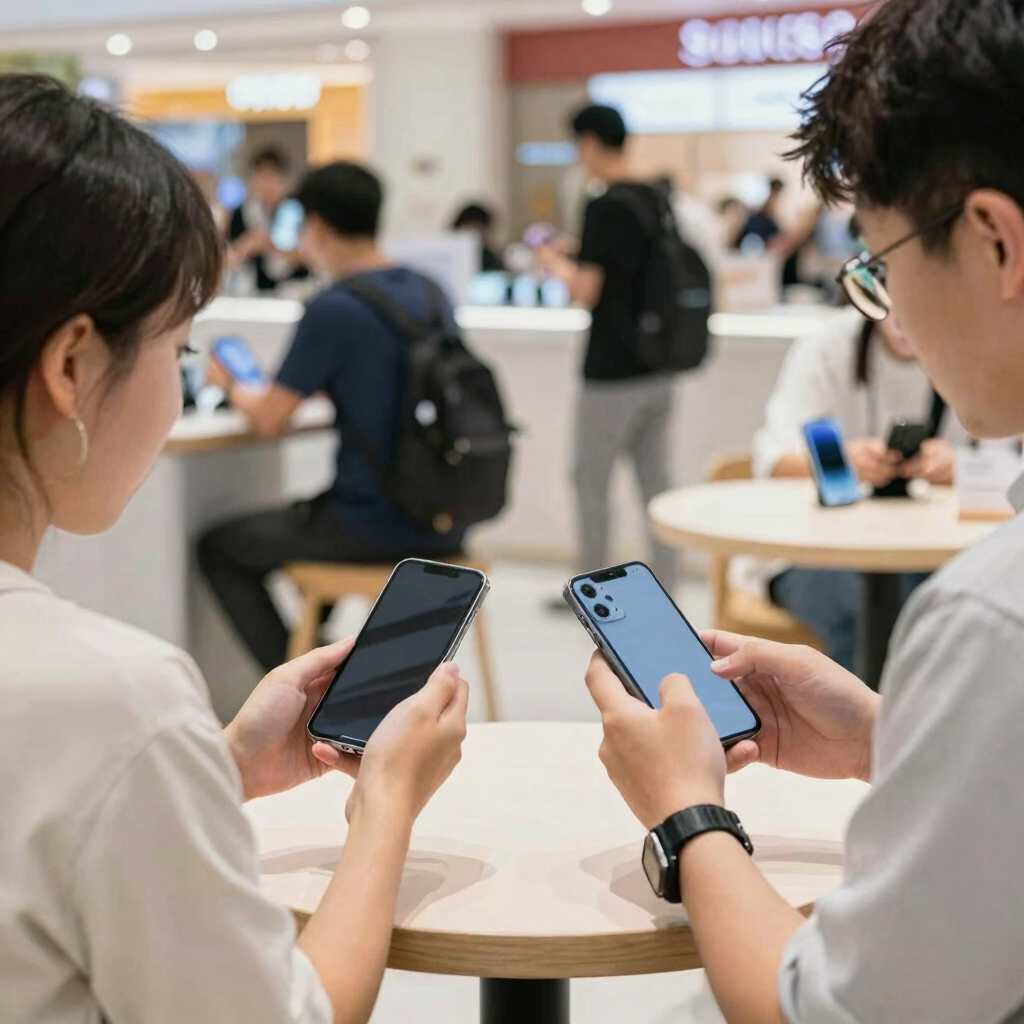
A few habits protect you on either platform.
Pakistan’s mobile wallets and bank apps make instant transfers easy. They also make fake confirmations easy, so always check your own balance.
Preparing the phone protects your data and prevents disputes after the sale. Do these before the buyer sees the device.
Back up what you want to keep. Copy photos, contacts and chat history first. The erase step removes everything.
Sign out of your accounts. Remove your Google account and any manufacturer account such as Samsung or Xiaomi. If you skip this, Android’s Factory Reset Protection can lock the buyer out and cause a dispute that lands back on you. Turn off Find My Device or equivalent tracking too.
Factory reset. On most Android phones, look in Settings under System, then Reset options, then Erase all data. Menu names differ between Samsung One UI, Xiaomi HyperOS and other skins, so search “reset” in Settings if you can’t find it.
Remove SIM and memory cards.
Check the PTA status. Pakistan’s PTA runs the Device Identification, Registration and Blocking System, known as DIRBS. You can find your IMEI by dialing *#06#, then check it on the PTA’s device verification site, in its Android app, or by sending the 15-digit IMEI by SMS to 8484. The results tell you whether the phone is compliant, valid, non-compliant or blocked. Sharing a clean result with buyers builds trust and heads off arguments, and buyers should run this check themselves anyway.
Think about which risk worries you most.
OLX is the easier fit. Your personal Facebook profile stays out of the deal, and you can use a separate number. You must still verify every buyer yourself, because the platform gives you few trust signals.
Facebook Marketplace helps if you like to check who you are dealing with. Profile history and mutual friends make fake accounts easier to spot. Remember that buyers can see your profile too.
Both work. OLX tends to attract buyers who are already shopping for used phones. Marketplace reaches people through the app they already open every day. Which gets more serious inquiries depends on your city and your phone model.
Neither platform guarantees safety, and we have no data showing that one produces fewer scams than the other. Features, verification options and fees change over time, so check each app’s current seller guidance and listing rules before you post. Any claim that one platform is “far safer” overall is a guess.

Pick the platform whose weak spot you can manage best. If you value separation from your personal profile, OLX gives you more room. If you want to judge a buyer’s profile before you reply, Facebook Marketplace gives you more to check.
Either way, the same rules protect you: meet in public, confirm payment in your own account, wipe the phone properly and refuse any buyer who rushes you.
apkboy.online is independent and not affiliated with OLX, Meta or Facebook. The names appear for identification only.
Neither is safer by default. OLX offers more separation from your personal profile, while Marketplace shows more about the buyer. Both leave payment and handover to you.
Be very cautious. Advance requests and courier-first deals are common scam setups. A local in-person sale with payment confirmed in your own account is safer.
You can’t tell from a screenshot. Open your own wallet or bank app and confirm the money has arrived before you hand over the phone.
It is not a step the platforms require, but it helps. Dial *#06# for the IMEI, then check it with the PTA’s device verification tools. A clean result reassures buyers and prevents later disputes.
Back up your data, sign out of your Google and manufacturer accounts, turn off Find My Device, factory reset the phone and remove your SIM and memory card.
It is a privacy risk. Consider a separate SIM for selling, and keep early conversations inside the app until you are comfortable with the buyer.