Physical Address
304 North Cardinal St.
Dorchester Center, MA 02124
Physical Address
304 North Cardinal St.
Dorchester Center, MA 02124


A home bakery run out of a kitchen, a boutique clothing page on Instagram, a tutor taking students by referral, a freelancer designing logos between school pickups — these businesses rarely start with a shop, a website, or a staff. What they do have is a phone, and increasingly, that phone is the entire business: the storefront, the cash register, the delivery desk, and the filing cabinet, all at once.
The apps below were picked around that reality. Each one solves a specific problem a home-based business actually runs into — talking to customers, looking professional, getting paid, getting orders delivered, or simply keeping track of who ordered what. Every app here comes from the Google Play Store or the developer’s own official channel, so nothing on this list involves a modified or unofficial version of anything.
Not every business needs all nine from day one. Here’s what each one is actually for before you decide where to start.
| App | Best For | Free Option | Platform |
|---|---|---|---|
| WhatsApp Business | Chatting with customers and showing a catalog | Yes (fully free) | Android, iPhone |
| Meta Business Suite | Managing Facebook and Instagram together | Yes (fully free) | Android, iPhone, Web |
| Canva | Product photos, posts, and flyers | Yes (generous free plan) | Android, iPhone, Web |
| Daraz Seller Center | Selling on Pakistan’s biggest marketplace | Yes (free to join) | Android, iPhone |
| PostEx | Booking deliveries and collecting COD | Yes (free app; delivery fees apply) | Android, iPhone |
| JazzCash | Accepting digital payments | Yes (fully free) | Android, iPhone |
| Zoho Invoice | Sending invoices and tracking payments | Yes (no paid tier at all) | Android, iPhone, Web, Windows, macOS |
| Google Workspace | Professional email and file storage | Yes (personal Google account); paid plans from about $7/user/month | Android, iPhone, Web |
| Trello | Tracking orders and tasks visually | Yes (generous free plan) | Android, iPhone, Web |
Most home businesses in Pakistan already run their storefront inside a chat thread, and WhatsApp Business is built around exactly that. It’s a separate, free app from regular WhatsApp, and setting it up on the same number takes a few minutes.
The business profile holds your shop name, description, address, hours, and category, so a new customer knows what you sell before they even ask. The bigger feature is the product catalog: up to 500 items, each with photos, a price, and a description, so people can browse without you sending pictures one by one. Quick replies — up to 50 saved responses — handle repeat questions like delivery charges or available sizes, and a greeting message covers first-time chats automatically.
The one thing to plan around is that it’s built for a single person on a single number. There’s no easy way to give two family members separate logins on the same business account, and broadcast messages are capped at 256 contacts per list. For a one- or two-person business, that rarely matters in practice.
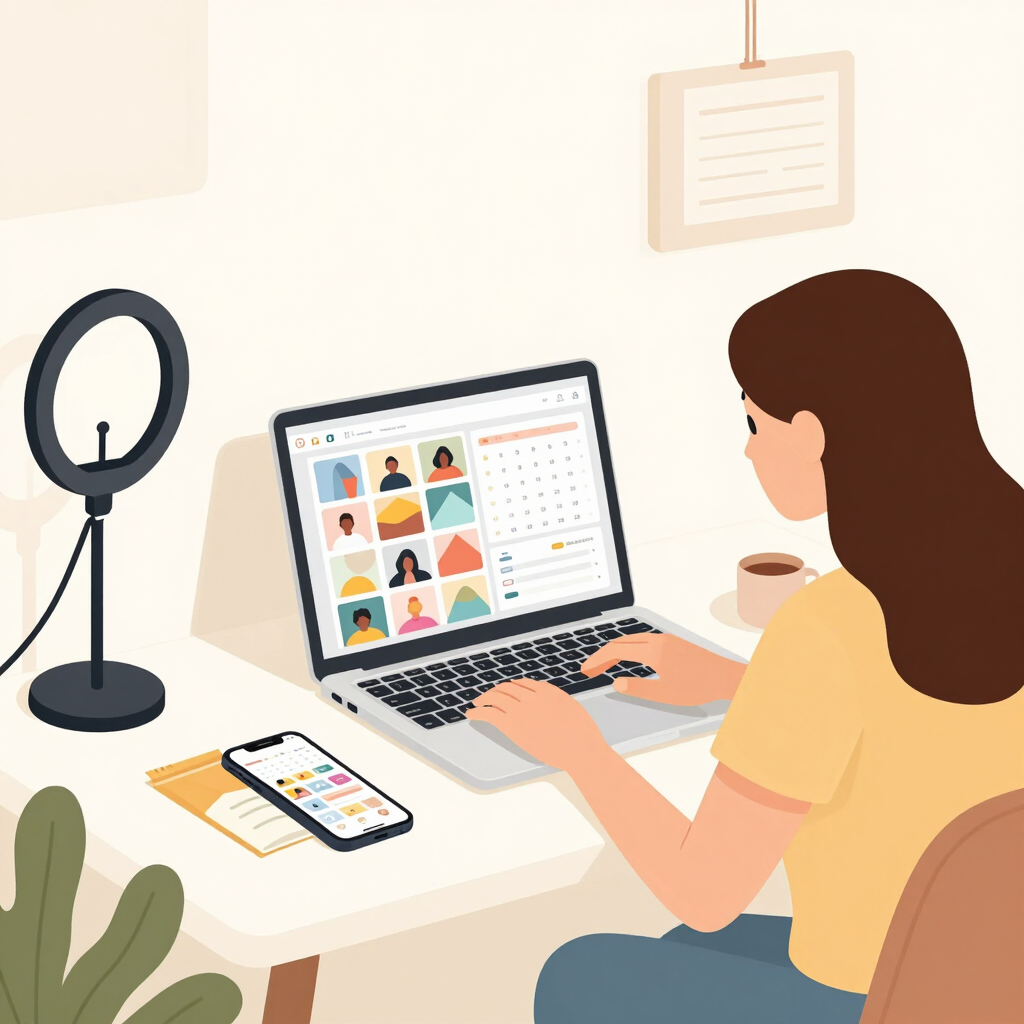
Once a home business grows past word-of-mouth, Facebook and Instagram usually become the discovery engine, and Meta Business Suite is the free tool built to run both from one screen. It replaced the old Creator Studio, and now handles posting, messaging, and basic ad tools for a connected Facebook Page and Instagram account together.
From one dashboard, you can schedule the same post (or a version tailored to each platform) to publish on both accounts at once, reply to Facebook messages, Instagram DMs, and comments from a single inbox, and check insights on which posts actually get engagement.
One regional detail is worth knowing before you plan around it: Instagram and Facebook’s full in-app Shop feature, with tappable product tags and checkout, is currently limited to a specific list of countries, and Pakistan isn’t on it. That doesn’t take away from Meta Business Suite itself — it’s still the best free way to plan content and manage messages across both platforms — but for actually completing a sale, most home businesses here will keep sending customers to a WhatsApp chat or a Daraz listing rather than an in-app product tag.
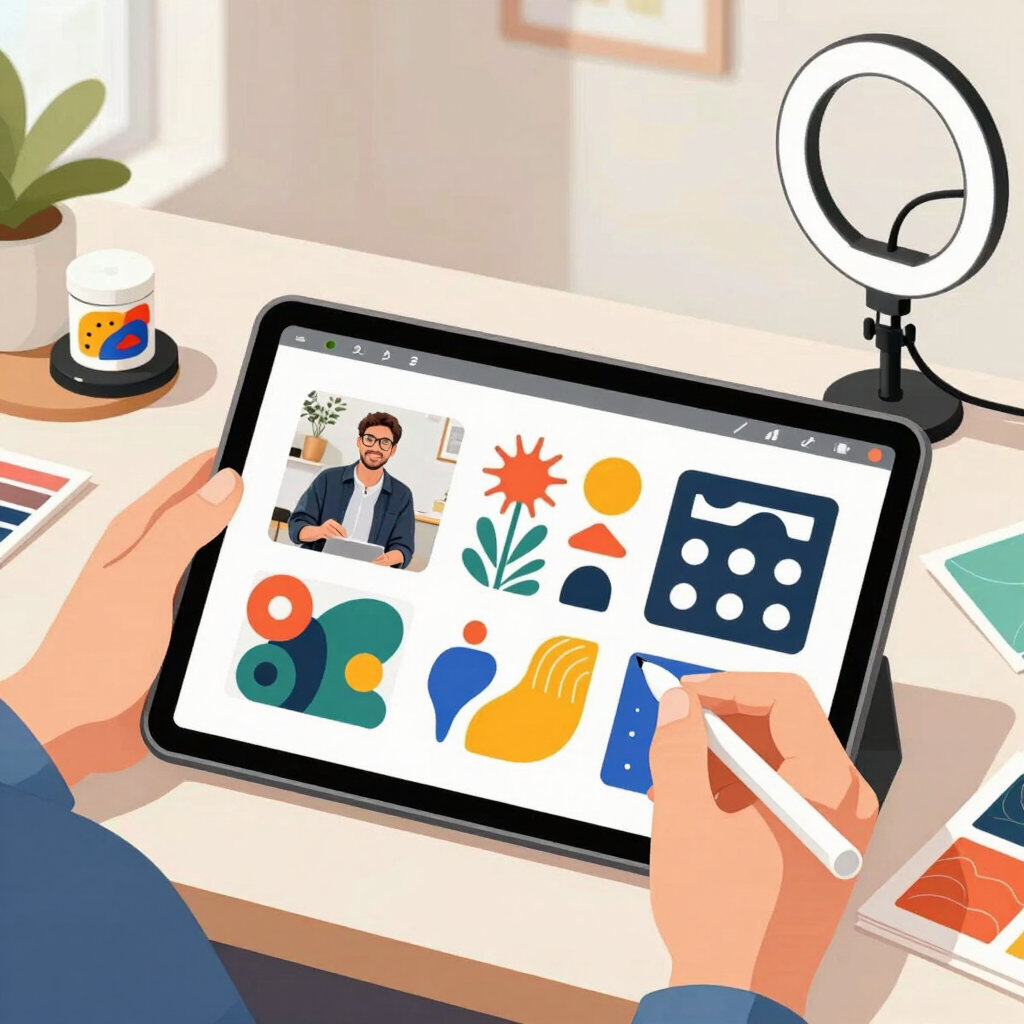
Product photos, price lists, WhatsApp catalog images, and the occasional sale announcement all need to look reasonably put together, and Canva remains the fastest way to do that without design software or a design background.
The free plan alone is generous: over a million templates, thousands of design formats sized for everything from Instagram Stories to business cards, millions of stock photos, around 5GB of cloud storage, and basic AI writing and image tools. For most home businesses in their first few months, that’s genuinely enough. Canva Pro, priced at roughly $18 a month or about $180 billed yearly, adds a background remover, a much larger stock library, and saved brand colors and fonts so every post looks consistent — worth it once you’re posting daily rather than occasionally.
One thing to check locally: Canva’s displayed price can appear in a different currency, or get converted at checkout depending on your card and region, so treat the app’s own pricing screen as the final word rather than any figure quoted here.
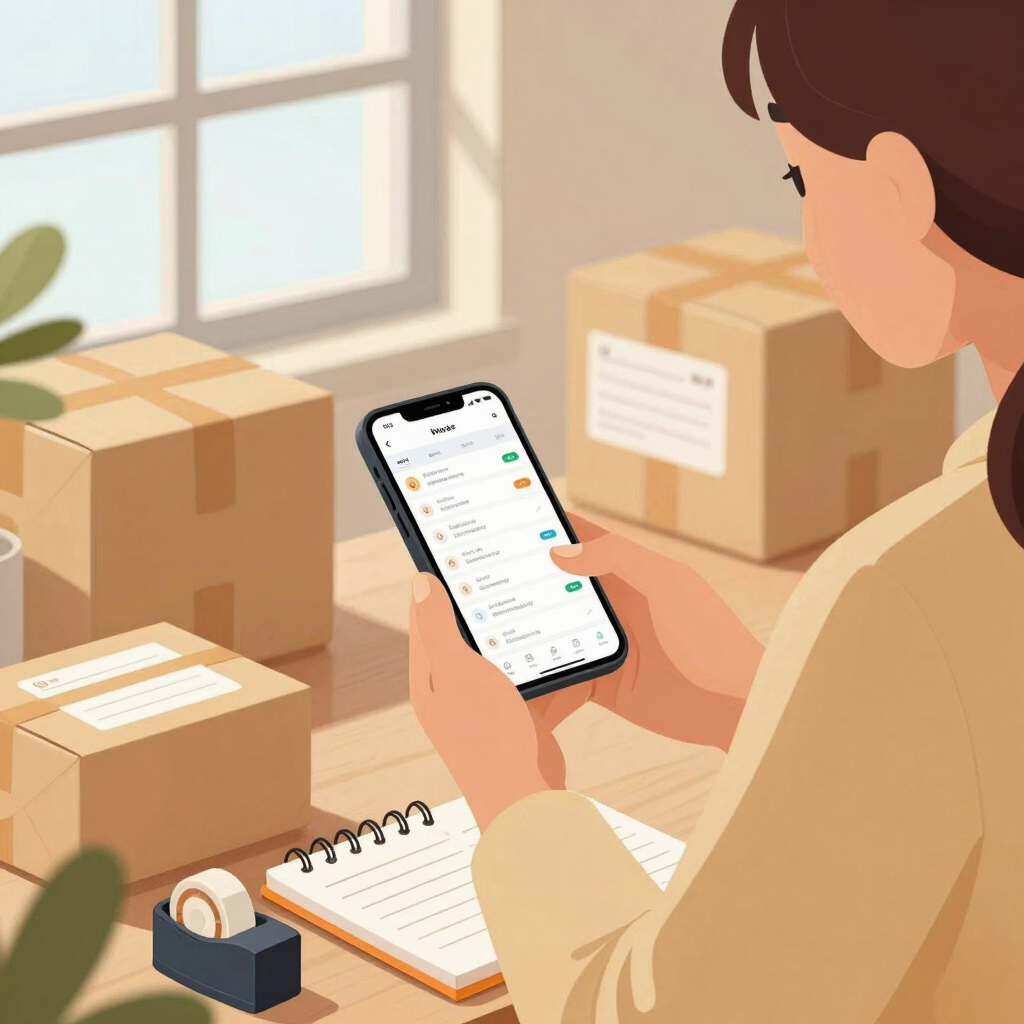
WhatsApp and Instagram reach the people who already follow you. Daraz, Pakistan’s largest online marketplace, reaches people who don’t. The Daraz Seller Center app is how sellers manage that side of the business without needing their own website or checkout system — and it matters even more given that Instagram’s own in-app shop isn’t available here yet, as covered above.
From the app, you can list products, update stock and pricing on the go, process pending orders, join ongoing sale campaigns with a tap, chat with customers directly through the platform, and check a performance dashboard for your shop. Signing up as a Local Seller doesn’t require a registered business license, which makes it accessible to most home-based sellers; DarazMall, Global Seller, and Digital Goods seller options exist for businesses set up differently.
Daraz takes a commission on every sale, and the rate depends on the product category, so it’s worth checking the current commission structure inside Seller Center before pricing anything specifically for this channel. It’s also a more competitive shelf than your own social media page, so products tend to do better here once you already have decent photos and a bit of a track record built up elsewhere.
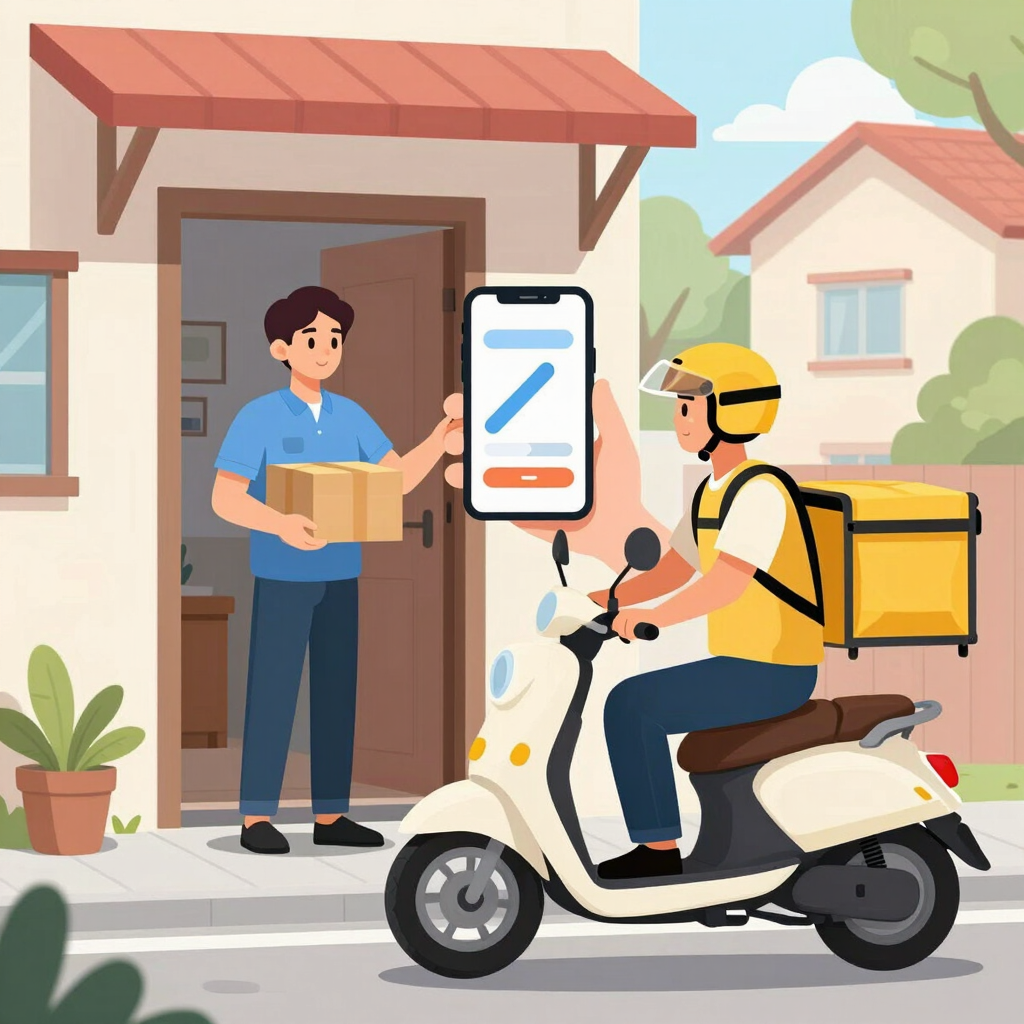
Cash-on-delivery is still how most home businesses in Pakistan get paid for social-media orders, and collecting that cash used to mean either doing your own deliveries or handing a stack of orders to a courier office in person. PostEx, a Pakistani courier built specifically around COD-heavy e-commerce, moves that whole process onto a phone.
You book a pickup and generate a tracking number for each parcel from the app itself, without needing a website or a checkout integration. The part that actually solves the original headache: PostEx collects the COD cash from your customer on delivery and deposits it into a digital wallet inside the app, which you then transfer to your own bank account, instead of you having to track down cash payments city by city. A same-day delivery option is available in major cities for time-sensitive orders.
As with most courier services, delivery speed and support responsiveness can vary by area, so it’s worth testing PostEx with a handful of parcels before committing your full order volume to it, and keeping another local courier in mind as a backup option.
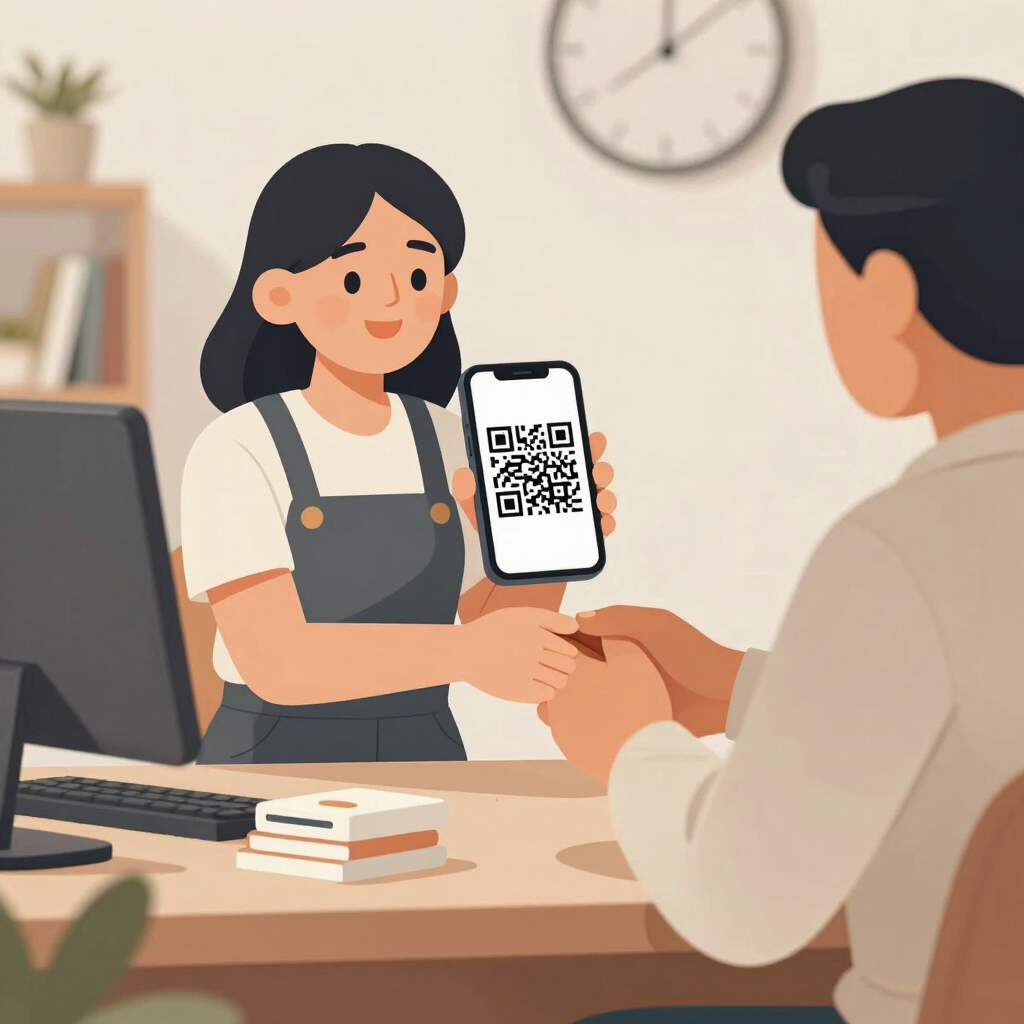
Not every customer wants to pay by cash or bank transfer, and JazzCash, Pakistan’s most widely used mobile wallet with tens of millions of registered users, is usually the fastest way to accept a digital payment without opening a formal merchant bank account.
On the regular JazzCash app, customers can scan a Raast QR code to pay you directly, and JazzCash’s Raast QR network passed one million small-business merchants earlier in 2026 — so this has become a genuinely common way to pay a small shop, not just large retailers. For higher volumes, the separate JazzCash Business app adds tools built specifically for SMEs: generating a QR code or till number, sending digital invoices, and sending and tracking payment requests to customers who owe you money.
If your home business also does freelance or export work with clients abroad, it’s worth knowing that JazzCash links directly with Payoneer, letting you withdraw international earnings straight into your JazzCash wallet in rupees instead of only through a bank. Payoneer itself has revised its fee structure in the past year or so, adding a withdrawal fee and a small charge on incoming payments, so check its current fee schedule before quoting a price to an overseas client. Setting up JazzCash’s business-tier features does involve some identity verification, so budget a little time for that before you’re fully live.
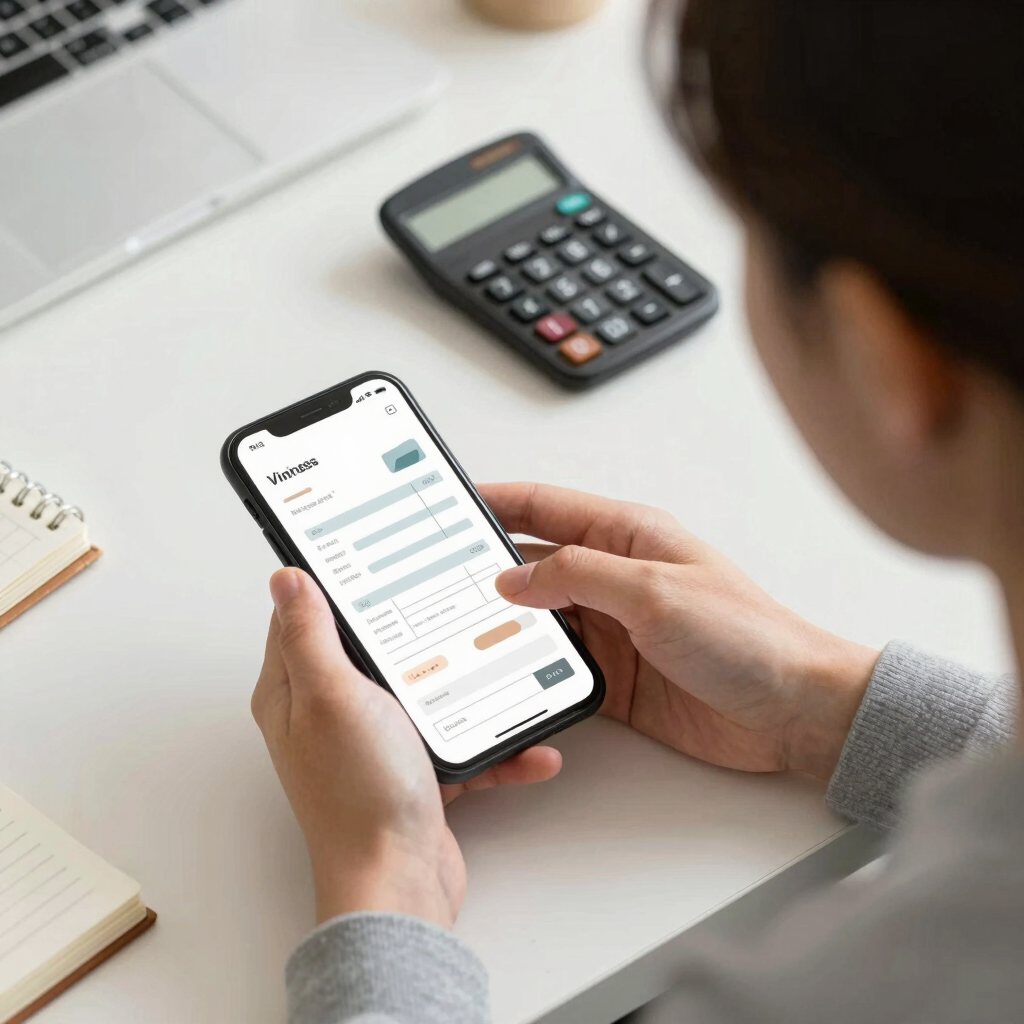
A handwritten receipt or a screenshot of a calculator app works for a first sale, but it stops looking professional fast — and Zoho Invoice fixes that for free. Zoho made the app completely free in 2021 and has kept it that way since, with no hidden paid tier for the invoicing app itself.
It covers the actual paperwork of running a business: choose from more than a dozen customizable invoice templates, convert a quote into an invoice once a customer confirms, set up recurring invoices for repeat clients, and send automated reminders when a payment is overdue. Basic expense tracking and a simple customer portal round it out, and everything syncs across web, Android, iPhone, Windows, and macOS.
One thing to check before relying on it fully: some of Zoho Invoice’s built-in online payment gateway options are aimed at markets where those specific gateways operate directly. Many home businesses in Pakistan will still collect payment separately through JazzCash, a bank transfer, or COD, and just use Zoho Invoice to generate and track the paperwork rather than to actually process the payment.

Every home business already has access to a free personal Google account, which comes with 15GB of shared storage across Gmail, Drive, and Photos — enough to hold product photos, a simple order spreadsheet, and scanned invoices for a while. That alone covers a lot of what a very early business needs.
Once a business starts dealing with wholesale suppliers or larger clients, a professional email address on your own domain (something like hello@yourbusinessname.com instead of a Gmail address) starts to matter for credibility. Google Workspace’s Business Starter plan, priced at about $7 per user per month billed annually, adds exactly that, along with 30GB of storage, video calls for up to 100 participants, and Gemini AI features inside Gmail.
The main thing to budget for is that unlocking a custom-domain email means owning a domain name first, which is a small extra recurring cost on top of the Workspace subscription itself.

Once a home business is juggling more than a handful of orders at once, tracking them in a notebook or scattered across old WhatsApp chats starts causing real mistakes — a missed size, a forgotten delivery date. Trello turns that into a simple visual board instead.
The free plan is enough for most solo or two-person businesses: unlimited cards, up to 10 boards per workspace, up to 10 collaborators, and unlimited Power-Ups, with a monthly cap on automated actions. A basic setup — columns like “New Order,” “In Progress,” “Packed,” and “Delivered” — replaces a paper order book with something you can check from your phone between customer chats. The same board style works just as well for planning what to post and when, or for keeping a running restock list.
Trello only handles the organizing side, though. It has no invoicing, payment tracking, or accounting features at any tier, so pair it with something like Zoho Invoice for the financial side rather than trying to make one board do both jobs.
You don’t need all nine apps on day one, and installing everything at once is usually how a home business owner ends up using none of them properly.
A workable starting stack is smaller: WhatsApp Business to talk to customers and show your catalog, Canva’s free plan to make that catalog and your social posts look decent, and JazzCash or a bank transfer to get paid. That combination alone carries most home businesses through their first few months.
Add Zoho Invoice once customers start asking for a proper invoice rather than a screenshot, add PostEx or another courier app once you’re shipping outside your own city regularly, and only look at Daraz, Meta Business Suite, or Trello once order volume genuinely outgrows a single chat thread and a mental to-do list. Each app earns its place by solving a problem you’re actually having, not because a list like this said you needed it.
Most of them — WhatsApp Business, Meta Business Suite, Canva, JazzCash, and Trello — can be used by anyone with a phone number or email, with no formal registration required. Daraz does ask for basic verification, but its Local Seller option is designed for sellers without a business license. Formal registration mainly starts to matter once you’re paying taxes on real revenue or opening a business bank account, which is a separate step from simply picking these tools.
WhatsApp Business, Meta Business Suite, JazzCash, PostEx (as an app; delivery charges still apply per parcel), and Zoho Invoice are free at every tier. Canva, Google Workspace, and Trello all have solid free plans, with paid tiers only necessary once a business grows enough to need extra storage, branding, or team seats.
Many home businesses start exactly this way — WhatsApp Business handles the catalog and customer chat, JazzCash or a bank transfer handles payment, and a courier such as PostEx or another established local courier handles delivery. Adding Meta Business Suite, Daraz, or a proper invoicing app usually comes later, once order volume grows past what a single chat thread can comfortably manage.
For local customers, JazzCash, Easypaisa, or a direct bank transfer are the standard options, with cash-on-delivery still common for social-media orders. For clients outside Pakistan, Payoneer remains the most widely used option among freelancers and small exporters, though it’s worth checking its current fee schedule before agreeing on a price with an international client.
Not necessarily. A lot of home businesses in Pakistan operate for years without a dedicated website, using WhatsApp and social media for discovery and Daraz for wider reach. A website becomes more useful once a business wants to build a brand independent of any single platform, or needs a shopping-cart experience that Instagram’s own shop feature doesn’t yet support here.