Physical Address
304 North Cardinal St.
Dorchester Center, MA 02124
Physical Address
304 North Cardinal St.
Dorchester Center, MA 02124

Wedding planning means venues, vendors, budgets, guest lists and several family events. These five Android apps, from a Pakistan-focused planner to free-to-start tools for RSVPs, invitations, budgets and task tracking, help you keep every detail in one place without losing your calm.
A Pakistani wedding is rarely a single event. Between the dholki, mehndi, barat and walima, you may be juggling several venues, caterers, decorators and guest lists at once, often with both families weighing in.
The right wedding planning apps won’t run the wedding for you. They do cut the daily chaos: lost WhatsApp messages, half-finished budget notes and nobody remembering which advance was paid to whom.
These five apps each fix one stubborn problem: finding vendors, tracking money, collecting RSVPs, designing invitations and keeping tasks moving. All five work on Android and have a free option, and one is built specifically for weddings in Pakistan.
| App | Best For | Free Option | Platform |
|---|---|---|---|
| Shadiyana | Venues, vendors and a local checklist | Yes | Android, iPhone |
| Joy | Guest RSVPs and event schedules | Yes | Android, iPhone, web |
| Canva | Invitation cards | Yes (some elements are paid) | Android, iPhone, web |
| Google Sheets | Shared budgets and guest lists | Yes | Android, iPhone, web |
| Trello | Task boards and vendor follow-ups | Yes | Android, iPhone, web, desktop |
Features and availability can vary by region and app version. Check each app’s current Play Store listing before you rely on it.
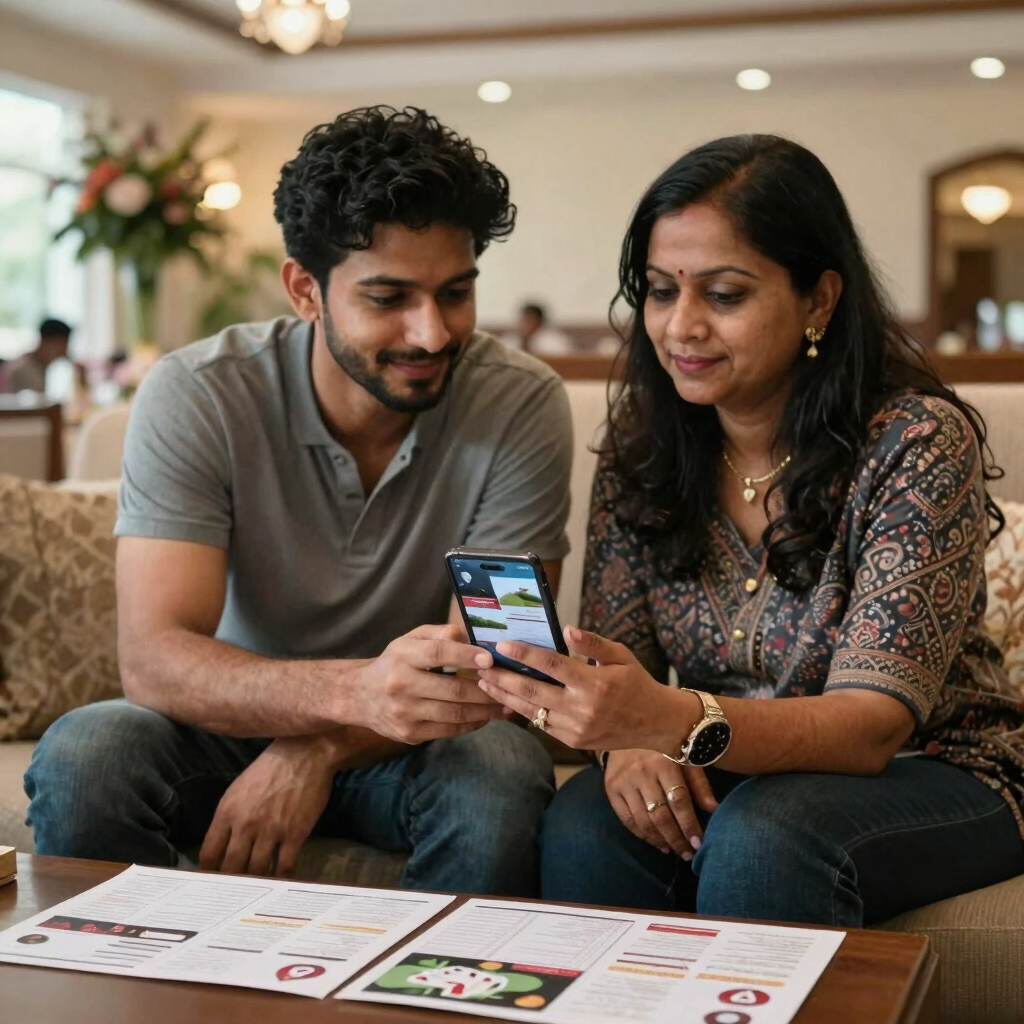
Shadiyana is a wedding planner made for Pakistani couples. Its Android listing describes venue booking across Lahore, Karachi, Islamabad, Rawalpindi and other cities, plus a wedding checklist and a budget planner.
The vendor marketplace covers marriage halls, marquees, hotels, photographers and makeup artists, and you can compare packages and check availability inside the app. That replaces a lot of calling around, especially when you’re comparing halls on price and capacity.
There is more than vendor search. A guest list tool helps you track invitees and RSVPs. The app also offers decor ideas for the mehndi, barat and walima. You can also book guest transport and luxury car hire.
What works well
What to watch
Prices come from the vendors, so they change with city, season and guest count. Compare the packages inside the app rather than relying on any single figure.
Joy builds a free wedding website and a companion app. The company says its website, planning tools and registry are free, and that the app works on both Android and iPhone. Availability can differ by country, so search for it in your own Play Store. If it doesn’t appear, try the web version in your phone’s browser.
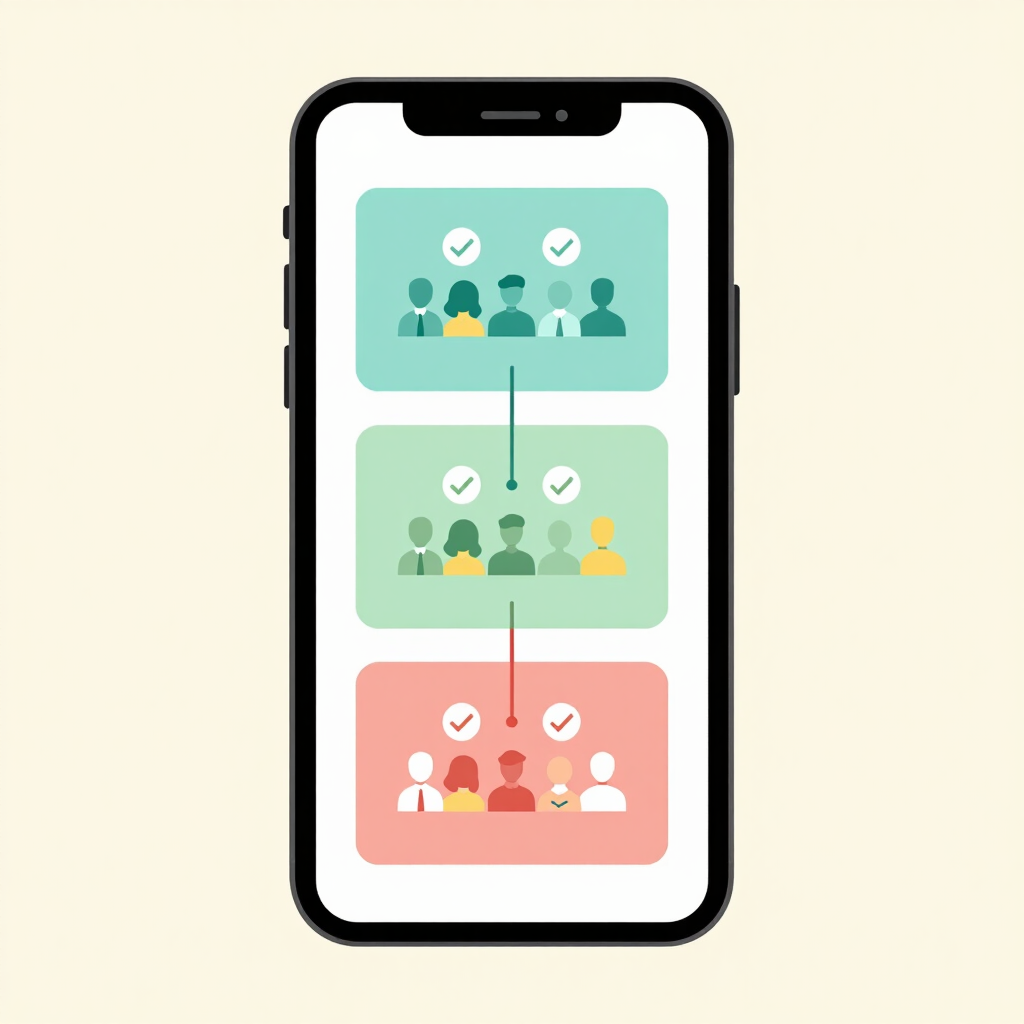
Its strongest feature for local weddings is the RSVP flow. You can ask guests custom questions, with follow-ups, across multiple wedding events. You could ask each guest which of the mehndi, barat and walima they’ll attend, then add a follow-up where you need one.
Guests can RSVP in the app and see their own schedule. Online save-the-dates and invitations come in hundreds of free designs, with premium designs available for a fee.
Most relatives won’t install another app. Guests can open the site on the web or in the app, so drop the link in your family WhatsApp group and let people use the browser.
What to watch
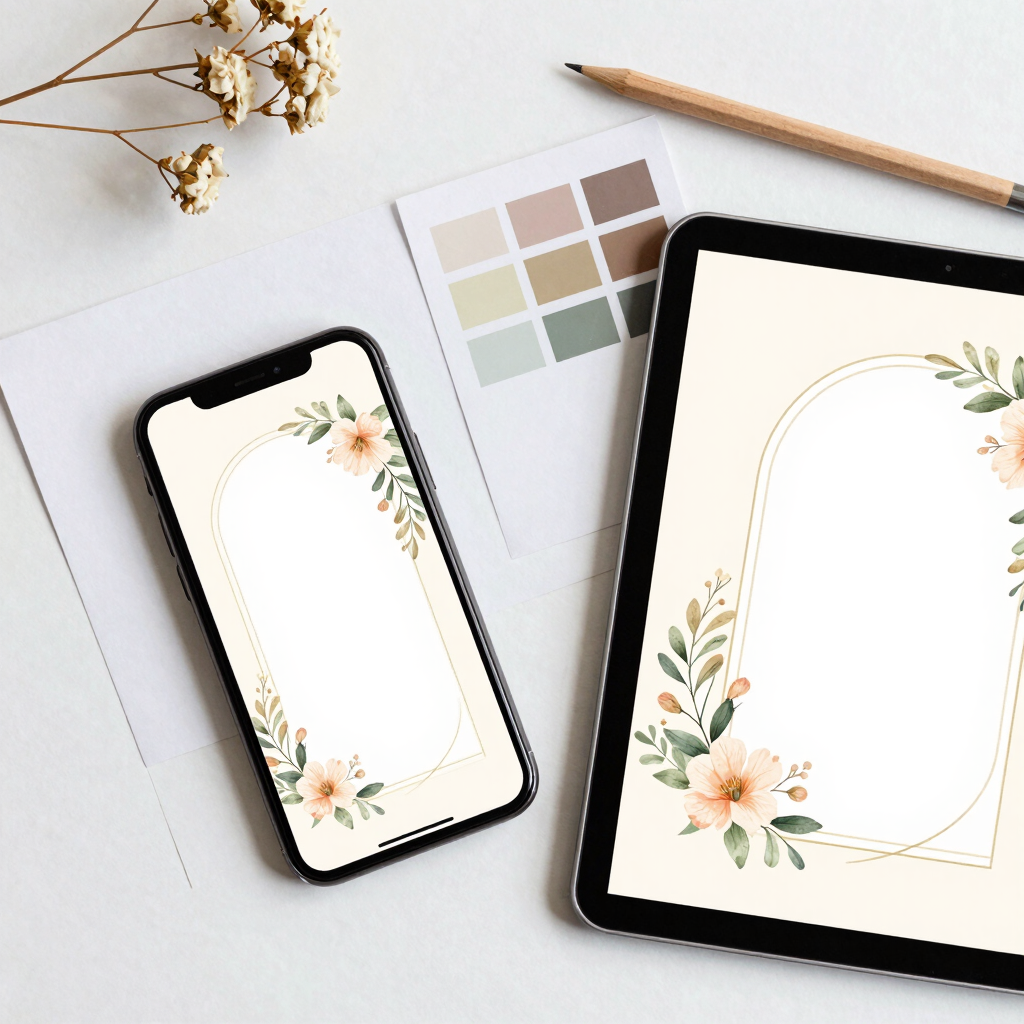
Canva is a design app with a large library of wedding templates. It lets you build a matching set of invitations, RSVP cards, save-the-dates, itineraries and thank-you cards, and says designing wedding invitation kits is free. Some images and elements are paid.
Pick one template and reuse it for every event. When the mehndi, barat and walima cards share the same style, the whole wedding looks planned and polished.
For sharing, a share button lets you send a design online. You can also download the design as a PDF or an image file. PDF is the better choice if you plan to print. Use an image for WhatsApp and a PDF for the printer.
What to watch

A spreadsheet sounds dull, but it is where most wedding plans actually hold together. The Google Sheets app lets you create and edit spreadsheets, share them for simultaneous collaboration, add comments, use formulas, work offline and edit Excel files.
Set up two tabs.
Budget tab columns
Guest list tab columns
A SUM formula keeps the total balance current. A COUNTIF formula counts everyone who has replied yes. Halls and caterers often quote per head, so a live headcount matters.
Share the sheet with edit access for the one or two people who update numbers, and view-only access for everyone else. That keeps both families looking at the same figures without anyone overwriting them. Before visiting a venue with weak signal, mark the file for offline use from the file’s menu in the app.
What to watch

Trello organises work as boards, lists and cards. Its free plan allows up to 10 collaborators and 10 boards per workspace, and includes Android and iPhone apps. That is enough for a family planning committee.
Create one board per event: Mehndi, Barat and Walima, plus a general board for everything before the events. Use lists such as To Do, Waiting for Vendor, Confirmed and Paid.
On Android you can drag cards between lists, assign tasks and set due dates. Put one name on each card, like “Confirm decorator” or “Send final headcount to caterer”, and nothing slips between family members.
What to watch

You don’t need all five. Most couples are best served by two or three.
Start with the budget. Put the total and each family’s share in Sheets first, then log every quote and advance as it arrives. Buying wedding essentials online? Log those orders in the same sheet, and check the best apps for online shopping in Pakistan before you order.
All five have a free option. Canva has paid elements and a Pro plan, Joy sells premium card designs, Trello has paid tiers, and Shadiyana’s hall and vendor prices are set by the vendors themselves. Check each listing for current pricing in your region.
Shadiyana if you want help finding venues and vendors in Pakistan. Google Sheets if you prefer to manage vendors yourself and just need a reliable budget and guest list.
Google Sheets can work offline once a file is set up for it. The others generally work best with a connection, so don’t count on them in a hall with weak signal.
Zola is a popular all-in-one planner, but its public vendor directory lists US cities. Its vendor and registry tools are built for the American market, so they offer little to a couple planning in Pakistan.
Download only from the official Play Store listing and read the data safety section first. Share files and boards only with people who need them, and avoid storing ID documents or payment details in a sheet or board.