Physical Address
304 North Cardinal St.
Dorchester Center, MA 02124
Physical Address
304 North Cardinal St.
Dorchester Center, MA 02124

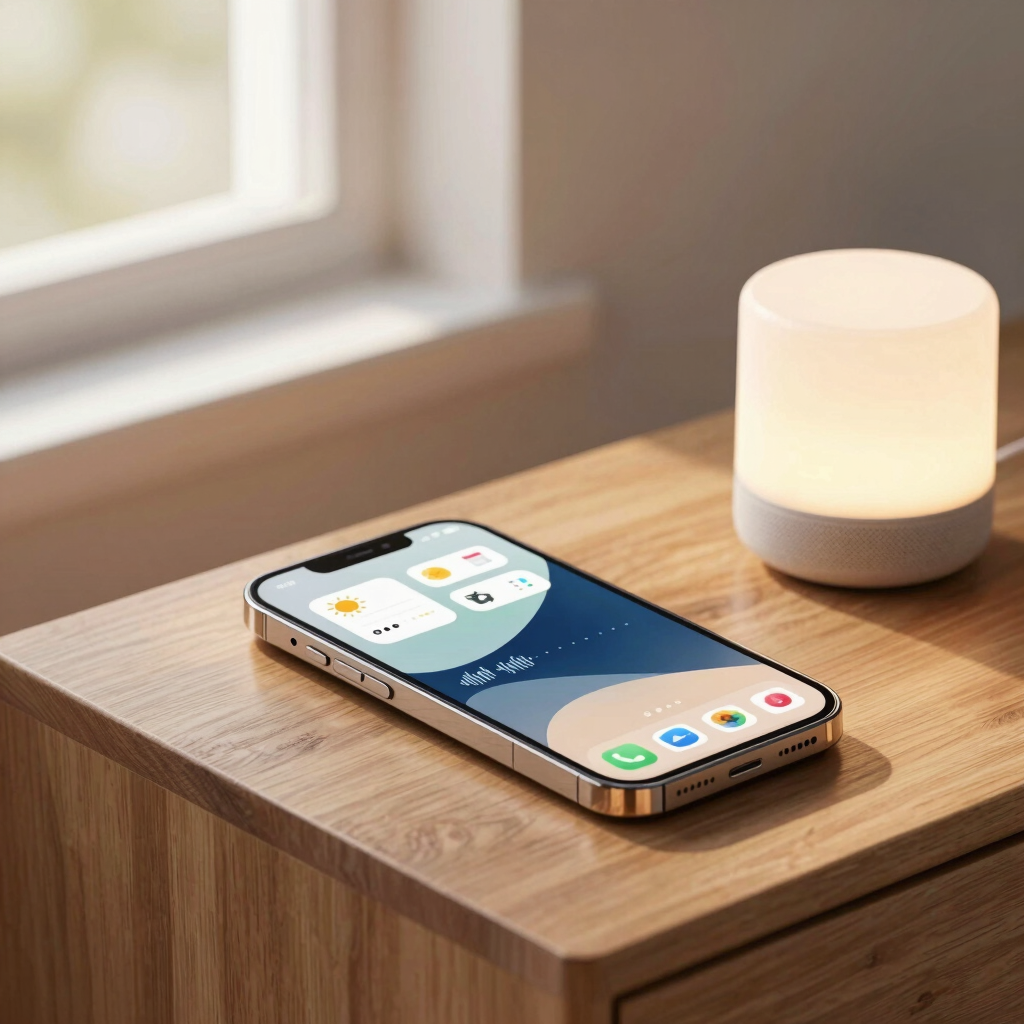
Saying “Hey Google, good morning” and getting your weather, calendar, and commute back in one breath is the entire point of a routine. Instead of asking five separate questions every morning, one trigger runs all five for you.
There’s a timing wrinkle worth knowing about. Google spent 2026 shifting phones from Google Assistant to Gemini, and on September 4, 2026, it began removing the standalone Assistant app from mobile devices for good. Routines aren’t disappearing — they’re just moving into a slightly different home depending on which version of Google’s assistant you currently have.
Google now has three overlapping features that all get called “routines” in casual conversation. They’re not the same thing.
Feature What It Does Where To Set It Up Cost Personal & household routines One starter triggers several smart home or info actions Google Home app, or classic Assistant settings Free Google Home Automations (Gemini for Home) Same concept, reorganized under Time & Place, Device State, and Voice Command triggers Google Home app, Automations tab (staged rollout) Free; some Gemini extras need Google Home Premium Gemini scheduled actions Recurring text-based digests (calendar, email, news), unrelated to smart home devices Gemini app, Settings > Scheduled actions Requires Google AI Pro/Ultra or a qualifying Workspace plan
This guide focuses on the first one — the classic routine that automates your day — since that’s what actually saves time on repetitive commands.
Every routine needs two parts: a starter and at least one action.
There are two types. Personal routines are yours alone — they can pull your calendar, commute time, and texts, and only you can see when they run. Household routines work for everyone in the home and control shared devices, but they can’t surface anyone’s personal data.
The Google Home app is the most reliable place to build a routine right now, since it works whether your phone is still running classic Assistant or has already switched to Gemini.
Note that some starters need extra setup first — time, sunrise/sunset, and arrival/departure triggers only work once you’ve set an address for your home, and alarm-dismissal starters require a speaker, display, or Smart Clock you can actually set an alarm on.
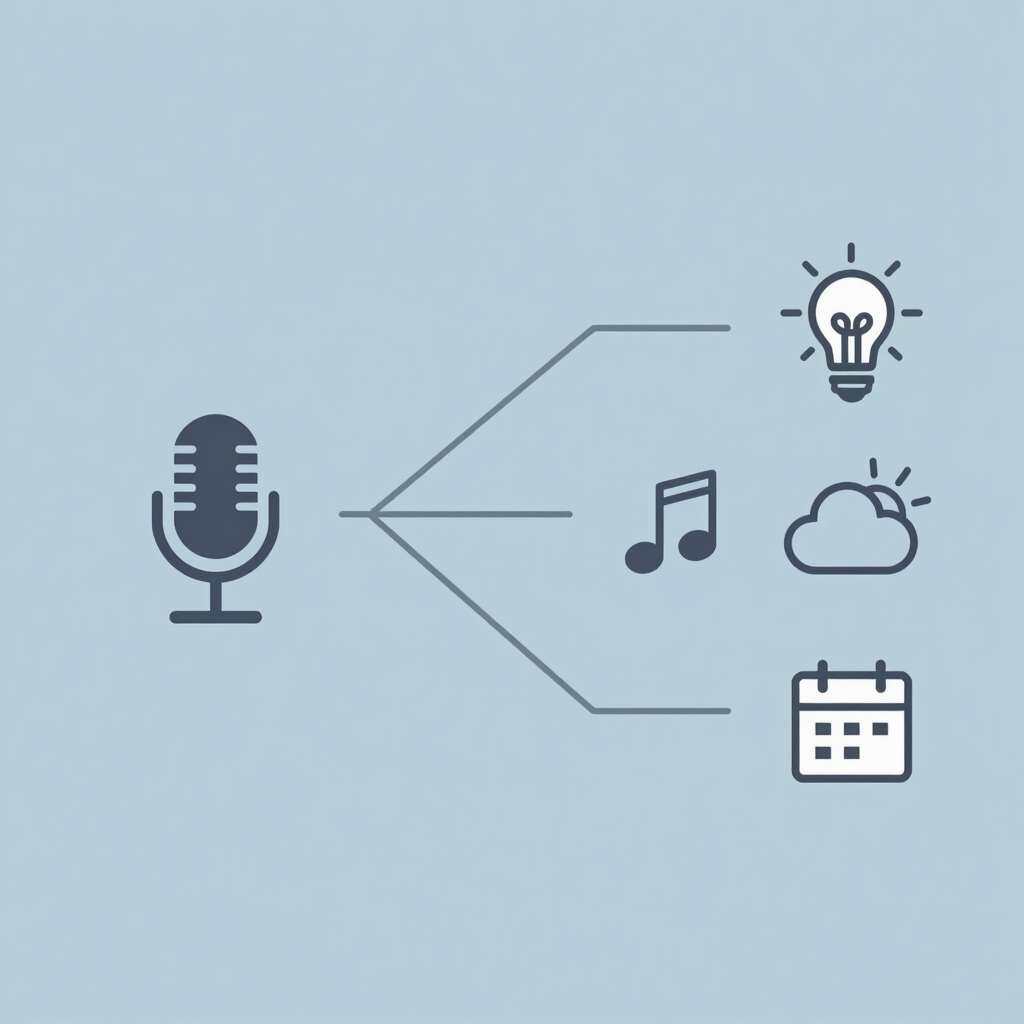
A few starter ideas worth customizing:
Each of these replaces three to five individual commands with one.
Once your phone moves to Gemini, routines don’t vanish — they move. In Gemini’s settings, look for the “Google Assistant features in Gemini” section, then Routines, after connecting Google Home to Gemini Apps. From there you can start a routine by voice or by typing.
A few limitations apply for now: some starters and actions built for classic Assistant aren’t yet supported when triggered through Gemini, especially multi-step actions that require back-and-forth conversation. Responses also come back as voice and text only — Gemini doesn’t currently show the visual cards (maps, detailed weather graphics) that Assistant did.
If you use a Google Nest speaker or display, a separate rollout called Gemini for Home is reorganizing household routines into an “Automations” tab with its own trigger categories. This is arriving gradually by region and device, so you may see “Routines” on your phone and “Automations” on your speaker for a while — that’s expected during the transition, not a bug.
Work through these roughly in order:
Yes. The underlying feature continues under Gemini, though it may appear as “Routines” in Gemini’s settings or as “Automations” in a Gemini for Home-enabled Google Home app, depending on your rollout stage.
Creating and running a standard routine is free. Paid tiers like Google Home Premium or Google AI Pro/Ultra only unlock separate extras — such as Ask Home, expanded video history, or Gemini’s scheduled text digests — not the core routine feature.
Yes. Personal routines work through your phone alone for things like weather, calendar, and commute updates. A speaker or display is only needed for starters like sunrise/sunset or alarm dismissal, and for controlling connected smart home devices.
They should carry over, though a small number of starters and actions aren’t yet supported when run through Gemini. If something stops working right after the switch, check the troubleshooting steps above before rebuilding it from scratch.
Assistant’s language settings include Urdu as a selectable primary language, so Urdu voice interaction is possible on supported devices. That said, not every starter and action is guaranteed to work in every language, so it’s worth testing a custom phrase before relying on it daily.