Physical Address
304 North Cardinal St.
Dorchester Center, MA 02124
Physical Address
304 North Cardinal St.
Dorchester Center, MA 02124

Instagram and Snapchat both collect personal data to power advertising, but not in the same way. This comparison covers what each app gathers, how much it connects to other sources, and which Android settings give you real control over it.
Instagram collects more, and connects more. But “stealing” is the wrong word for what either app does. Both tell you what they gather in their privacy policies, and both use it mainly to sell targeted ads.
The real question is how far each app reaches beyond its own screen. That is where the two differ most.
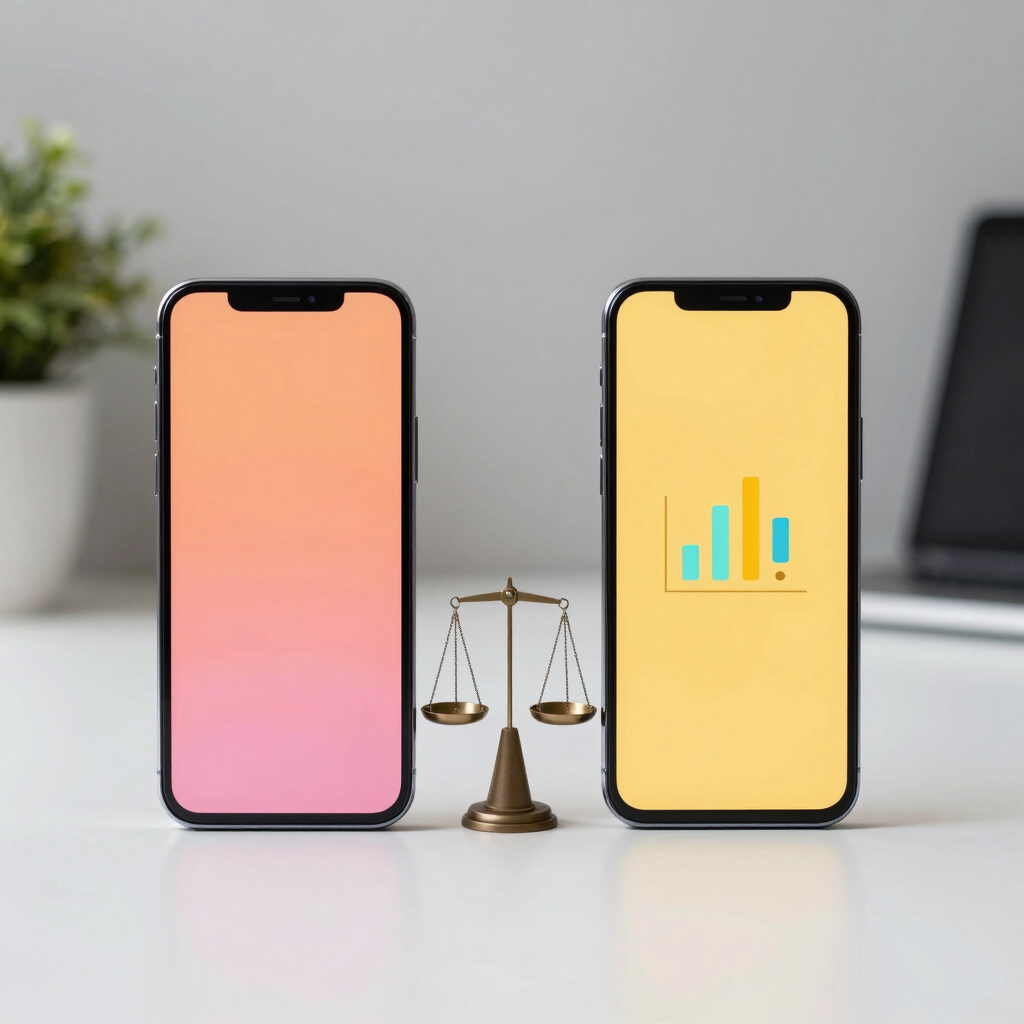
| Feature | Snapchat | |
|---|---|---|
| Parent company | Meta | Snap Inc. |
| Cost to use | Free | Free |
| Messages by default | Stored until deleted (Vanish Mode is optional) | Deleted once opened or expired, with some exceptions |
| Location used for ads | Yes, plus estimates from IP and network signals | Yes, if you grant location permission |
| Partner activity used for ads | Yes | Yes |
| Data shared across sister apps | Yes, across Meta companies | Within Snap’s own products |
| Data download tool | Yes | Yes (Download My Data) |
| Ad controls | Accounts Center | In-app ad preferences |

Instagram sits inside Meta’s ecosystem. Its privacy policy lists your activity, your connections, app and device details, and information from partners and other third parties as the main data sources.
That last category matters most. Meta can combine what you do inside Instagram with what its partners report about your activity on other sites and apps. It also shares infrastructure and information across the other Meta companies.
This is why an ad can seem to follow you from a shopping site into your feed. Instagram is rarely working alone.
Older research shows the gap. A 2021 study of Apple’s App Store privacy labels found that Instagram shared 79 per cent of the data categories that were tracked, the highest of any app studied. Snapchat sat at 29 per cent. That snapshot is several years old and based on iOS labels, so treat it as a direction, not a current score.
Snapchat’s best-known privacy feature is deletion. Snaps and Chats are removed from Snap’s servers once they are opened or expire, leaving mainly basic details such as when something was sent and to whom. Snap’s own notice adds that deletion is the default, with a few exceptions.
That covers message content. It does not cover everything else. Snap’s privacy notices say the app uses geolocation to serve more personalized ads, and that it may build a profile of your interests to show relevant ads or Discover content.
Snap also pulls in outside data. Its ads transparency page says advertisers and partners provide data from their own apps and websites to help inform which ads you see. And with your permission, Snapchat can read your phone’s contact list.
So disappearing messages are real, but they are one part of the picture.
Scale of connection. Instagram’s data flows through one of the largest ad systems online. Snapchat’s reach is narrower, though it does take in partner data too.
What disappears. Snapchat deletes message content by default. Instagram keeps messages until you or the other person delete them.
Who you are sharing with. Snapchat is built around close friends. Instagram is built around followers, discovery and public reach. A public Instagram account exposes far more than a Snapchat friend list ever does.
Ad profile. Both build interest profiles. Instagram’s draws on a bigger pool of signals.
A disappearing Snap is not a guaranteed-private Snap. Anyone who receives it can photograph the screen with another device, and Snapchat cannot stop that. Photos can also carry hidden location data in the file itself if you share originals.
On Instagram, a private account limits who can see your posts. It does not stop Meta from using your activity for ads.
Both companies can also respond to lawful requests for user data, such as court orders. Neither app is a place for anything you would not want exposed.
Neither app should be treated as a hacking risk by default. The real concern is the volume of data collected and shared for advertising, not a breach. Use a strong password and two-factor authentication, or 2FA, which adds a second verification step after your password. This protects your account on either app.
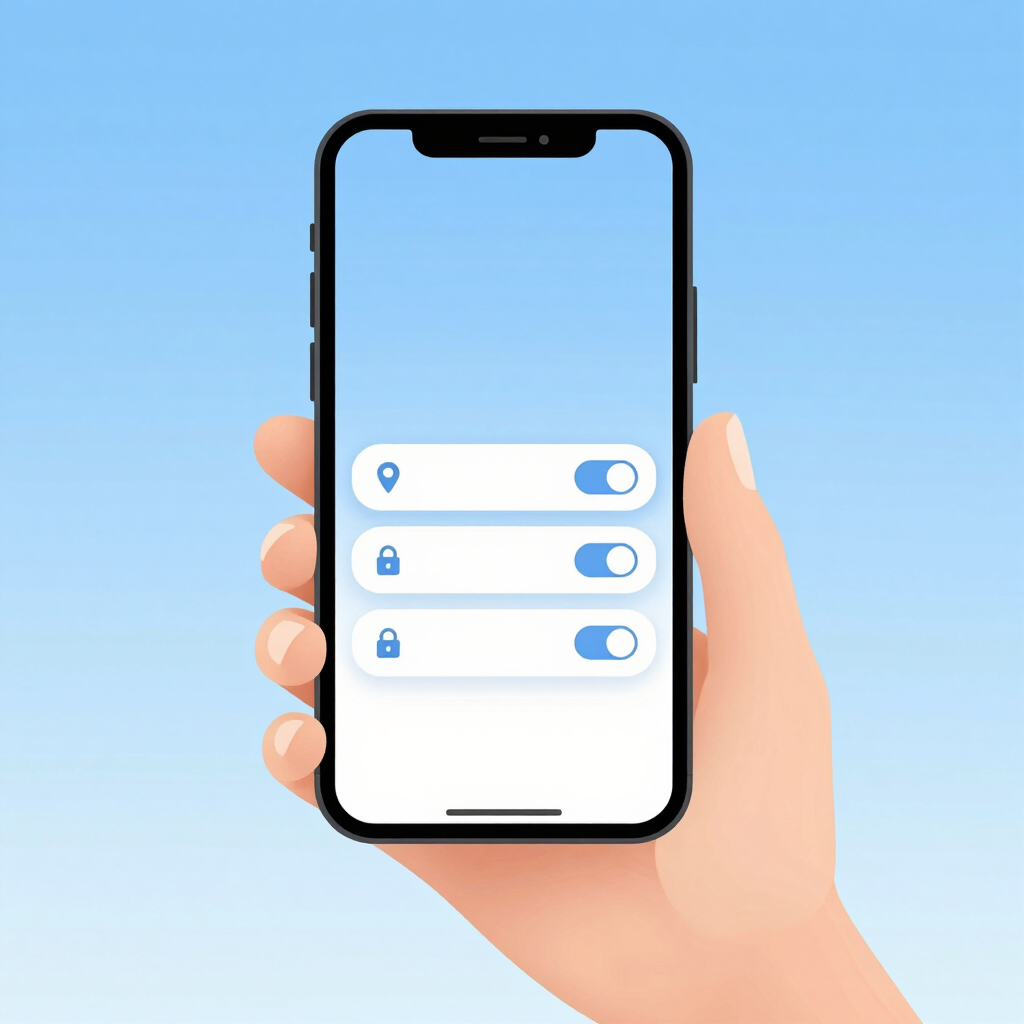
Menu names change between app versions, and some settings roll out country by country. If you cannot find an option, the setting may not have reached Pakistan yet.
Go to your phone’s Settings, open Apps, choose the app, then Permissions. This is the usual path, though Samsung One UI, Xiaomi HyperOS and other skins may label it differently.
Turning off location removes one direct source. Meta may still estimate where you are from an IP address, network information and device signals.
Open your profile, tap the menu, then Accounts Center, then Ad preferences. Consumer Reports also points to Your information and permissions, then Your activity off Meta technologies, where you can clear past activity and disconnect future activity.
Meta is replacing that setting in some countries. It may appear as “Activity from other businesses” or as “Activity information from ad partners”. Choose the option that stops this activity from personalizing your ads.
This limits personalization. It does not stop Instagram from recording what you do inside the app.
Open your profile, tap the gear icon for Settings, then find Privacy Controls and Ad preferences. Review the toggles for how your activity and partner data are used.
Snap also offers a Download My Data tool. It shows what the app holds on you, which is a useful reality check.
Both apps are free to download and use from Google Play. Paid extras exist on each platform, but prices vary by region. Check the app’s own Play Store listing for the current figure in your currency.
The real price is attention and data. Free apps earn money by showing targeted ads, which is why the settings above matter.
Snapchat. Its default deletion means casual chats do not pile up on a server.
Instagram, with the knowledge that it feeds a larger ad system.
Neither wins outright. Both give you controls, and both reward a few minutes in settings.
Privacy policies change often, and ad settings vary by country. A fair comparison of data collection also depends on what you choose to share. A person posting daily to a public Instagram account gives away more than someone who barely opens the app.
The 2021 label study is also old. Both companies have changed their products since.
If the question is which app collects and connects more data, Instagram is the heavier collector, mainly because of Meta’s wider ad network and partner data. Snapchat deletes message content by default, but it still uses location, activity and partner data for ads.
Neither is stealing anything outright. Both collect what their policies describe. The sensible move is to limit permissions, review ad settings, and share only what you would be comfortable seeing public.
No. It deletes Snaps and Chats from its servers once opened or expired by default, with a few exceptions. It keeps basic details such as when and to whom something was sent, and it still collects account and activity data.
Meta says it does not use your microphone to target ads. Ads can feel eerily accurate because of your browsing, searches and partner activity, not necessarily audio.
You can limit it. The setting is under Accounts Center, and its name differs by country. It reduces ad personalization but does not stop in-app data collection.
A private account controls who can see your posts. It does not stop the app from collecting data for ads.
Both are available on Google Play. Some ad settings and features may roll out later in Pakistan than in other countries.