Physical Address
304 North Cardinal St.
Dorchester Center, MA 02124
Physical Address
304 North Cardinal St.
Dorchester Center, MA 02124

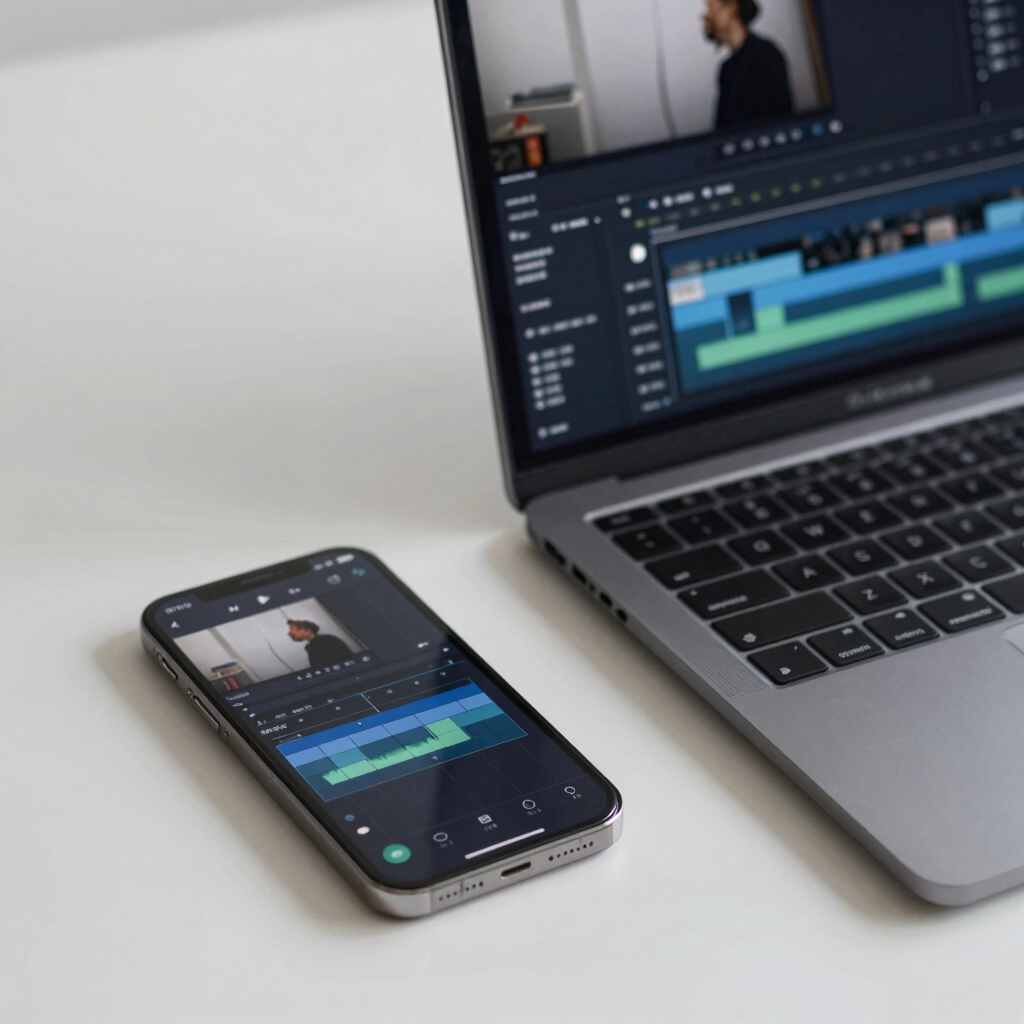
Every phone shoots decent video now, but turning raw clips into something worth posting still takes the right software — and you don’t have to pay for it. The free tier of video editing apps has quietly gotten very good, to the point where hobbyists and even small businesses can produce polished results without touching a paid plan.
The catch is that “free” means different things depending on the app. Some free tiers are permanent and genuinely full-featured. Others cap your export resolution, plaster a watermark on your video, or push you toward a subscription the moment you want to remove your own logo. This roundup breaks down what you actually get for $0 across seven of the most useful free video editors available right now, on both mobile and desktop.
CapCut is the app most people mean when they say “free video editor” in 2026, and for good reason. The free tier covers trimming, multi-track editing, keyframe animation, chroma key, speed ramping, auto-captions, and a large library of music, filters, and templates — all without a subscription.
Strengths
Genuinely fast to learn, even for first-time editors
Works the same way on phone, desktop, and in a browser, with projects that sync between them
A constantly updated library of trending templates and effects
AI tools such as auto-captions and background removal are available on the free tier
Limitations
Some templates and effects are marked “Pro” and add a watermark unless you’re on a paid plan
4K export and the full AI toolkit (camera tracking, advanced voice tools) sit behind CapCut’s paid tiers, which run roughly in the $10–$20/month range depending on plan and region — check current in-app pricing, as it changes often
CapCut is developed by ByteDance, which also owns TikTok. The app has faced regulatory scrutiny in several markets — it’s been permanently unavailable in India since 2020, and it was briefly pulled from U.S. app stores in January 2025 under a law targeting foreign-owned apps before being restored days later. If data ownership or regional availability is a concern for you, it’s worth checking CapCut’s current status in your country before building a workflow around it.
DaVinci Resolve’s free version is unusual: it’s not a trial or a stripped-down demo. It’s the same core application used on professional film sets, with a full editing timeline, Fusion visual effects, Fairlight audio tools, and genuinely capable color grading — all with no watermark and no time limit. Export is capped at 4K resolution and 60fps.
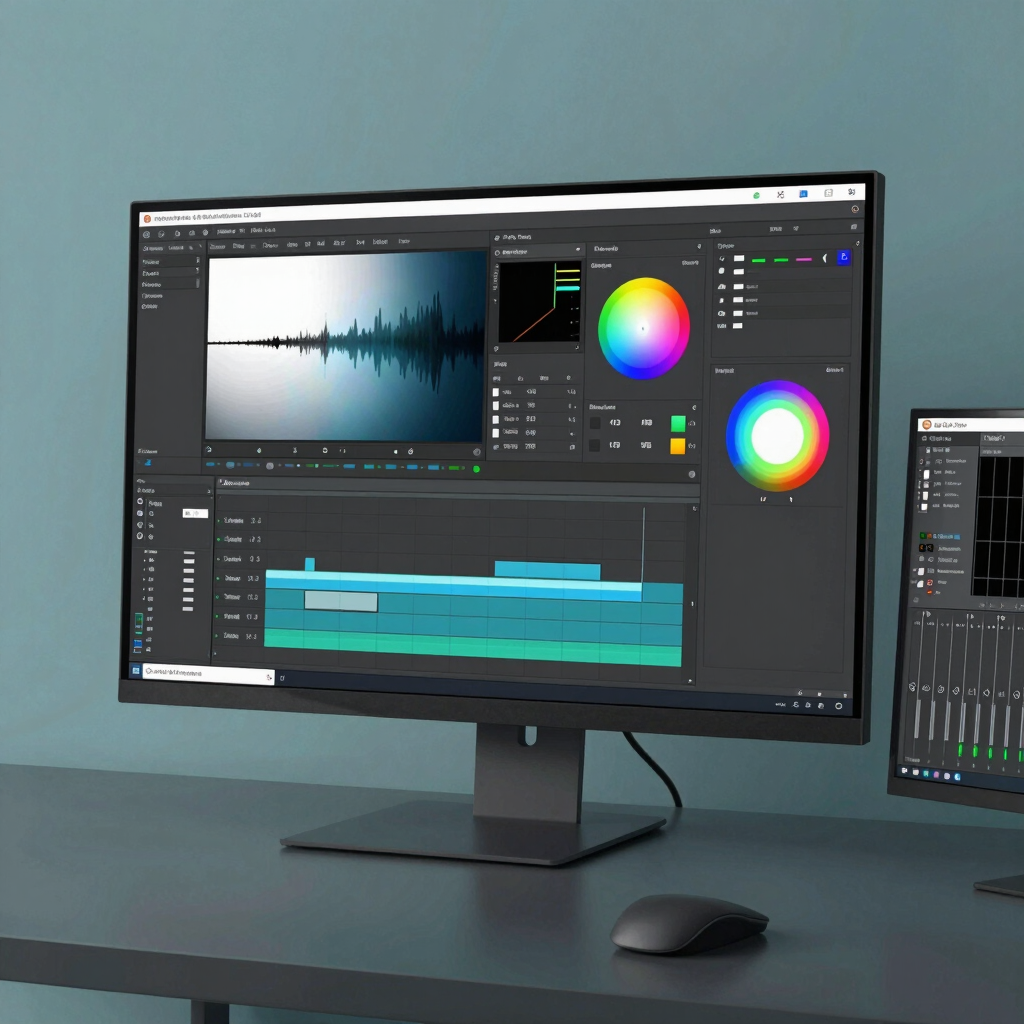
The paid Studio upgrade is a one-time $295 purchase (not a subscription) that adds 8K support, HDR grading, AI-assisted tools like Magic Mask, and advanced noise reduction. Most people never need it.
Strengths
The most powerful color grading tools available in any free editor
No watermark, no nag screens, no forced account for basic use
One-time paid upgrade instead of a subscription, if you ever outgrow the free tier
Limitations
The interface is built for editors who want control, not speed — there’s a real learning curve compared to mobile apps
Runs best on a reasonably modern computer; older or low-RAM machines may struggle with playback
VN (sometimes listed as VN — AI Video Editor, formerly VlogNow) is a mobile-first editor that consistently avoids the watermark trap other free apps fall into. The free version includes a multi-track timeline, keyframe animation, speed curves, LUT-based color grading, and 4K export.
Strengths
No forced watermark on any export, free or paid
Frame-accurate editing that feels closer to desktop software than most mobile apps
Optional in-app purchases (VN Pro, AI credit packs) add extra assets without gating core editing tools
Limitations
Available on iOS, Android, and macOS, but there’s no native Windows app — Windows users need an Android emulator to run it
The interface leans toward intermediate users; total beginners may find CapCut friendlier
Clipchamp comes pre-installed on Windows 11 and is also available as a free browser-based editor (which works on Mac too). Its free tier allows unlimited exports at up to 1080p with no watermark, plus AI subtitles, AI voiceovers, background noise removal, and built-in screen recording.
Strengths
Already installed on most Windows 11 PCs — nothing to download
No watermark and no cap on the number of videos you export
Useful AI tools (subtitles, voiceover, audio cleanup) included free
Works in any modern browser, so Mac and Chromebook users can use it too
Limitations
Free exports are capped at 1080p; 4K requires a Microsoft 365 subscriptio
Requires a Microsoft account to save and export projects
Editing tools are simpler than DaVinci Resolve or Shotcut — no keyframing, limited color correction
InShot is built around speed: trimming, merging, adding music, and exporting a vertical clip for Instagram or TikTok takes just a few taps. The free version is ad-supported, and exports commonly carry an InShot watermark unless you upgrade to InShot Pro, which also unlocks additional filters and stickers.
Strengths
One of the simplest interfaces on this list — genuinely fast for short social clips
Good built-in aspect-ratio presets for Instagram, TikTok, and YouTube Shorts
Pro subscription (pricing varies by region and platform) removes ads and the watermark, and tends to be inexpensive compared to CapCut Pro
Limitations
The free tier includes ads and, on many exports, a visible watermark
Not designed for longer-form editing — no true multi-track timeline like VN or DaVinci Resolve
Shotcut is the outlier on this list: there is no paid tier at all. It’s free, open source software with active development, supporting a wide range of formats natively (no forced import/conversion step), multi-track editing, GPU-accelerated effects, and 4K output.
Strengths
Completely free — no watermark, no subscription, no upsell, ever
Cross-platform on Windows, Mac, and Linux
Broad format support, including formats some paid editors handle poorly
Limitations
The interface is more technical than CapCut or InShot and takes longer to learn
Fewer built-in templates, stock music, and stickers than app-store editors — you’ll bring your own assets
If you’re already on a Mac, iPhone, or iPad, iMovie is hard to beat for the price: it’s free, pre-installed or available from the App Store at no cost, and produces watermark-free exports up to 4K on supported hardware, with HDR and 60fps support on newer devices. Projects also move cleanly between iPhone, iPad, and Mac.
Strength
Genuinely free, with no subscription tier at
Clean, approachable interface with a magnetic timeline that’s hard to mess up
Tight integration across Apple devices — start on your phone, finish on your Mac
Limitations
Apple hardware only — there’s no Windows or Android version
Lacks the deeper color grading and effects layering that DaVinci Resolve or Shotcut offer
CapCut or InShot. Both are built for speed, though CapCut’s free tier is more watermark-friendly.
VN Video Editor. No forced watermark on any tier, free or paid.
DaVinci Resolve. Nothing else on this list gets as close to studio-grade tools at no cost.
Clipchamp, since it runs in a browser and comes built into Windows 11 already.
iMovie. Free, no watermark, and it’s usually already on your device.
Most free editing apps require an account and process at least some of your media in the cloud for features like AI captions, background removal, or template rendering — so it’s worth glancing at what each app’s privacy policy actually says before you upload sensitive footage.
CapCut is the app on this list that’s drawn the most regulatory attention, largely because of its ownership by ByteDance. It’s been unavailable in India since 2020, and its status in the United States and European Union has faced legal and regulatory challenges as well. None of this means the app is unsafe to use for everyday editing, but if data sovereignty matters for your work, it’s worth checking CapCut’s current standing in your region, or leaning on one of the other apps on this list — DaVinci Resolve, Shotcut, and iMovie all process your video locally rather than through a third-party cloud service by default.
Watermarks on premium assets: Even watermark-free apps like CapCut may stamp a logo on templates or effects specifically marked “Pro.”
Resolution caps: Several free tiers stop at 1080p, reserving 4K for a paid upgrade.
Limited cloud storage: Apps with cross-device sync (CapCut, Clipchamp) usually cap free cloud storage well below what a video project needs long-term.
Smaller stock libraries: Free music, fonts, and stock footage selections are usually a fraction of what paid tiers unlock.
Shotcut has no paid tier whatsoever, so nothing is ever gated behind a watermark. On mobile, VN Video Editor doesn’t force a watermark on any export, free or paid.
Yes. DaVinci Resolve, VN Video Editor, and iMovie (on supported hardware) all allow free 4K export. CapCut, InShot, and Clipchamp cap free exports at 1080p.
CapCut is widely used and functions like any other free editing app, but it has faced regulatory scrutiny in some countries over its ByteDance ownership, including a ban in India since 2020. Check its current availability and terms in your region if that’s a concern for you.
CapCut and InShot are both built for speed and simplicity, with templates that do most of the work for you. VN Video Editor is only slightly more advanced but stays approachable.
Generally no — ads typically appear inside the app’s interface, not baked into your finished video file. Watermarks are a separate issue: some free tiers (like InShot’s) do add a visible watermark to the exported video itself unless you upgrade.