Physical Address
304 North Cardinal St.
Dorchester Center, MA 02124
Physical Address
304 North Cardinal St.
Dorchester Center, MA 02124

Samsung Gallery and Google Photos now save your photos to the same Google storage, so the real difference is in features, not the cloud. This comparison covers storage limits, backup quality, privacy and requirements, and who should use which app on a Galaxy phone.
For years this comparison was simple. Google Photos backed up to Google, and Samsung Gallery backed up to Microsoft OneDrive. That changed this autumn.
Samsung Gallery’s OneDrive sync was scheduled to end on 30 September 2026. Its replacement, Google Photos integration through the Gallery Cloud Sync app, was set to go live on 1 October.
So which backs up better? For most people, Google Photos is still the stronger choice. Samsung Gallery now uploads to the same Google storage, but it covers less of the experience. Here is where the two differ.
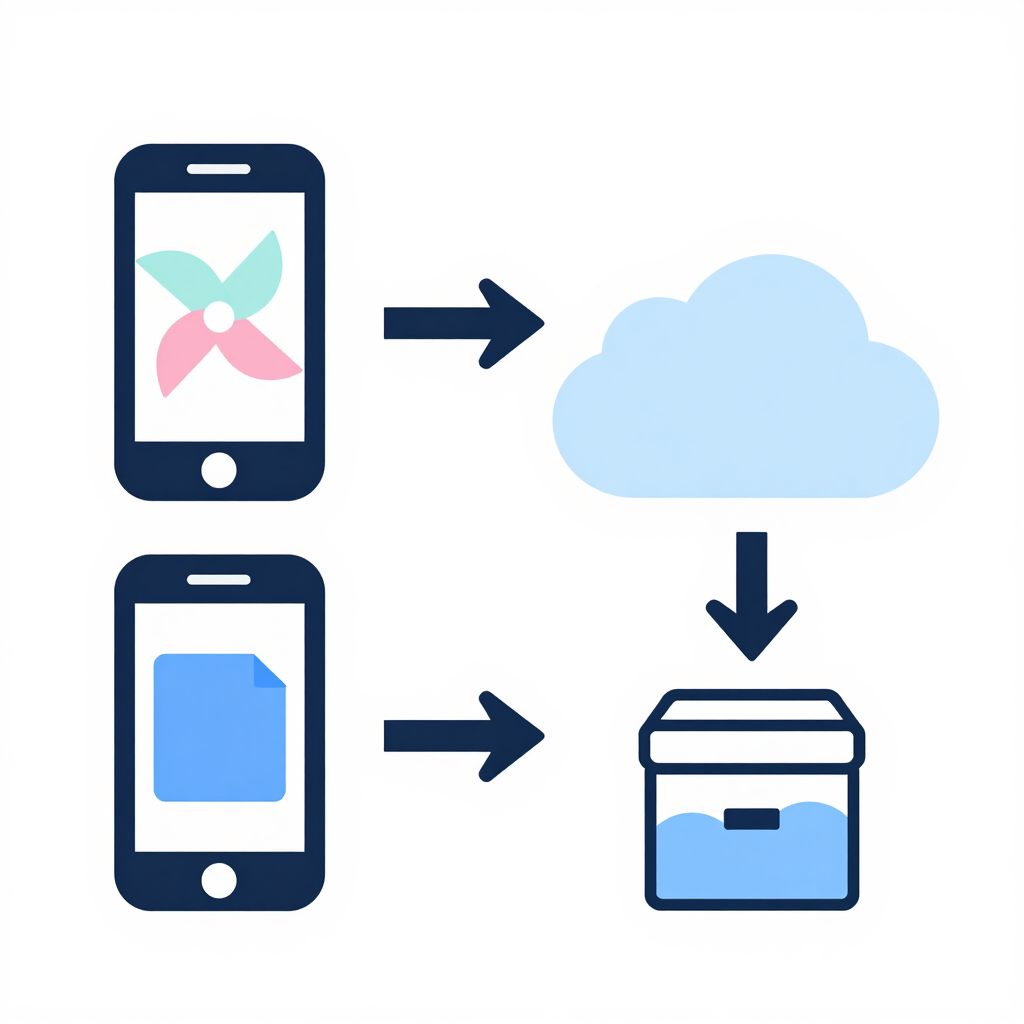
| Feature | Google Photos | Samsung Gallery |
|---|---|---|
| Works on | Most Android phones, plus iPhone and web | Galaxy phones and tablets |
| Cloud destination | Your Google Account | Your Google Account |
| Free storage | 15 GB shared with Gmail and Drive | Same 15 GB, same account |
| Backup quality options | Original quality or Storage saver | Original quality |
| Needs | Google Photos app | One UI 9.0 or later, personal Google Account |
| Memories, Highlights, search | Full support | May not pick up photos uploaded only through Gallery |
| Browse your full Google Photos library | Yes | No |
| Deleting a photo | Goes to Trash first | Deletion syncs to the cloud copy |

Storage, Quality and Cost
How Samsung Gallery Backup Works Now
Google Photos is a standalone app. Turn on backup, and new photos and videos upload to your Google Account automatically.
It works on almost any Android phone, on iPhone and in a web browser. That makes it useful if you switch brands or use more than one device.
Backup is only half of the app. The same library powers search, Memories and Highlights. A cloud copy of your photos becomes a full library you can browse.
You can also choose between two quality settings. Original keeps your files untouched. Storage saver compresses files slightly, and both settings count against your Google Account storage.
Samsung Gallery is the gallery app built into Galaxy phones. It has always been a fast, polished viewer, but its cloud backup relied on a partner. That partner has now changed.
The new “Sync photos and videos” option is available on devices running One UI 9.0 or later, and it needs a personal Google Account. Google Workspace accounts are not supported.
To turn it on, open Gallery, go to its settings, choose Sync photos and videos, and select your Google account. You can pick specific albums to back up, including folders like Downloads or Screenshots. Menu labels can differ slightly between One UI versions.
Samsung Gallery uploads at full quality. Google says Gallery Cloud Sync uses original quality rather than a lower-quality mode. That means no compression, but also no way to stretch your storage with Storage saver.
Edits made in either app should sync across both. There is also a Labs option in One UI 9 that adds a small cloud icon to synced thumbnails. It is called “Always show cloud icon.”
This is a backup route, not a merger of the two apps. Samsung Gallery does not let you browse your Google Photos library inside the app. Photos uploaded only through Gallery may also miss out on features like Memories, Highlights and search.
If those features matter to you, install Google Photos and let it handle the uploads instead.
Both apps now draw on the same pool. Every Google Account starts with 15 GB, shared across Gmail, Drive and Photos. Uploads from Samsung Gallery also count against your Google Account storage.
That means Samsung Gallery gives you no extra free space over Google Photos. Switching apps will not stretch a full account.
Heavy photographers will eventually need a paid Google One plan. Pricing in Pakistan can differ from US prices, so check the Google One or Google Play listing for the current local figure before you subscribe.
Original quality uses more space than Storage saver. If your account is close to full, Google Photos gives you the option to compress. Samsung Gallery does not.
Pakistani users on mobile data should also check the upload settings in either app. Limiting uploads to Wi-Fi keeps a Jazz, Zong, Telenor or Ufone data package from draining overnight. Samsung’s sync settings also let you choose what data conditions must be met before uploading.
Both options store photos in your Google Account, so the security of that account is what matters most. A strong password and two-step verification help more than any app setting.
Google does not describe standard Google Photos backup as end-to-end encrypted. Treat any cloud-backed photo as stored on Google’s servers.
Deletion deserves extra care. In Samsung Gallery sync, deleting a photo in either Gallery or Google Photos removes it from both apps and from cloud storage. Google Photos also keeps deleted items in its Trash for a limited time, which gives you a short window to recover mistakes.
Unlike a one-time copy, sync mirrors your changes. It is a convenience feature, so it should not be your only protection against accidental deletion.
If you live in Samsung Gallery and your phone runs One UI 9, the built-in sync is the easiest setup. You keep Samsung’s gallery experience and get a Google cloud copy behind it.
If you want the full cloud library, choose the Google Photos app. It works on non-Samsung phones too, which helps if you ever switch brands.
It also offers Storage saver, which matters when your free storage is almost full.

Google Photos is the better backup for most people. It runs on more devices, offers a compression option, and turns your backup into a searchable library.
Samsung Gallery’s new sync is a good fit for Galaxy owners who prefer Samsung’s gallery and are happy with a simple, original-quality upload. It is a backup feature, not a replacement for the full Google Photos experience.
Whichever you choose, use one uploader rather than running both, and keep an eye on your 15 GB.
Yes, on One UI 9.0 or later. It uses the “Sync photos and videos” option and a personal Google Account. It works as a storage backup rather than a full Google Photos integration.
No. Pick one to handle uploads. Choose Google Photos if you want search and Memories, or Samsung Gallery if you prefer its interface.
Yes. Uploads count against your Google Account storage.
It ended on 30 September 2026. Your existing OneDrive photos stay in OneDrive and can be viewed in the OneDrive app, but they no longer appear inside Samsung Gallery.
With Google sync turned on, yes. Deletions are mirrored to the cloud copy, so delete carefully.