Physical Address
304 North Cardinal St.
Dorchester Center, MA 02124
Physical Address
304 North Cardinal St.
Dorchester Center, MA 02124

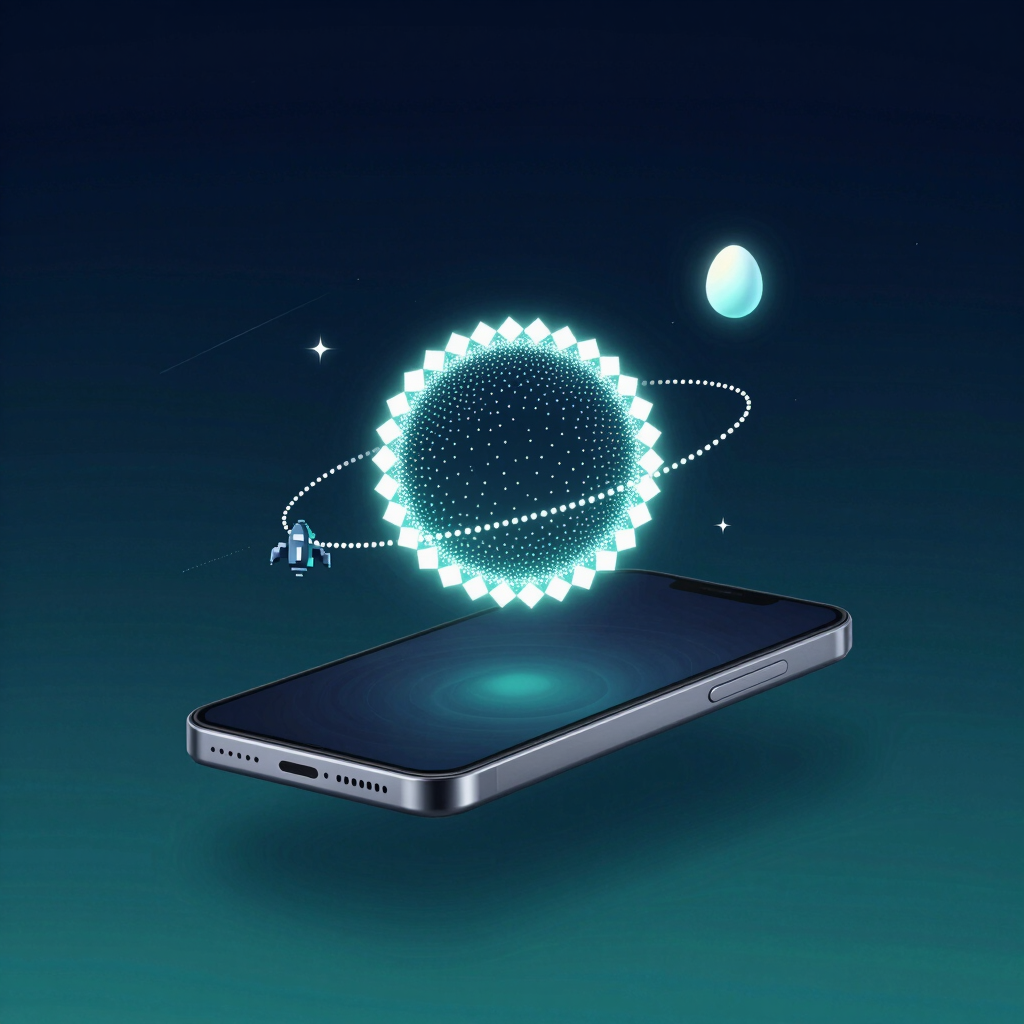
Open Settings, tap About phone, then tap Android version a few times. On most phones, a hidden screen pops up. Google hides a small treat in each new version of Android, from animations to games, and this one trick reaches almost all of them.
Below are the Android Easter eggs worth trying today, starting with the new Android 17 space game. One of them lives in Chrome and works even without internet.
The Space Game on Android 14 to Android 17
The steps are nearly the same on every version:
Which egg you see depends on your Android version. A phone on Android 13 shows the Android 13 egg, not Android 17’s.
The egg itself is the same on every phone running that version, but the Android version row can sit in a different spot depending on the device.
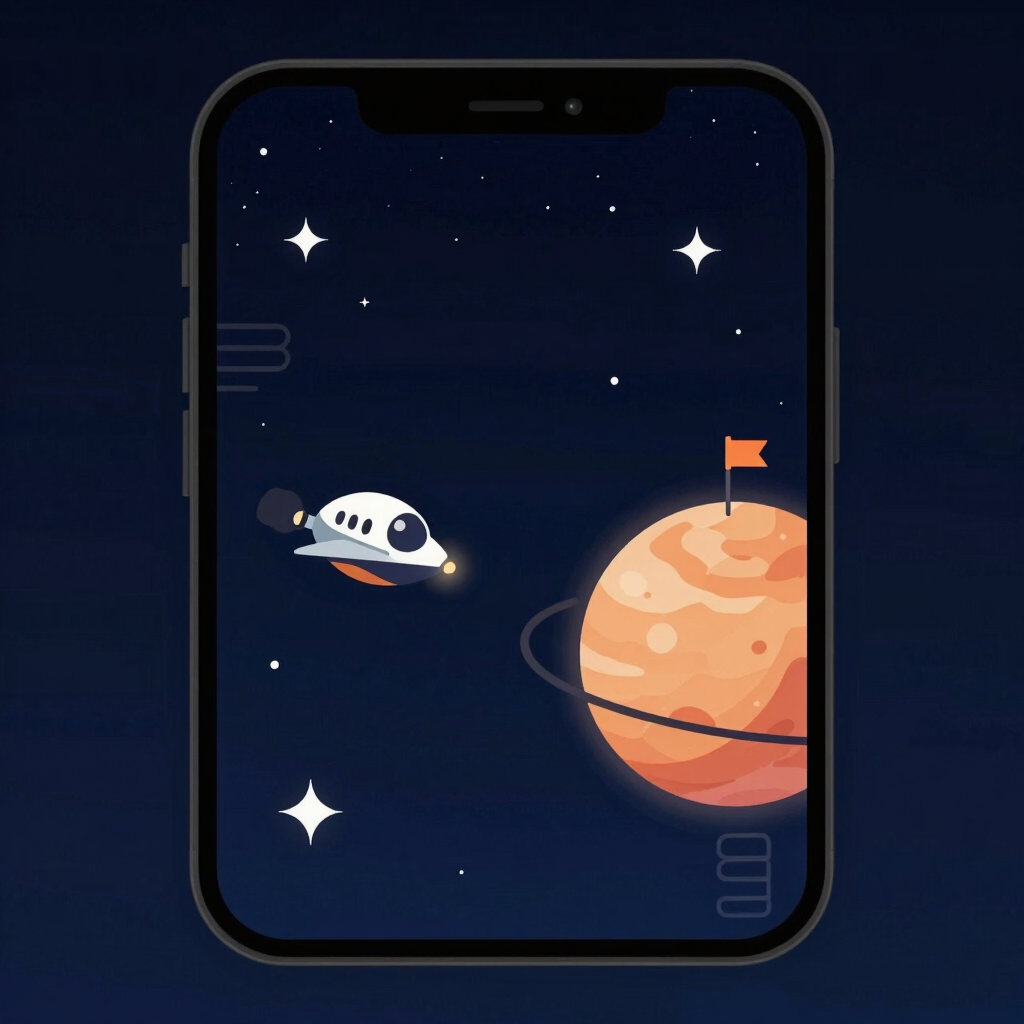
Android 14 and 15 share a space mini-game, and Android 16 keeps it with new features. Android 17 then reuses the older game behind a new entry screen. You steer a tiny spaceship between planets and stars.
After you tap the version number, you’ll see diamond-shaped dots spread out in a circle. Drag your finger from star to star to reveal the Android 17 logo. You can connect them in any pattern, not just a circle.
Long-press the logo. The phone vibrates, an animation plays, and the space game starts. Google also added new activities, codenames and planets to the game.
You’ll only see this on a phone that actually runs Android 17. Google released it on 16 June 2026 for most supported Pixel phones. Other manufacturers’ rollouts come in the months after.
Android 15 lets you plant flags on the planets you find. Android 16 adds an AUTO button in the lower-right corner. Tap it and the phone flies the ship for you, while a Live Update in the notification panel shows the destination and arrival time.
Hold the logo until the phone vibrates, then drag the ship with your finger. To reach a star, steer until the coordinates read (0, 0).
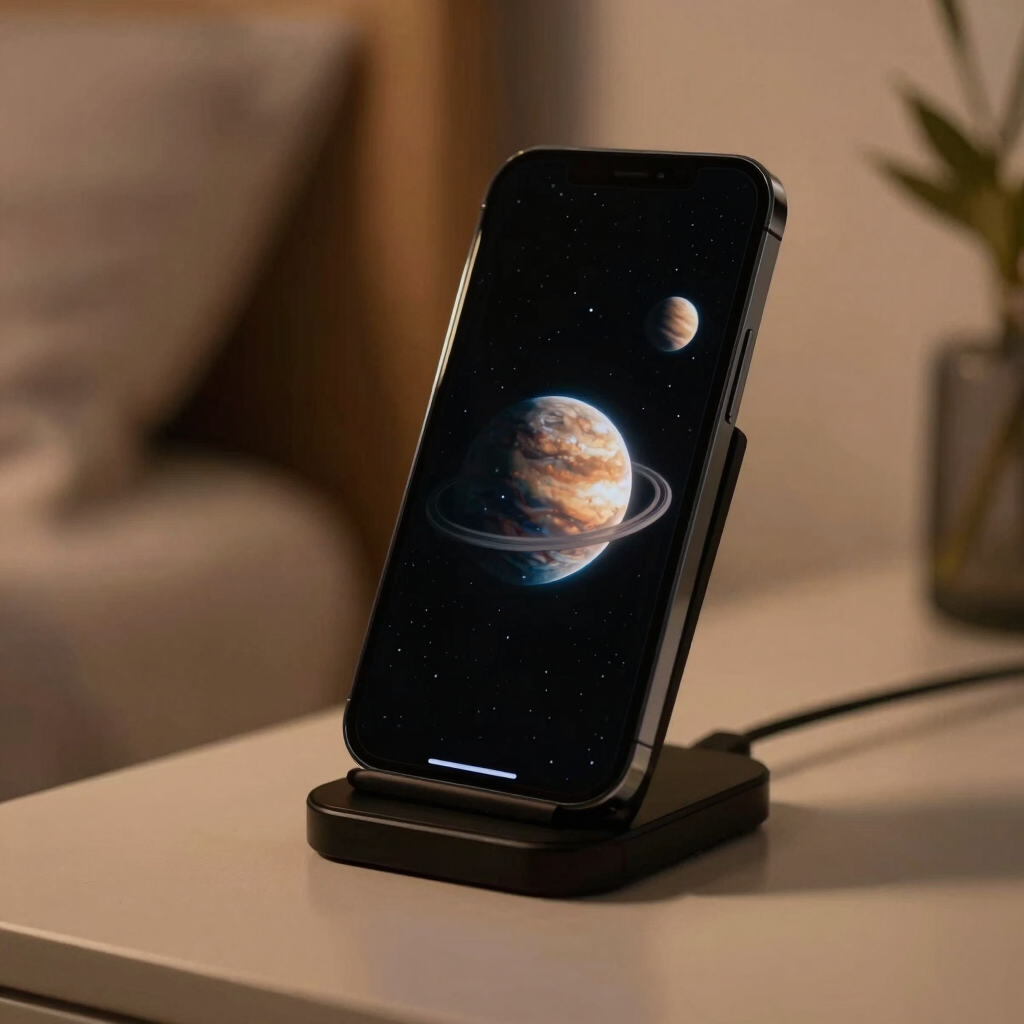
Android 17 hides a second surprise. Once you’ve unlocked the space game, you can activate the Landroid screensaver in Settings > Display > Screensaver. The option doesn’t appear until you’ve triggered the Easter egg first.
Screensavers must be switched on before you can see it. You can set it to run while the phone charges, with or without a wireless charger. Menu names vary by brand, so use the Settings search bar if you can’t find Screensaver under Display.
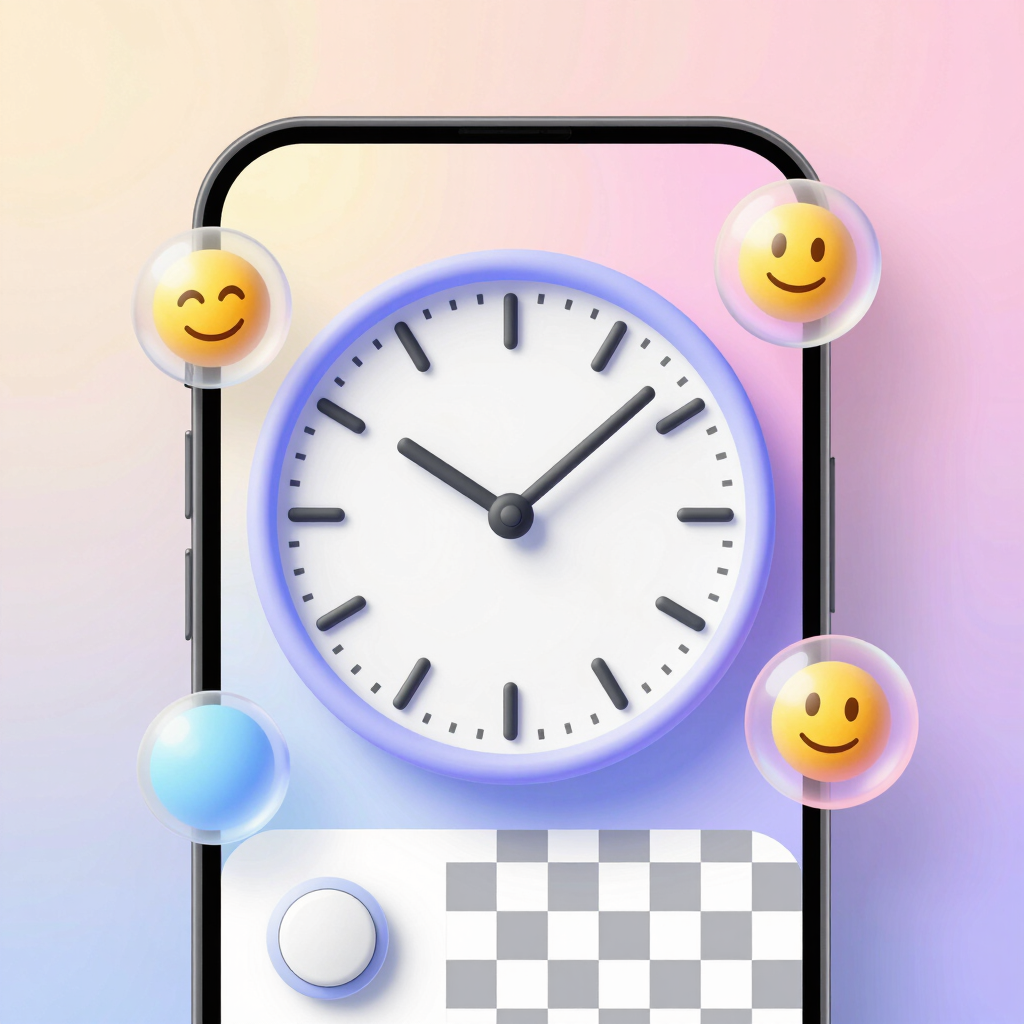
Many phones still run these versions, and each hides something different. All four start with the same repeated taps on Android version.
| Android version | What you get | How to trigger it |
|---|---|---|
| Android 13 | Bubbles in your wallpaper’s colors that turn into emoji | Move both clock hands to 1 PM, then hold a bubble |
| Android 12 | A clock widget whose colors follow your Material You theme, then a decorative screen | Move both hands to 12 PM |
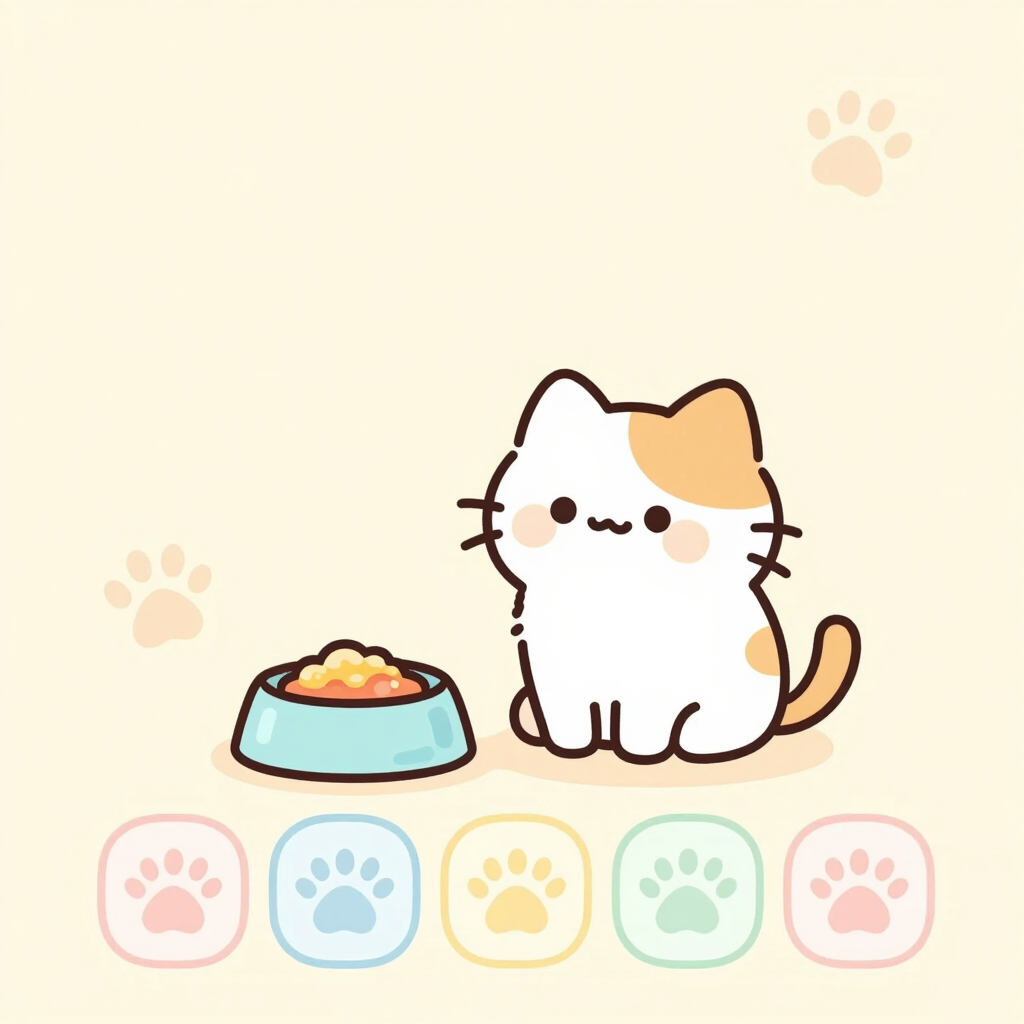
| Android 11 | A dial that goes up to 11, plus a cat-feeding game called Cat Controls | Turn the dial to 11, then long-press the power button |
| Android 10 | A logo puzzle that leads to a nonogram-style picture game | Double-tap and hold the 1 so it joins the 0 to form a Q |
For Android 11, look for Cat Controls in the power menu. If it isn’t there, tap the three-dot menu, choose Add controls, then See other apps and pick Cat Controls.
That game leans on Android’s own power menu. On Samsung’s One UI 3, staff noted the power menu wasn’t implemented, so the egg ended after tapping the cat. Some skins may not show Cat Controls at all.
Older phones still have fun eggs of their own:
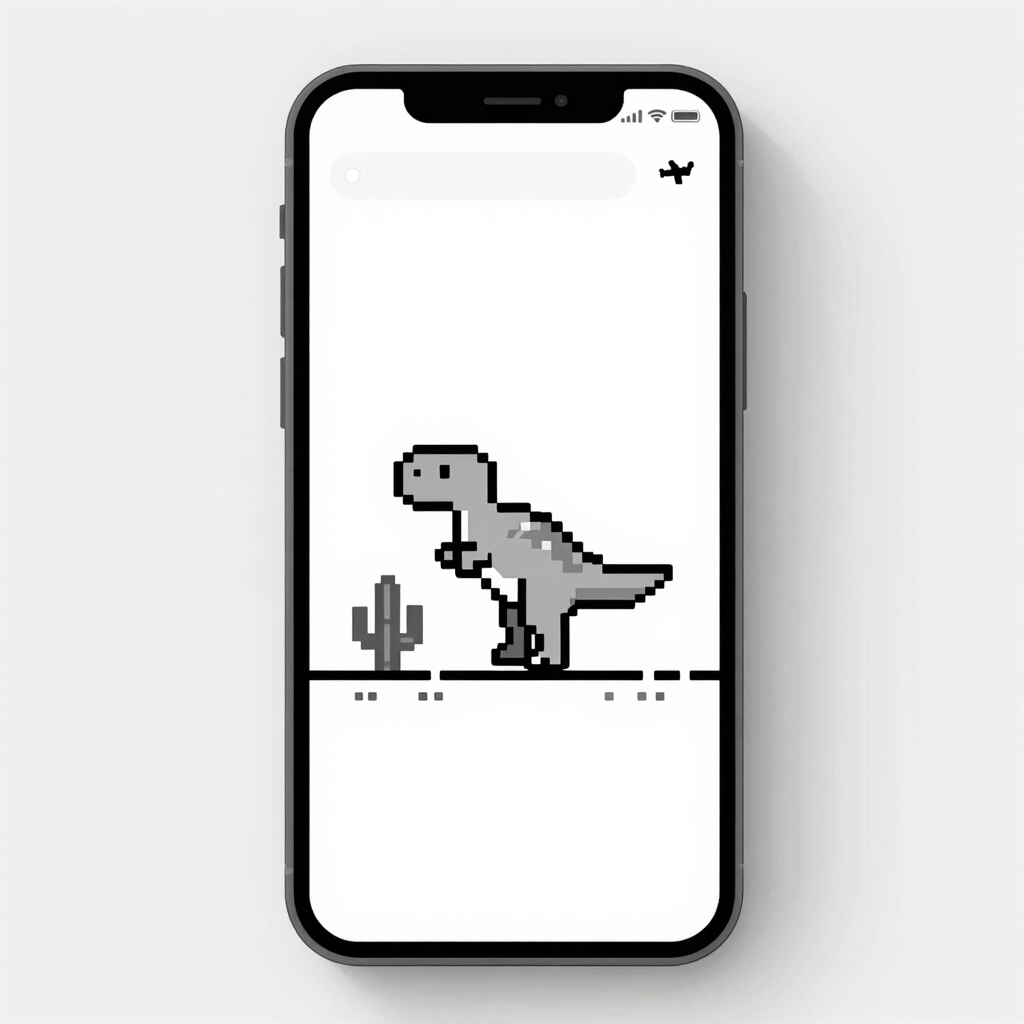
Chrome has its own Easter egg. When you’re offline, Chrome shows a pixelated T-rex, and on Android you tap the dinosaur to start the game.
To trigger it on purpose, switch on airplane mode, open Chrome and visit any page. You can also type chrome://dino into the address bar. Tap to jump over the cacti. The game gets faster the longer you survive.
It’s a handy way to pass time whenever your mobile data drops.
Most problems come down to a few causes:
There’s nothing to install for any of this. The Easter egg is a built-in system app, and removing it takes root access, which isn’t recommended.
Google has included one in every release since Android 2.3 Gingerbread. Your phone shows the egg for its own Android version. Some brands change how you reach it.
Your phone probably isn’t on Android 17 yet. Google released it for supported Pixel phones on 16 June 2026, and other brands roll it out later. Check your version under Settings > About phone.
Yes, in the sense that nothing needs installing. The egg is a built-in system component.
Only with root access, and deleting system apps is not recommended. It’s better to leave it alone.
apkboy.online is independent and unaffiliated with Google. Android and Chrome are named here for identification purposes only.