Physical Address
304 North Cardinal St.
Dorchester Center, MA 02124
Physical Address
304 North Cardinal St.
Dorchester Center, MA 02124

For most Android users, Grammarly is the easier writing assistant to live with. It has a dedicated keyboard app for Android, and its free plan covers grammar, spelling, and basic tone checks. Microsoft Editor wins in a narrower case: you already pay for Microsoft 365 and write mostly in Word, Outlook, or a desktop browser.
The real gap is where each tool runs. On a phone, that matters more than any feature checklist. Below is how the two compare on features, Android support, privacy, and price.
| Feature | Grammarly | Microsoft Editor |
|---|---|---|
| Free plan | Yes: grammar, spelling, basic tone, and 100 AI prompts a month | Yes: basic spelling and grammar with a Microsoft account |
| Paid option | Grammarly Pro, $12 a month billed annually | Premium features come with a Microsoft 365 subscription |
| On Android | Google Play app that also works with keyboards like Gboard and SwiftKey | Inside the Microsoft SwiftKey keyboard and Microsoft’s mobile apps |
| Desktop browsers | Browser extension available | Extension for Edge and Chrome |
| Style tools | AI rewriting, plagiarism checks, and fluency suggestions (Pro) | Clarity, conciseness, formality, and vocabulary refinements (paid) |
| Best for | Writing across many apps on phone and PC | Microsoft 365 users |

Grammarly checks grammar, spelling, punctuation, and tone as you type. On Android, you install the Grammarly Keyboard from Google Play and get suggestions in the apps you already use. The Google Play listing says it also works with other keyboards, such as Gboard or SwiftKey, so you don’t have to change your typing setup.
The free plan is usable on its own. It covers grammar, spelling, and basic tone detection, plus 100 AI prompts a month. Pro adds plagiarism and AI-content checking and lifts the AI allowance to 2,000 prompts a month.
The rewrite tool is the feature most people notice. It uses generative AI to turn a rough message into a version that sounds more confident, formal, or descriptive.

Editor is Microsoft’s own writing assistant. It runs in Word and Outlook and as a browser extension for Edge and Chrome. A free Microsoft account gets you basic spelling and grammar checks. The paid refinements cover clarity, conciseness, formality, and vocabulary, and they come with a Microsoft 365 subscription.
Inside Word, an Editor Score rates readability based on the number and type of suggestions and the document’s length.
On Android, Editor mostly reaches you through the Word and Outlook mobile apps and the Microsoft SwiftKey keyboard. In SwiftKey, type at least three words, then tap the Editor button on the toolbar. You can also select text, tap the three dots, and choose Editor. You then replace or copy the corrected version. Microsoft’s SwiftKey support page has the current steps. Since the button lives inside SwiftKey, you need to use that keyboard.
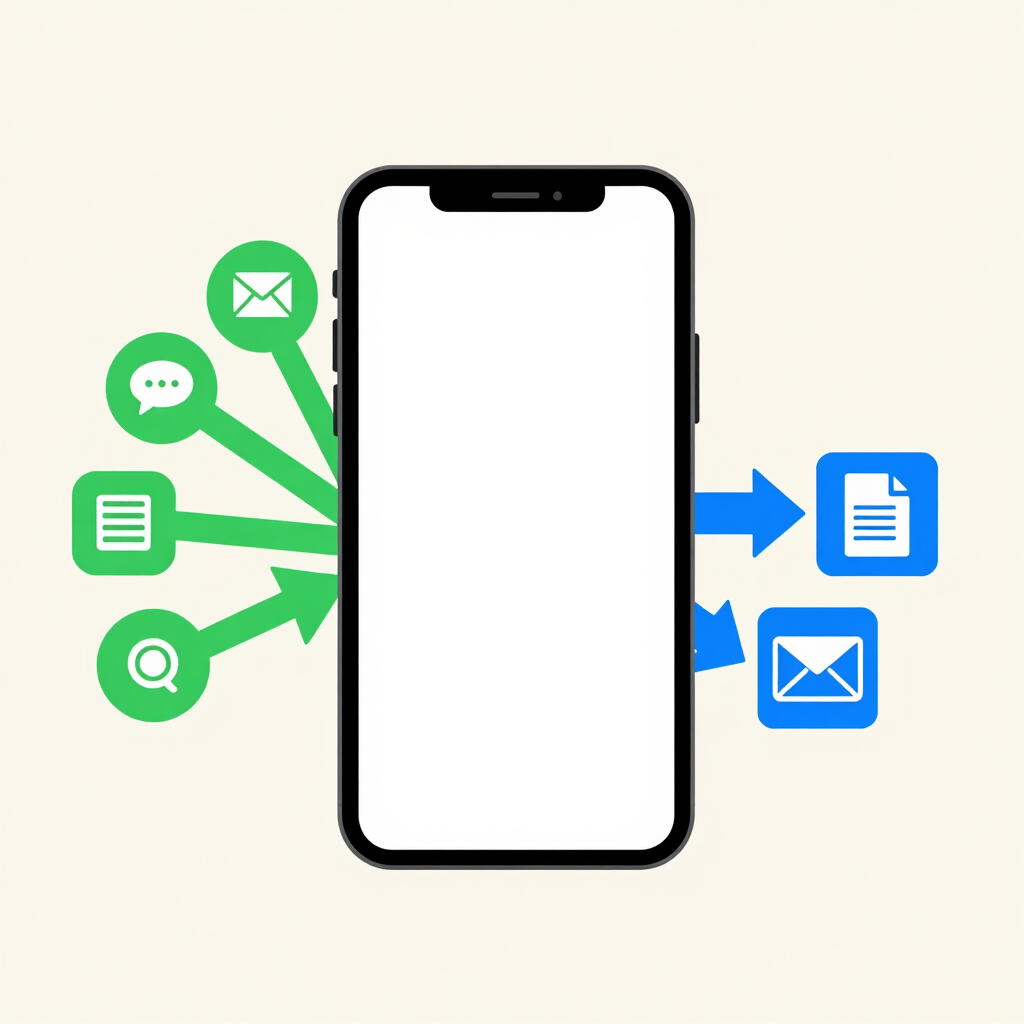
Grammarly is built to follow you between apps. Editor is built to work inside Microsoft’s world. On a computer, Editor’s extension covers sites like Gmail, LinkedIn, and Facebook. Desktop extensions like it don’t run in Chrome on an Android phone, so on mobile you rely on SwiftKey and Microsoft’s own apps.
Grammarly Pro puts AI rewriting, plagiarism detection, AI-text detection, and fluency suggestions in one plan. Editor’s paid tier centers on style refinements. One review says Editor lacks some of the advanced tools rival apps offer and doesn’t always catch every error. That fits its role as a solid checker rather than a full writing coach.
Editor checks spelling in more than 80 languages and grammar in 21, including Arabic, English, French, and German. Urdu isn’t on that grammar list. If you write in anything other than English, check Grammarly’s own language page before you subscribe.

Both tools read what you type to make suggestions, so treat them like any cloud service. Grammarly sends your text to its servers to generate suggestions. Its privacy page says it never sells your content, uses it for advertising, or lets third parties train models on it. Its apps skip sensitive fields, such as passwords and payment details, on a best-efforts basis, and you control where it runs.
On Microsoft’s side, the company says Edge’s Basic writing-assistance setting only spellchecks locally, with no text sent to Microsoft’s cloud spellchecking services. The fuller Editor suggestions work differently, so read each setting’s description before you enable it.
Whichever you pick, turn suggestions off when you type account numbers, ID details, passwords, or confidential work text. It’s also worth reviewing how to check app permissions on Android for any keyboard you install.
Prices below are US list prices in dollars. They change, so confirm the figure on each company’s plans page before paying.
| Plan | Price (USD) | What you get |
|---|---|---|
| Grammarly Free | $0 | Grammar, spelling, basic tone, 100 AI prompts a month |
| Grammarly Pro (annual) | $12 a month, $144 charged upfront | 2,000 AI prompts a month, plus advanced rewriting |
| Grammarly Pro (quarterly) | $60 every three months | Same Pro features |
| Grammarly Pro (monthly) | $30 a month | Same Pro features |
| Microsoft Editor (basic) | Free with a Microsoft account | Basic spelling and grammar |
| Microsoft 365 Personal | $9.99 a month or $99.99 a year | Premium Editor, Office apps, and 1 TB of cloud storage |
Microsoft 365 Family is $12.99 a month or $129.99 a year. Microsoft 365 Personal costs less per year than Grammarly Pro’s annual plan, but it’s a full Office subscription. It only makes sense if you’d use Word, Excel, and Outlook too. Grammarly’s monthly billing costs 2.5 times its annual rate per month, so the annual plan is the sensible choice once you’re sure you’ll stay.
Pricing in Pakistani rupees can differ from these dollar figures. Check the exact amount on Grammarly’s checkout screen and in Microsoft’s store for your region. If you pay by card, make sure it’s enabled for international online payments.

Grammarly. It suits messages, emails, and social posts across apps, and the free plan is enough for many people.
Microsoft Editor. If you already pay for the subscription, the premium refinements are included, and they work in Word and Outlook.
Grammarly Pro. Rewrites, tone changes, and plagiarism checks are the tools that save time on client work.
Microsoft Editor. Its grammar checks cover 21 languages, which is broader than most free tools.


Grammarly is the stronger all-round writing assistant for Android. It installs as an app, works across the apps you type in, and offers rewriting and tone tools that go beyond basic corrections.
Microsoft Editor is the smarter choice if you already own Microsoft 365, mostly write in Word or Outlook, or need grammar checks in a language other than English. Nothing stops you from trying both free plans first and keeping the one that fits your daily writing.
Yes, for the basics. A free Microsoft account gets you spelling and grammar checks. The premium refinements come with a Microsoft 365 subscription.
Yes. The Grammarly Keyboard is available on Google Play. It also works alongside other keyboards such as Gboard and SwiftKey.
In limited ways. Editor is available in the Microsoft SwiftKey keyboard, and Microsoft’s Word and Outlook mobile apps include it.
For basic grammar, spelling, and tone, yes. Plagiarism checking and a larger AI allowance are Pro features, so upgrade only if you need them.
Both tools process what you type through their services. Grammarly says it doesn’t sell your content and skips sensitive fields like passwords and payment details on a best-efforts basis. Still, switch suggestions off when typing private or confidential text.
apkboy.online is an independent website and is not affiliated with, endorsed by, or operated by Grammarly, Microsoft, or Google. Product names are used for identification purposes only.