Physical Address
304 North Cardinal St.
Dorchester Center, MA 02124
Physical Address
304 North Cardinal St.
Dorchester Center, MA 02124


Your call sounds muffled in the bedroom. The signal bars vanish in the basement. Or your 4G speed collapses the moment you dial a number. Without VoLTE, a phone on a 4G network typically falls back to 2G or 3G for voice calls.
Two built-in features fix most of this: VoLTE and Wi-Fi calling. Neither needs a separate app, because both are built into most modern smartphones and switched on from settings. The catch is that the switches are often buried, and sometimes missing altogether.
This guide shows where to find both on Android, which Pakistani networks support them, and what to try when the option refuses to appear.
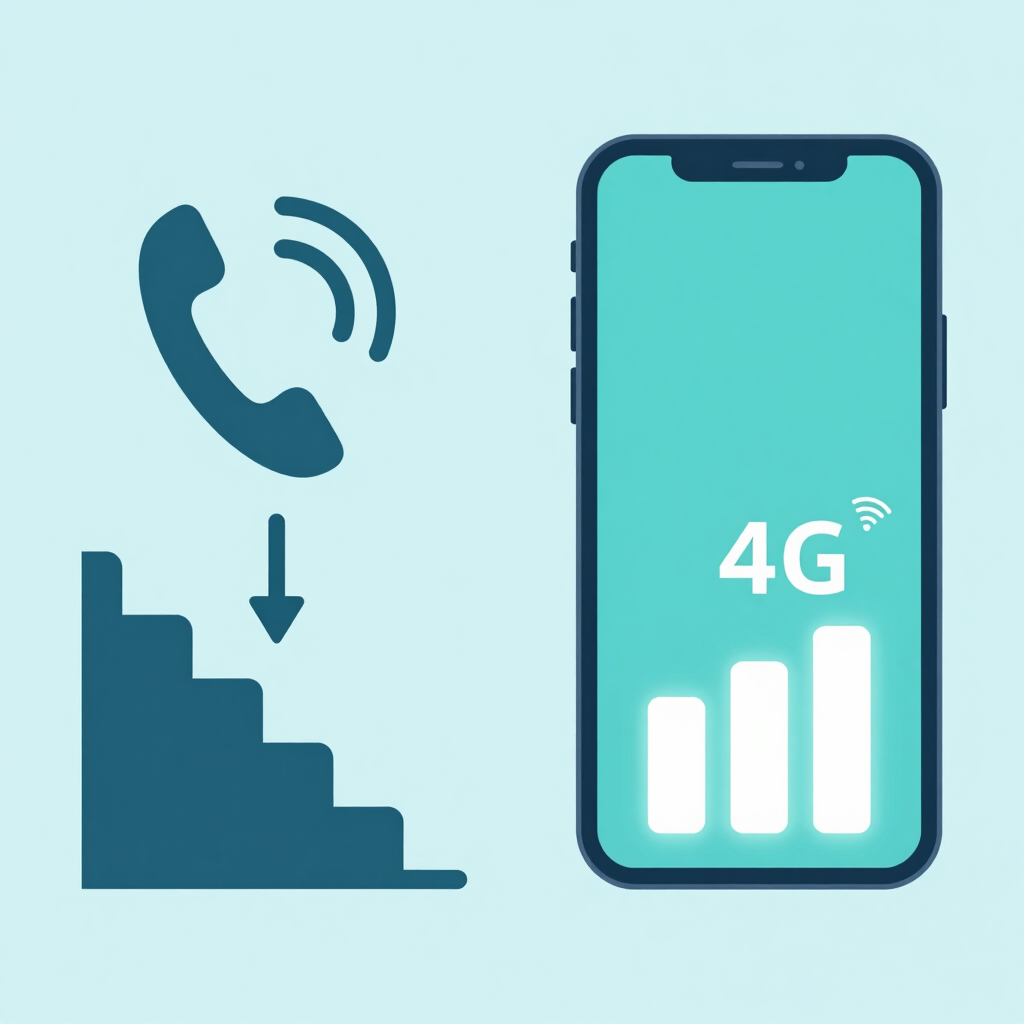
VoLTE stands for Voice over LTE. Your call travels over the 4G network instead of switching to an older one. Telenor’s launch announcement listed better voice quality, voice and data at the same time, and faster call connection as the main benefits.
Wi-Fi calling, also called VoWiFi, sends your normal calls and SMS through a Wi-Fi connection. Your phone uses it when the mobile signal is weak or missing, and your number stays the same.
| VoLTE | Wi-Fi calling (VoWiFi) | |
|---|---|---|
| Call travels over | Your operator’s 4G network | Your Wi-Fi internet connection |
| Best for | Clearer calls, keeping 4G during a call | Basements, high-rises, thick walls |
| Needs | 4G coverage and a VoLTE-ready phone | A working Wi-Fi network and a supported phone |
| Number used | Your own SIM | Your own SIM |
Turn on VoLTE first if you plan to use both. Jazz says Wi-Fi calling can work even with the VoLTE switch off, but an ongoing call will disconnect if you lose Wi-Fi.
Here is the picture as of September 2026, based on each operator’s own announcements and pages.
| Operator | VoLTE | Wi-Fi calling |
|---|---|---|
| Jazz | Yes | Yes (JazzFi) |
| Zong | Yes | Yes |
| Telenor | Yes, on supported handsets | Yes, on compatible handsets |
| Ufone | Yes | Not confirmed, so ask Ufone |
A few details matter more than the table.
Jazz. Jazz rolled out VoLTE across its network in February 2022. Its Wi-Fi calling service, JazzFi, launched in July 2023 with no extra fees. Jazz says the service is available across Pakistan for active subscribers on any Wi-Fi connection. You can read the details on Jazz’s JazzFi page.
Zong. Zong states that VoLTE is available nationwide. Its VoWiFi service launched nationwide in December 2024. Calls and SMS over Wi-Fi are billed like regular ones under your existing plan. See Zong’s VoWiFi page.
Telenor. Telenor was the first Pakistani network to launch VoLTE, in January 2019, and enabled it for select phone brands at first. Samsung phones were added in 2022, after Oppo, Realme and Vivo. VoWiFi followed in December 2025 for compatible handsets, and Telenor lets you check your phone on its VoWiFi page. That page is at telenor.com.pk/vowifi.
Ufone. Ufone’s VoLTE page says the feature needs to be enabled in your handset settings and provisioned from the network side. The page does not mention Wi-Fi calling, so confirm it with Ufone before you go hunting for a toggle.
One more thing to watch. The Islamabad High Court approved the merger of Telenor Pakistan and Ufone on 1 July 2026, and the two networks are being integrated. Service details and supported-phone lists may change, so check the operator’s current page.
A few minutes here saves a lot of confusion later.
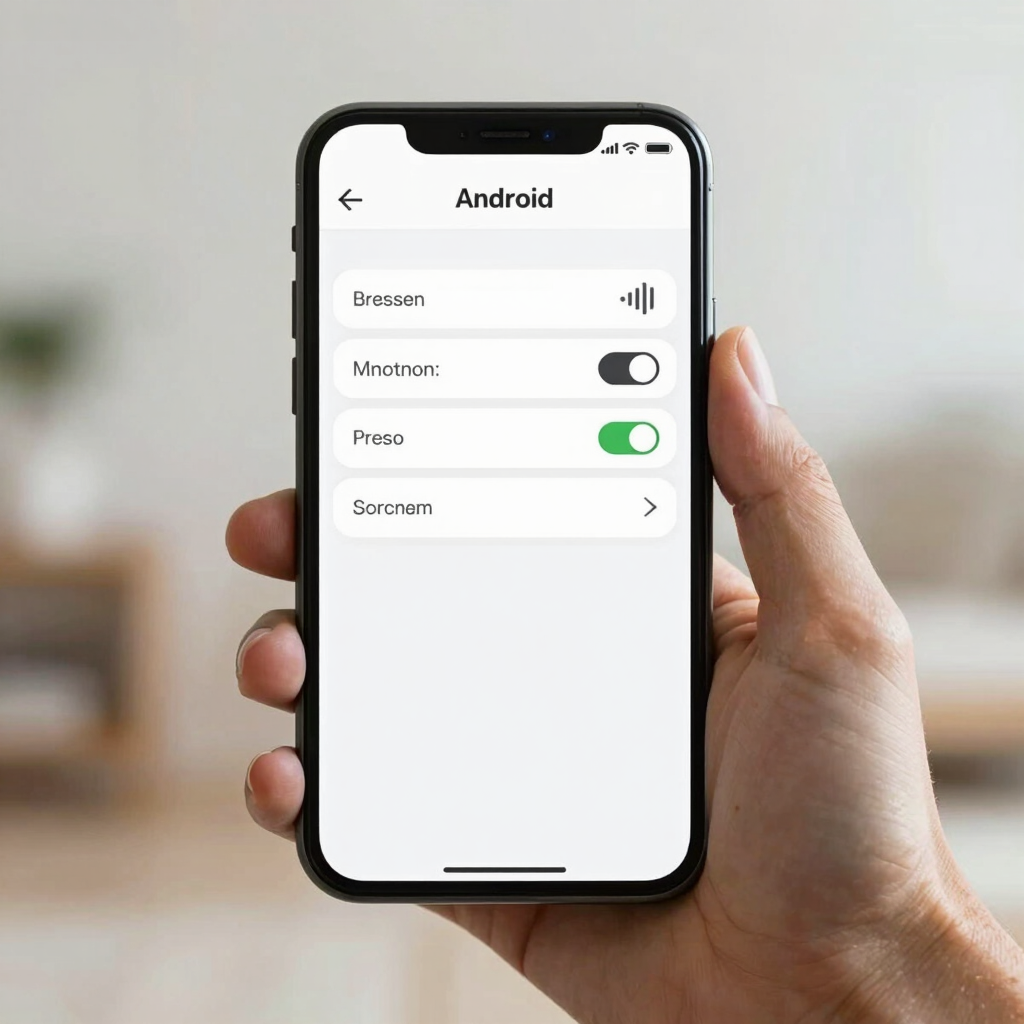
The steps below are similar on most phones, but menu names change between brands and Android versions.
Can’t find it? Type “VoLTE” into the Settings search bar. Some phones hide the switch and enable VoLTE automatically once the operator supports your model. Ufone’s FAQ describes VoLTE as automatic for a supported handset on 4G, while also listing a manual setting under mobile networks. So a missing toggle does not always mean a missing feature.
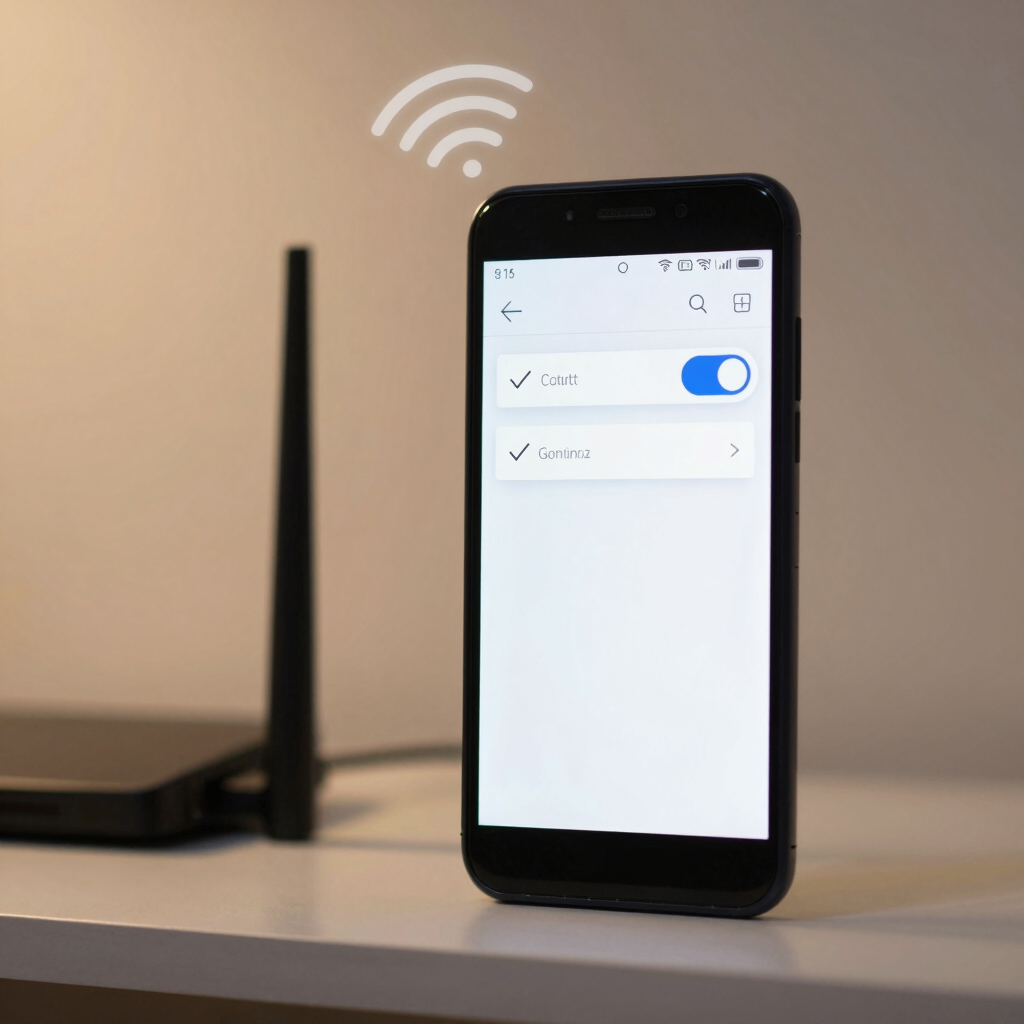
Wi-Fi preferred suits homes with weak signal. Cellular preferred is safer if your Wi-Fi is patchy.
Start with the status bar. Jazz says a VoWiFi icon appears next to your Wi-Fi signal bar when the service is active. Other operators and phones use different icons, and some show none.
Then try a simple test.
On most supported phones, a call that connects with no mobile signal is going over Wi-Fi.
Billing is straightforward. Zong bills Wi-Fi calls under your existing plan with no extra charge for using the Wi-Fi network. Jazz says the service does not work for customers on international roaming. If you travel, check with your operator first.
Work through these in order, from easiest to most involved.
Imported or unofficial handsets are the most common reason for a missing toggle. Operators have enabled these features model by model, so a phone that isn’t on their lists may never show the switch.
No. Wi-Fi calls use your Wi-Fi internet connection instead. They are billed against your normal minutes or balance rather than as an extra service.
It is safer to turn both on. Some phones require VoLTE for Wi-Fi calling, and Jazz warns that calls can disconnect when you leave Wi-Fi if VoLTE is off.
No. WhatsApp calls need the app on both ends. Wi-Fi calling uses your regular number, so you can call any network or landline.
Not necessarily. Jazz says VoWiFi is not available to customers on international roaming. Ask your operator about its own rules before you travel.
The usual causes are an unsupported model, missing software updates, or an operator that hasn’t enabled the feature for your handset. Work through the troubleshooting steps above, then contact your operator.
A home or office network you trust is the better choice. Wi-Fi calling is carried by your operator, but any connection you don’t control adds risk, and a slow one will hurt call quality.