Physical Address
304 North Cardinal St.
Dorchester Center, MA 02124
Physical Address
304 North Cardinal St.
Dorchester Center, MA 02124

Mobile data disappears faster than most people expect, and the biggest drains are often background syncing, heavy web pages, and large uploads. These five Android apps, all available on Google Play, help you cut that waste without giving up the things you actually use.
Most mobile data doesn’t vanish in one big download. It leaks out through apps syncing in the background, heavy web pages, and large files sent the long way round. These five Android apps plug those leaks and help you save mobile data without giving up what you use daily: NetGuard, Opera Mini, Facebook Lite, Google Maps, and Files by Google.
All five are on Google Play and free to install. None needs root access. Each targets a different kind of waste, so you can start with the one that matches where your data actually goes. The details below come from each developer’s own descriptions and Google’s help pages, along with the limits to know before you install.
On a limited bundle from Jazz, Zong, Ufone, or any other Pakistani carrier, small leaks add up fast. Four habits cause most of the damage:
Each app below answers one of these.
| App | How It Saves Data | Best For | Cost |
|---|---|---|---|
| NetGuard | Blocks chosen apps from using Wi-Fi or mobile data | Stopping background drain | Free (optional in-app extras) |
| Opera Mini | Compresses web pages before they reach your phone | Browsing on small bundles | Free |
| Facebook Lite | Lighter app built for slow connections | Heavy Facebook users | Free |
| Google Maps | Navigates from maps downloaded over Wi-Fi | Commuters and travelers | Free |
| Files by Google | Sends files to nearby phones with no internet | Sharing videos and photos | Free |
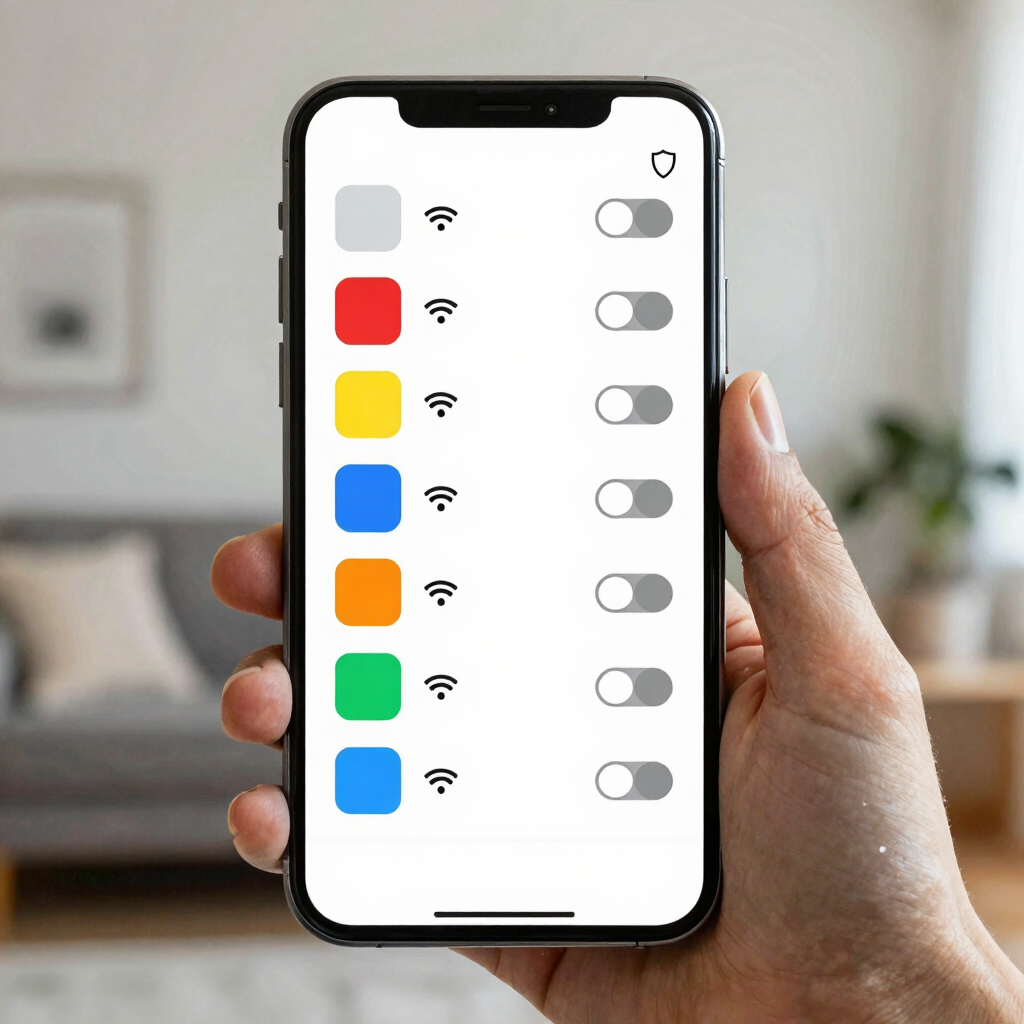
NetGuard is a free, open-source firewall that needs no root access and lets you allow or deny each app’s Wi-Fi and mobile connection separately.
That control is the whole point. Many apps you rarely open still sync, fetch ads, or check for updates behind the scenes. Block an app’s mobile access and it only gets online when you’re on Wi-Fi.
NetGuard also offers an option to allow an app only while the screen is on, which suits apps you use but don’t want chattering all day. It works through Android’s VPN service, routing traffic back to the app itself so filtering happens on your phone instead of a remote server.
Getting started:
Worth knowing:
Opera Mini routes the pages you request through its data-saving servers, which compress them before they reach your phone. Opera advertises savings of up to 90%, though real results depend on the sites you visit.
This approach pays off on slow connections and small bundles. A built-in ad blocker trims extra weight, and a usage graph compares your recent consumption against what you would have used without the browser. The graph is a handy reality check after a week of use.
There are trade-offs. Opera’s own notes say its strongest compression can affect page layout, so complex sites may look stripped down. Because pages pass through Opera’s servers, use your bank’s own app instead of a browser for banking and other sensitive logins.
Best for: news, search, and reading-heavy browsing. Free to install.
Meta built Facebook Lite for low-end Android phones and poor connections, and it uses less data than the standard app. It trades some features and polish for a simpler, faster experience.
There is a second benefit. Meta shut down Messenger Lite in 2023 and kept Facebook Lite, which has some Messenger capabilities built in. Many users can chat without installing the separate Messenger app, which means one fewer app running on your phone.
The limits are straightforward. The interface is plainer, some features of the full app are missing, and it is Android-only. Availability can also vary by device and country, so search for it in your own Play Store before planning around it.
Best for: people who spend most of their social time on Facebook and run on small data packs. Free to install.
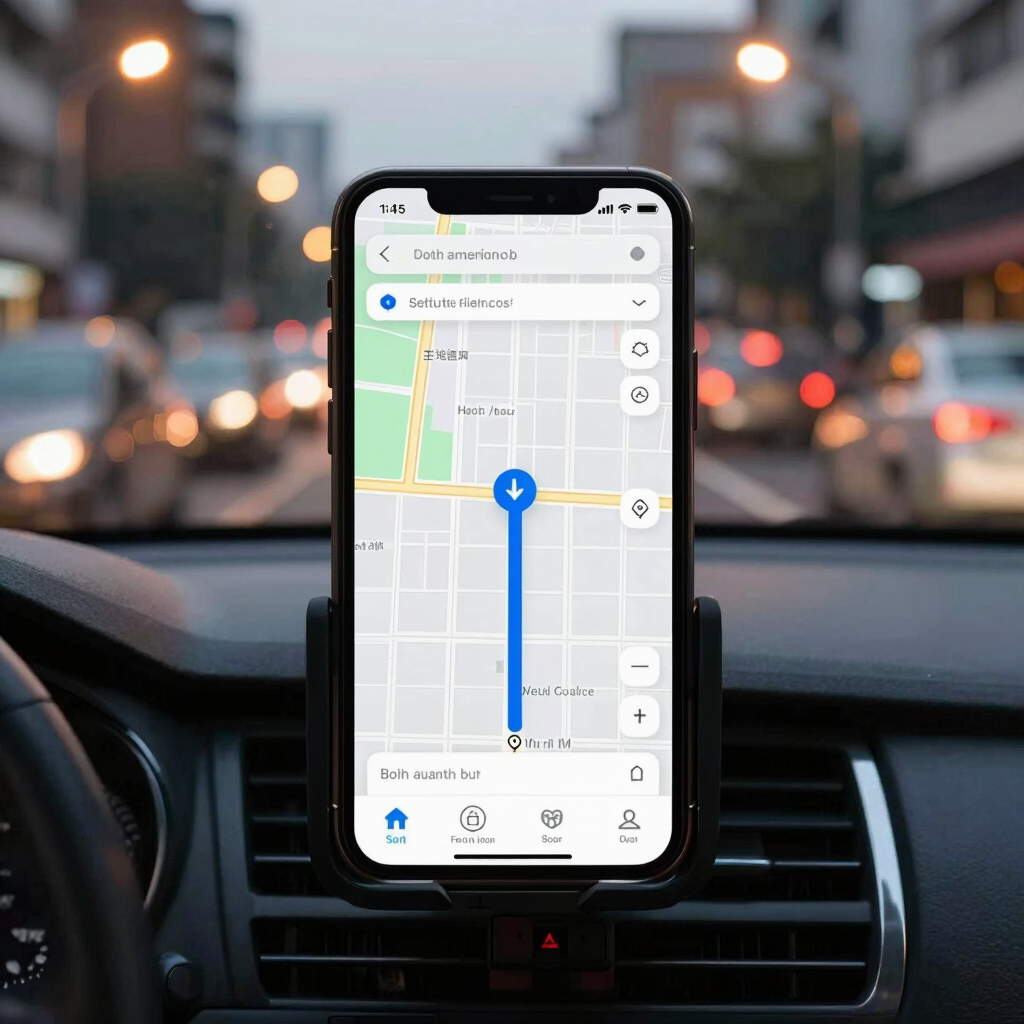
Offline maps let Google Maps work from an area saved on your phone instead of streaming map tiles on every trip. Google expanded offline navigation and search on Android in late 2024, and downloads happen over Wi-Fi by default.
To download an area:
Maps tries to refresh downloaded areas automatically over Wi-Fi when they are close to expiring, and you can store them on an SD card. That helps on phones with limited storage.
Check one thing before relying on this. Google says offline downloads aren’t available in some regions because of contractual limits, language support, address formats, or other reasons. Confirm that your own city can be downloaded. Live traffic and some other features still need a connection. For help choosing a navigation app, see our Google Maps vs Waze comparison.
Best for: daily commuters, travelers, and anyone who drives through patchy coverage. Free.

Files by Google uses Quick Share to send photos, videos, and other files to Android phones and Chromebooks nearby, at speeds Google puts at up to 480 Mbps, even without an internet connection. Transfers are encrypted.
That removes the upload-then-download cycle that makes video sharing expensive on mobile data. Sending a long clip to a friend in the same room takes seconds, and no data leaves your plan.
The app also helps you free up space by finding old photos from chat apps, duplicate files, and cache. It has no ads and uses under 20 MB of storage.
The catch is distance. Both phones must support Quick Share and sit close together, so it replaces chat uploads only when the other person is nearby.
Best for: families, classmates, and coworkers who swap videos and documents in person. Free.
These apps work better with a few built-in Android settings. Menu names differ between Samsung, Xiaomi, and other phone brands, so use the search bar in Settings if you can’t find one.
Match the app to your biggest leak:
Install one, then watch your data usage screen for a week. If the numbers move, add a second. For more phone tweaks, see our guide to hidden Android settings.
No. NetGuard is specifically built to work without root, and the other four are standard Google Play apps.
Not at the same time. NetGuard works through Android’s VPN service, and Android allows one VPN connection at a time. Pick whichever matters more for the moment.
It’s better to use your bank’s own app. Opera Mini sends pages through Opera’s servers to compress them, which is fine for news and search but a poor fit for sensitive logins.
It depends on your region. Google says offline downloads aren’t available everywhere, so open Offline maps in your app and see whether your city can be saved.
Google describes Quick Share transfers as working without an internet connection, so sending a file to a nearby phone shouldn’t use your data plan.