Physical Address
304 North Cardinal St.
Dorchester Center, MA 02124
Physical Address
304 North Cardinal St.
Dorchester Center, MA 02124

Yes, it can happen. A hidden monitoring app, a location-sharing setting you forgot about, or a small Bluetooth tag slipped into a bag can each reveal where you go.
Android has built-in tools to check for all three. This guide walks through them one at a time, starting with the quickest checks, and explains what to do if something looks wrong.
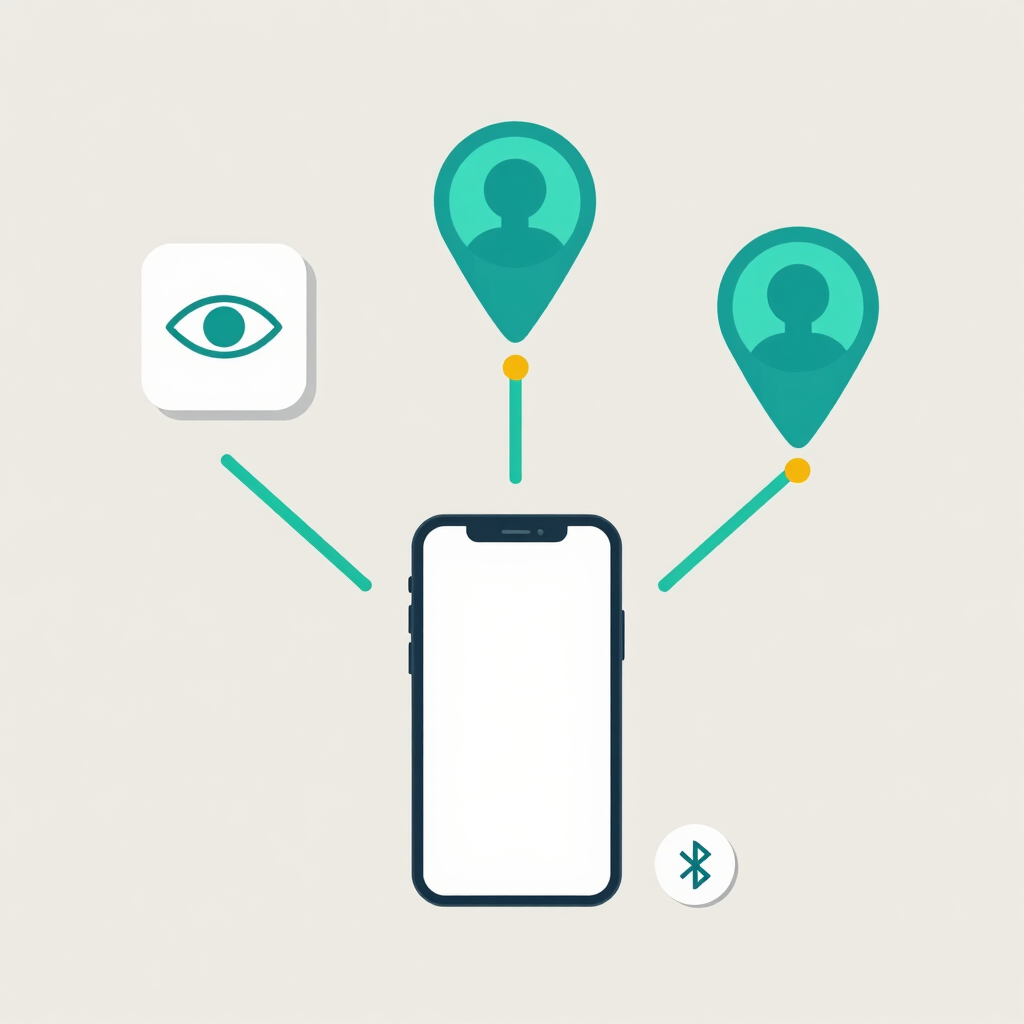
Most real cases fall into one of three groups.
| Method | How it works | Where to check |
|---|---|---|
| Stalkerware or spyware app | A hidden app sends activity from your phone to someone else | Play Protect, device admin, accessibility, app list |
| Account or location sharing | A person you added, or who got into your account, sees your location through Google services | Google Maps and Google Account settings |
| Bluetooth tracker tag | A small tag hidden in a bag or car reports its location | Unknown tracker alerts |
Stalkerware is the route most people worry about. It quietly relays activity from your phone to another person’s device. Many of these apps remove their icon from the home screen, and some use shortened or dull names so they blend into your app list.
The other two routes need no malicious software at all. Location sharing works through a normal Google account, and a Bluetooth tag never touches your phone.
Technical symptoms are easy to over-read. A battery that drains fast or a phone that runs warm can come from a recent update or one badly behaved app.
The Coalition Against Stalkerware points to a less technical clue: the other person seems to know things about your movements or activities. Watch for these signs:
One sign alone proves nothing. Several together, especially the first, justify the checks below.
If the person you suspect lives with you, or is a partner or relative, pause before removing anything. Deleting a monitoring app or changing permissions can alert whoever installed it, which may increase harassment or abuse. Removal can also wipe out evidence you may need for a police report.
Take screenshots of anything suspicious first: app names, permission screens and dates. If you feel unsafe, contact a support organization before you act. Pakistani contacts are listed further down. Look up help on a phone or computer the suspected person cannot access.
If nobody could react badly to changes, work through the steps straight away.
Menu names differ between Android versions and brands. Samsung, Xiaomi, Infinix, Tecno and others label things slightly differently. If you can’t find a menu, type its name into the search bar at the top of Settings.
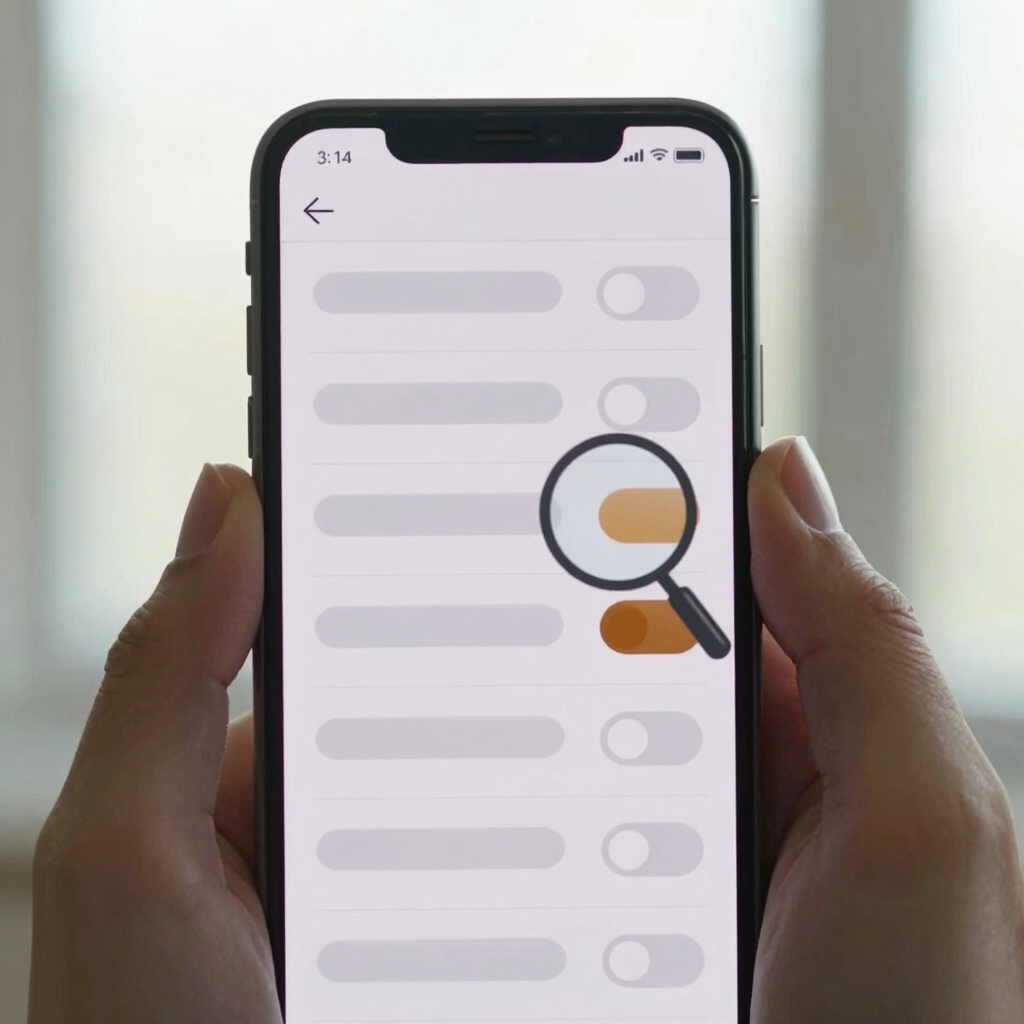
Step 3: Review Accessibility and Notification Access
Play Protect screens apps for signs of harmful behavior, but it stops protecting you when it is switched off. Someone installing monitoring software may turn off scanning and alerts first.
No scanner catches everything. Treat a clean result as one data point, not a verdict.
Device admin apps were designed so organizations could manage staff phones remotely, and stalkerware often takes advantage of them. On a personal phone, the list is usually short and familiar, such as a Google or phone-maker security feature.
Accessibility permission lets an app read your screen and act on it, and spyware often abuses these built-in features. Notification access lets an app read your incoming alerts, including message previews.
Hidden apps can vanish from the home screen, so check the full list in Settings instead of your launcher.
On Android 12 and newer, the Privacy Dashboard shows which apps accessed your camera, microphone and location in the last 24 hours.
Android 12 and newer also show a small camera or microphone indicator in the status bar when either is active.
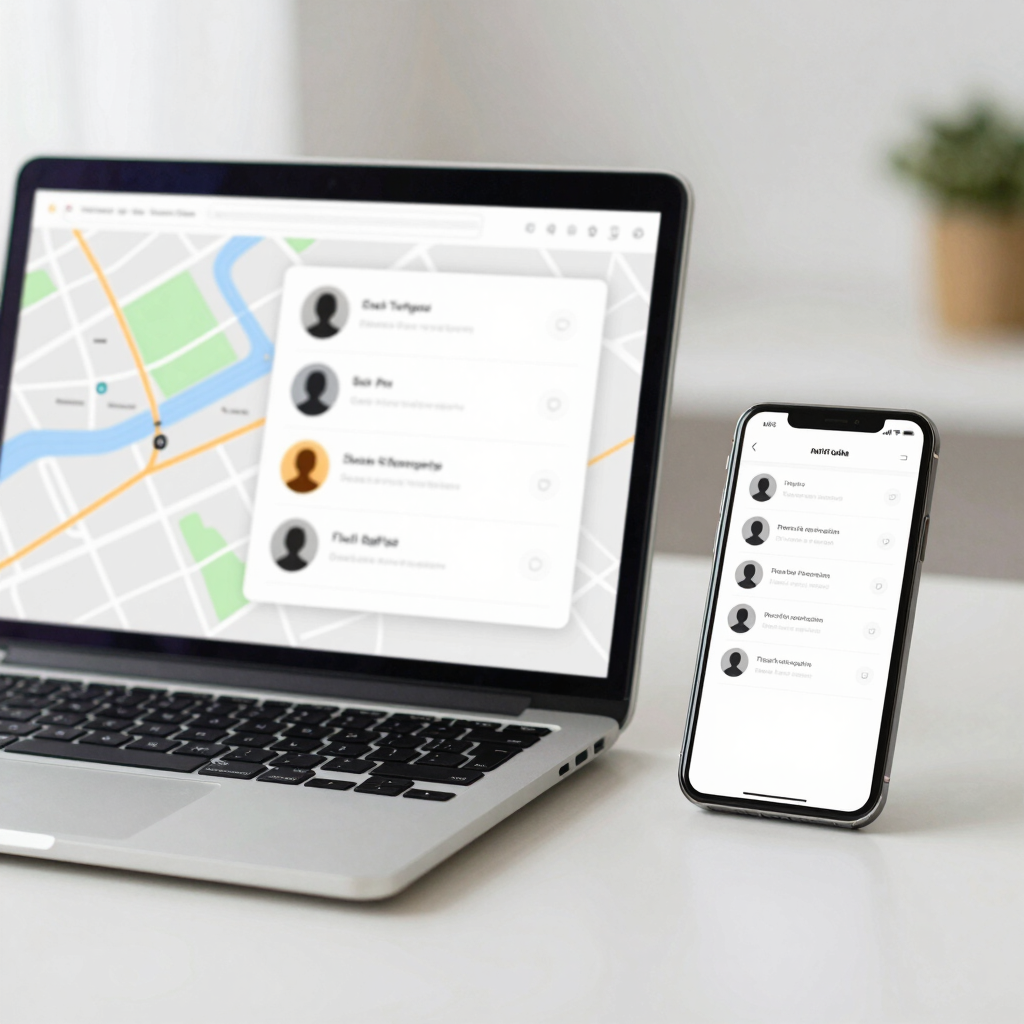
This check needs no app at all, which is why it gets missed. People you share your location with can find your device’s recent location even when Google apps aren’t open.
Signing out unknown devices can also be noticed, so follow the safety note first if it applies to you.
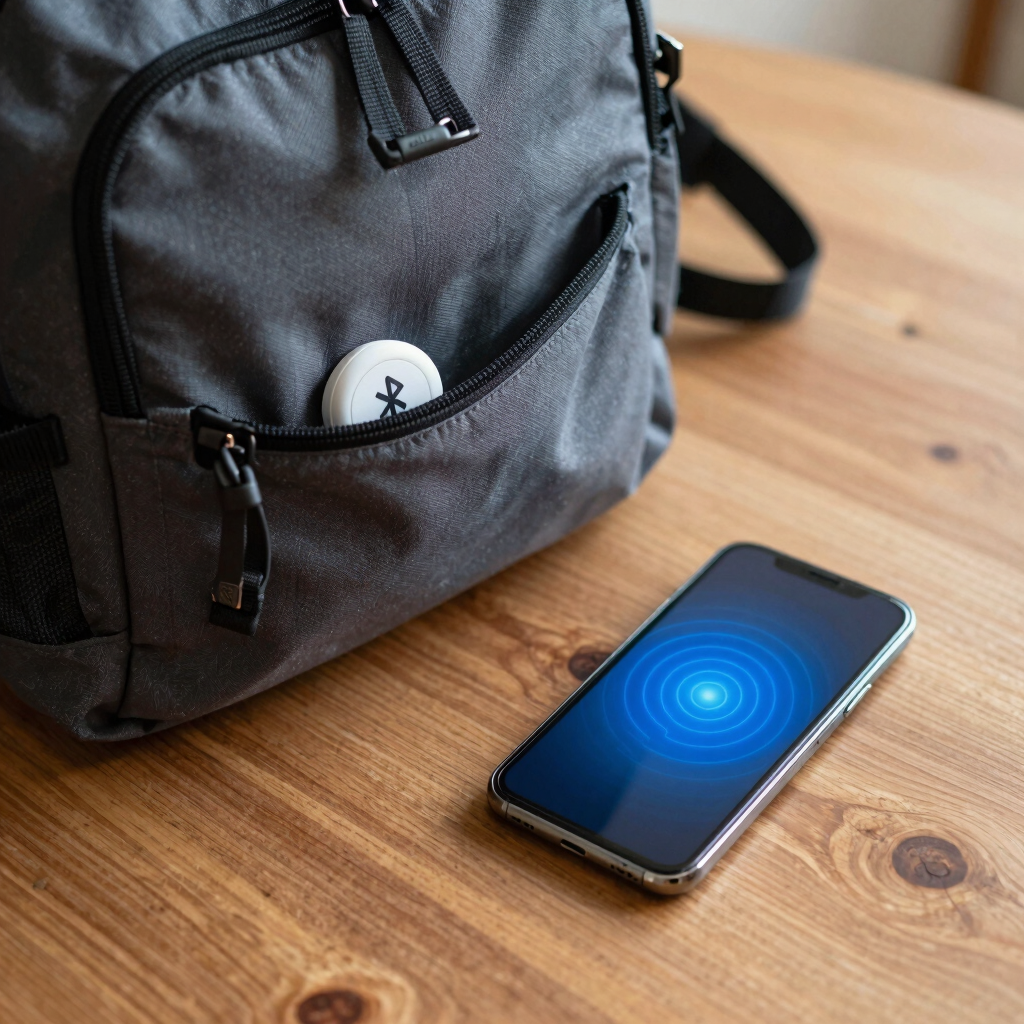
A tag hidden in a bag, jacket or car never touches your phone, so the earlier steps won’t find it. Android’s unknown tracker alerts are built for this. They work with Find Hub network compatible tags, headphones and Apple AirTags.
The feature is available on Android 6.0 and later through Google Play services. Also check likely hiding spots by hand: bag linings, jacket seams, under car seats and inside the glovebox.
Work from the safest actions to the most drastic.
A person who regains access to your phone can reinstall stalkerware, so the reset only helps if your phone and accounts are secured afterwards.

If someone is deliberately monitoring you, you don’t have to handle it alone. Pakistan’s Prevention of Electronic Crimes Act (PECA) 2016 covers cyber stalking, and that includes spying on and monitoring someone’s activity. This is general information, not legal advice.
If you are in immediate danger, call the police emergency number (15) first.
Usually not through anything built into Android. Real tracking generally needs software on your phone, access to your Google account, or a tag hidden in your belongings. Be skeptical of websites that promise to locate any phone from a number. Your mobile network keeps its own records, but that is separate from the app-level tracking covered here.
Often yes, because it wipes installed apps. It won’t help if the person still has your Google password or a live location share, and they could reinstall it if they get your phone again.
No scanner catches everything. Run the scan, then review device admin, accessibility and app lists yourself, since those manual checks catch things automated scans can miss.
It’s possible. Removing monitoring tools or making major changes may be detected and could increase harassment. That’s why the safety note comes before the steps.
Android sends an alert when an unknown tracker has been separated from its owner and appears to be traveling with you. You can also run a manual scan from Settings > Safety & emergency > Unknown tracker alerts, and search likely hiding spots by hand.