Physical Address
304 North Cardinal St.
Dorchester Center, MA 02124
Physical Address
304 North Cardinal St.
Dorchester Center, MA 02124


Ten of the most-downloaded free Android apps — from document scanners to cleaner apps to caller ID tools — were compared side by side. Most hide their real cost behind ads, paywalls, or your data. Only three delivered what they promised without a catch.
Ten of the Play Store’s most-installed “free” apps went through the same simple test: install it, try to do the one thing it promises, and see what actually gets in the way. The results split cleanly into two piles.
Seven apps hid their real cost somewhere — behind ads, a locked feature, a subscription nag, or a permission request that had nothing to do with the task at hand. Only three did exactly what they said on the label, with no catch attached.
This isn’t a knock on free apps in general. “Free” on the Play Store almost always means someone else is paying for the app’s development — through ads, your data, or a premium tier waiting behind the feature you actually wanted. Here’s how ten popular picks broke down, category by category.
Three questions decided each verdict:
None of this reflects any partnership with Google or with the developers below. It’s just what turned up when the free version of each app got measured against the same three checkpoints.
CamScanner turns a phone camera into a document scanner, and it’s genuinely good at that one job. The catch shows up the moment you try to export anything: the free version loads the free tier with intrusive ads and stamps a visible watermark on every exported document unless you pay for a premium subscription, which currently runs around $4.99 a month or roughly $49.99 a year — pricing that can vary by region, so check the app’s own listing for the exact current figure in Pakistan.
There’s also history here worth knowing. In 2019, security researchers at Kaspersky found a hidden trojan-dropper module in several mid-year updates of the app, and Google pulled CamScanner from the Play Store as a result. A cleaned-up version was later reinstated, and nothing similar has recurred since — but combined with the ongoing watermark-and-ads push, it’s not the scanner worth keeping.
Adobe Scan does the same core job — camera to searchable PDF — without the watermark. The free version does carry ads: app-analytics data shows Adobe Scan draws roughly two-thirds of its revenue from ads and the rest from in-app purchases, so expect the occasional banner. In 2026, Adobe added a faster “High-speed scan” mode aimed at bulk scanning, which requires a subscription or trial to actually save the files it produces — but that’s an add-on for power users, not a gate on the basic promise. A one-off scan of a receipt or a form still comes out as a clean, watermark-free PDF for free.
Files by Google earns its keep by doing exactly what it says: it shows how much storage is left on the device, SD card, or USB drive, and gives smart cleaning recommendations for old photos, duplicate files, and cache. It also bundles a Safe Folder for sensitive files, offline Quick Share transfers, and optional backup to Google Drive or an SD card — and the whole app stays under 20 MB and runs with no ads. A newer option lets you ask Gemini questions about a PDF, but that needs a Gemini Advanced subscription and isn’t required for the app’s core job.
This is the category that gets the worst deal for the trust it asks for. Apps promising to “boost” RAM or “clean” memory lean on a premise Android itself doesn’t support. Google’s own developer documentation for Android 14 now restricts the API these apps rely on, explicitly stating that a third-party app can’t improve a device’s memory, power, or thermal behavior, and that Android is designed to manage and kill background apps on its own. Force-closing an app that Android wants to keep cached typically means it just restarts — which, if anything, costs more battery than it saves.
The most-installed example of this pattern is no longer even available to install: Clean Master, once downloaded by over a billion people, was permanently banned from the Play Store in 2020 along with the rest of its developer’s apps for ad fraud. Newer apps in the same “junk cleaner and booster” mold — often published under different names by different developers — still make the same claims Android’s own documentation says aren’t possible.
AVG’s free app bundles a lot into one install: virus scanning, an app lock, a photo vault, a junk cleaner, and a teaser VPN. For most people who install apps only from the Play Store, this is more security than the phone actually needs — Android’s built-in Play Protect already scans everything from the Play Store and from sideloaded sources, and most tech reviewers agree that users who stick to the Play Store and use reasonable judgment don’t need a separate antivirus app.
There’s also a trust issue worth flagging. AVG’s parent company was at the center of a well-documented 2020 scandal: Avast collected browsing data through its free antivirus products and repackaged it for sale through a subsidiary called Jumpshot, a practice it shut down only after journalists exposed it. AVG’s free antivirus app was one of the products implicated. Avast has since wound the practice down, but it’s a legitimate reason to think twice before handing a “security” app broad permissions. This one earns a place on your phone only if you regularly sideload apps, share your device, or use unsecured Wi-Fi often enough that the extra layer is worth the trade-off.

PicsArt is a genuinely capable mobile editor — collage tools, AI background removal, filters, and more packed into one app. The free tier makes you feel that capability without quite letting you use it: the free version includes ads and gives only around five AI credits a week, with watermarks on some exports, and the paid tiers range from about $5 a month for basic extras up to roughly $22 a month for heavy AI use. Fine for the occasional meme or crop; a real ongoing cost for anyone editing regularly.
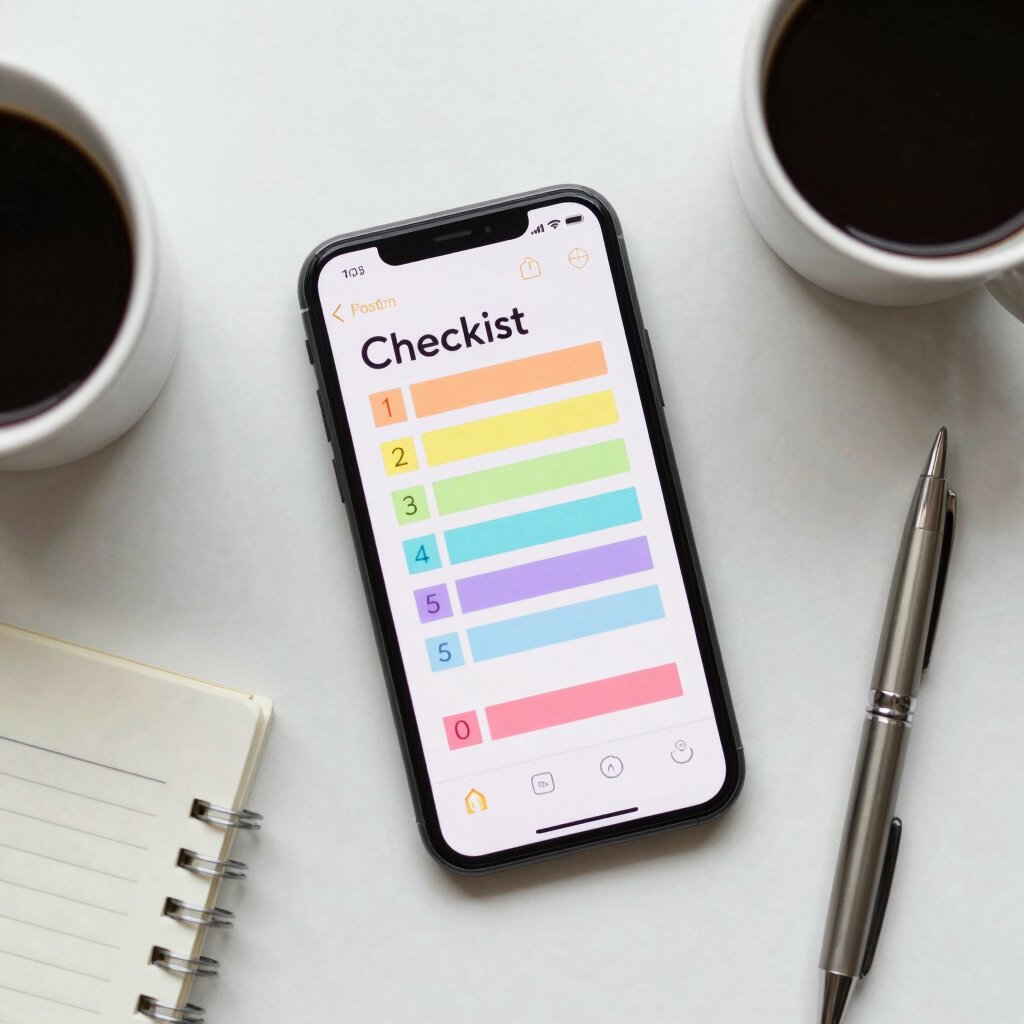
Google Keep is the simplest entry on this list, and that’s exactly the point. It’s a completely free note-taking app with no ads and no premium tier at all — notes, checklists, photo notes, voice memos, reminders, and sharing, with nothing held back. The only feature gated behind a subscription is an optional Gemini-powered list generator, which needs a Google AI Pro or Ultra plan (or a Pixel device) and isn’t required for anything Keep is actually for.
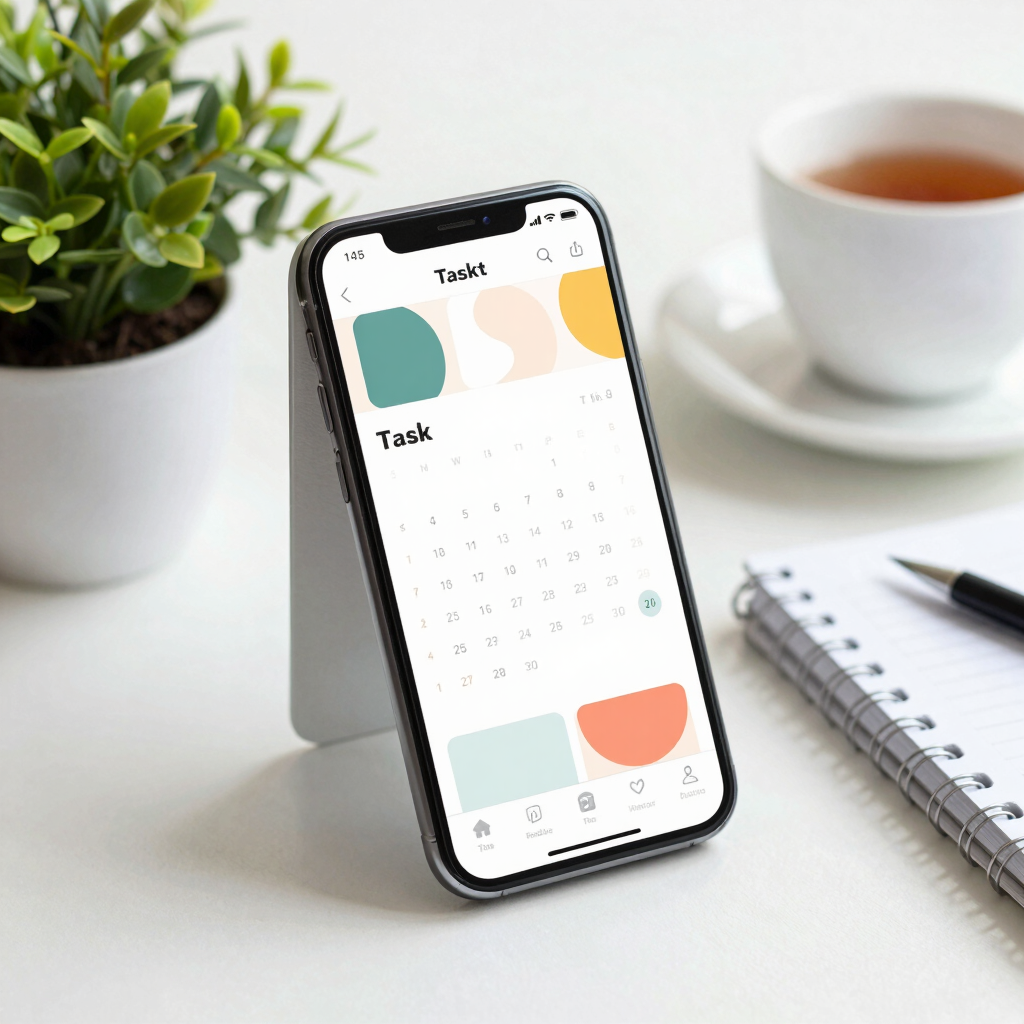
TickTick’s free plan looks generous at a glance: unlimited tasks across up to nine lists, each holding up to 99 tasks and 19 subtasks, with one collaborator per list. The features that make TickTick distinctive — full calendar view, habit tracking, multiple reminders per task, custom smart lists — sit behind Premium, priced at around $3 a month, or roughly $28 to $36 a year depending on the billing plan and region. It’s a fair price for what you get, and cheaper than most rivals. It just isn’t free in the way Google Keep or Files by Google are free.
Truecaller is one of the most-installed apps in South Asia, including Pakistan, largely for one reason: it flags spam and telemarketing calls before you answer them. That feature works by crowdsourcing contact books — when someone installs Truecaller, the app uploads their phone’s contact list, including the numbers of people who never installed Truecaller themselves and never agreed to be listed. That practice has drawn regulatory attention in multiple countries; India’s Internet Freedom Foundation and international privacy researchers have raised concerns that Truecaller collects and monetizes user data more aggressively than its privacy-focused branding suggests.
None of this makes Truecaller unsafe to install. It does mean the convenience of instant spam-call ID comes at the cost of your contact book quietly becoming part of someone else’s database — a trade worth making consciously rather than by default.
WPS Office is a genuinely solid Microsoft Office–compatible suite for Android — Word, Excel, and PowerPoint files all open and edit cleanly. The free tier’s price is a heavier permission and ad load than most of the other apps on this list: one permission audit found the app requesting 34 separate Android permissions, and a tracker scan found 11 third-party ad and analytics trackers built in, including multiple ad networks. Users on forums consistently note the same pattern: ads even in the free version, a freemium model that disables some features after an initial trial period, and privacy concerns tied to how much access the Android version asks for.
If all you need is basic document viewing and light editing on the go, Google’s own free Docs, Sheets, and Slides apps cover the same ground with none of this baggage.
| App | Category | Free Version Reality | Verdict |
|---|---|---|---|
| CamScanner | Document scanner | Ads plus a forced watermark on exports | Skip |
| Adobe Scan | Document scanner | Ads, but no forced watermark on basic scans | Keep |
| Files by Google | Storage cleaner | No ads, does exactly what it promises | Keep |
| Junk cleaner / booster apps | Phone booster | Claims Android’s own design doesn’t support | Skip |
| AVG AntiVirus & Security | Mobile security | Heavier than most people need, past data-selling history | Skip (situational) |
| PicsArt | Photo editor | Ads, watermarks, capped weekly AI credits | Depends |
| Google Keep | Notes and lists | Completely free, nothing held back | Keep |
| TickTick | To-do and calendar | Generous free tier, but the good stuff is paywalled | Depends |
| Truecaller | Caller ID | Free, but built on everyone’s contact book | Depends |
| WPS Office | Office suite | Ads and a heavy permission list | Skip |
Files by Google, Google Keep, and Adobe Scan share the same pattern: each does the one thing it promises without gating that core function behind a subscription, a watermark, or an unusually large ask for permissions. That’s a low bar in theory and a surprisingly rare one in practice — seven out of ten popular apps here didn’t clear it.
Before installing the next “free” app that promises to fix, boost, protect, or edit something, three quick checks save a lot of regret later:
The 2019 malware incident was fixed years ago, and current versions of CamScanner haven’t repeated it. The ongoing concern is the business model, not security: heavy ads and a forced watermark unless you subscribe.
For most people who install apps only from the Play Store, Android’s built-in Play Protect covers the basics. A separate antivirus app becomes more useful if you sideload apps from outside the Play Store, share your device with others, or frequently connect to public Wi-Fi.
It’s safe in the sense that it isn’t malware, and it genuinely helps filter spam and telemarketing calls. The trade-off is that installing it uploads your contact book — including numbers of people who never agreed to be listed — to Truecaller’s database.
Android automatically manages which apps stay cached in memory and closes them on its own when it needs the space. Force-closing apps yourself usually just makes them restart, which uses more battery and processing power than leaving them alone.
Try to complete the app’s main promised task without paying, and pay attention to what permissions it asks for along the way. If the basic task needs a subscription or an unrelated permission to finish, that’s the app answering the question for you.