Physical Address
304 North Cardinal St.
Dorchester Center, MA 02124
Physical Address
304 North Cardinal St.
Dorchester Center, MA 02124

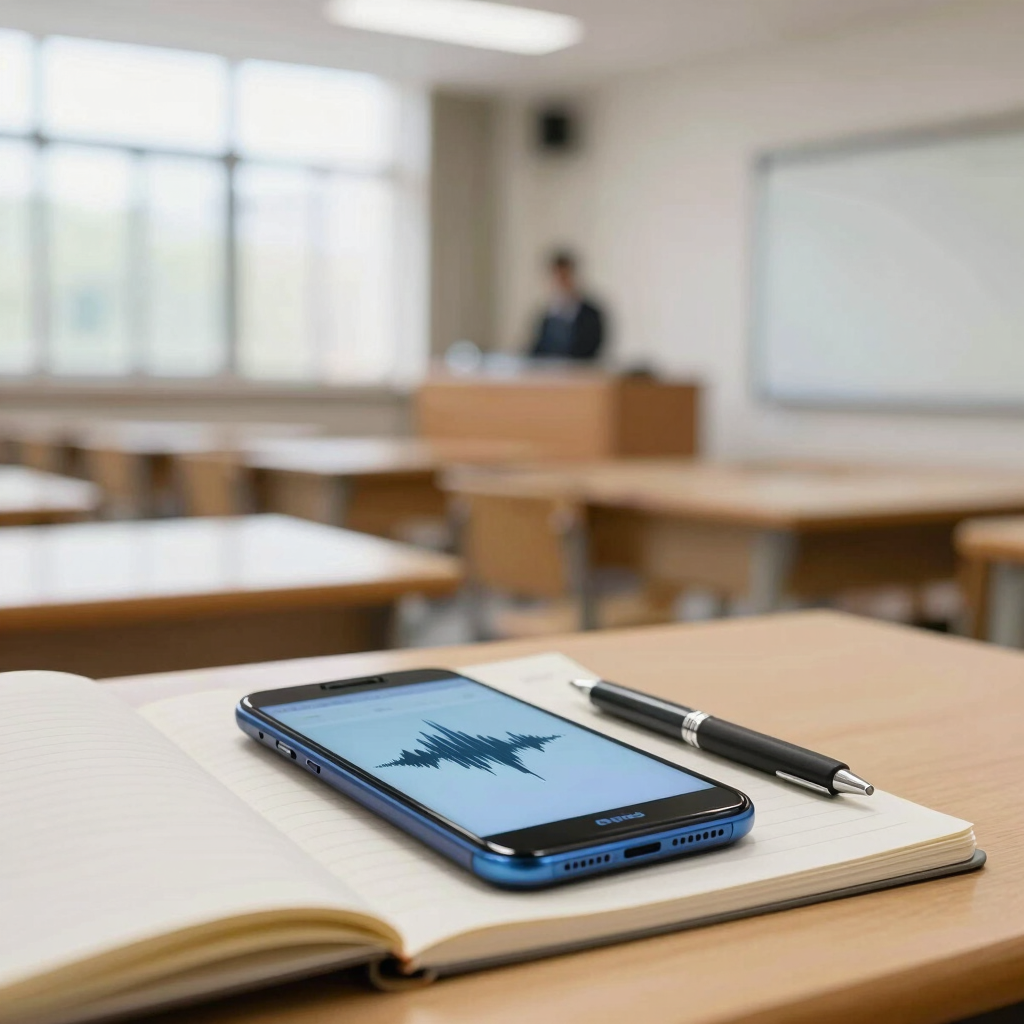
A good lecture recording rescues you when the professor rushes through a slide or a ceiling fan drowns out the back rows. But an hour of raw audio only helps if you can search it, skim it, or turn it into notes.
The apps below cover both jobs. For most students on Android, the strongest setup is a dependable recorder such as Easy Voice Recorder, paired with Gemini Notebook to turn the audio into summaries and quizzes. Galaxy owners have a built-in shortcut in Samsung Notes, and OneNote is still the easiest free place to keep everything together.
All of these apps are available through official channels such as Google Play. Free-plan limits decide whether an app can handle a full lecture, so each pick spells them out.
| App | Best For | Free Option | Works On |
|---|---|---|---|
| Easy Voice Recorder | Long, reliable lecture recordings | Yes (Pro upgrade adds extras) | Android |
| Gemini Notebook | Summaries, Q&A and quizzes from recordings | Yes (free plan with limits) | Android, web |
| Microsoft OneNote | Typed, inked and photo notes in one place | Yes | Android, iOS, desktop, web |
| Samsung Notes | Notes synced to audio | Yes | Samsung Galaxy phones and tablets |
| Otter.ai | Live English transcription of short sessions | Yes (300 minutes a month) | Android, iOS, web |
Not every app suits a 90-minute lecture. Otter’s free plan, for example, stops a single conversation at 30 minutes, which makes it a niche pick rather than an all-purpose one.
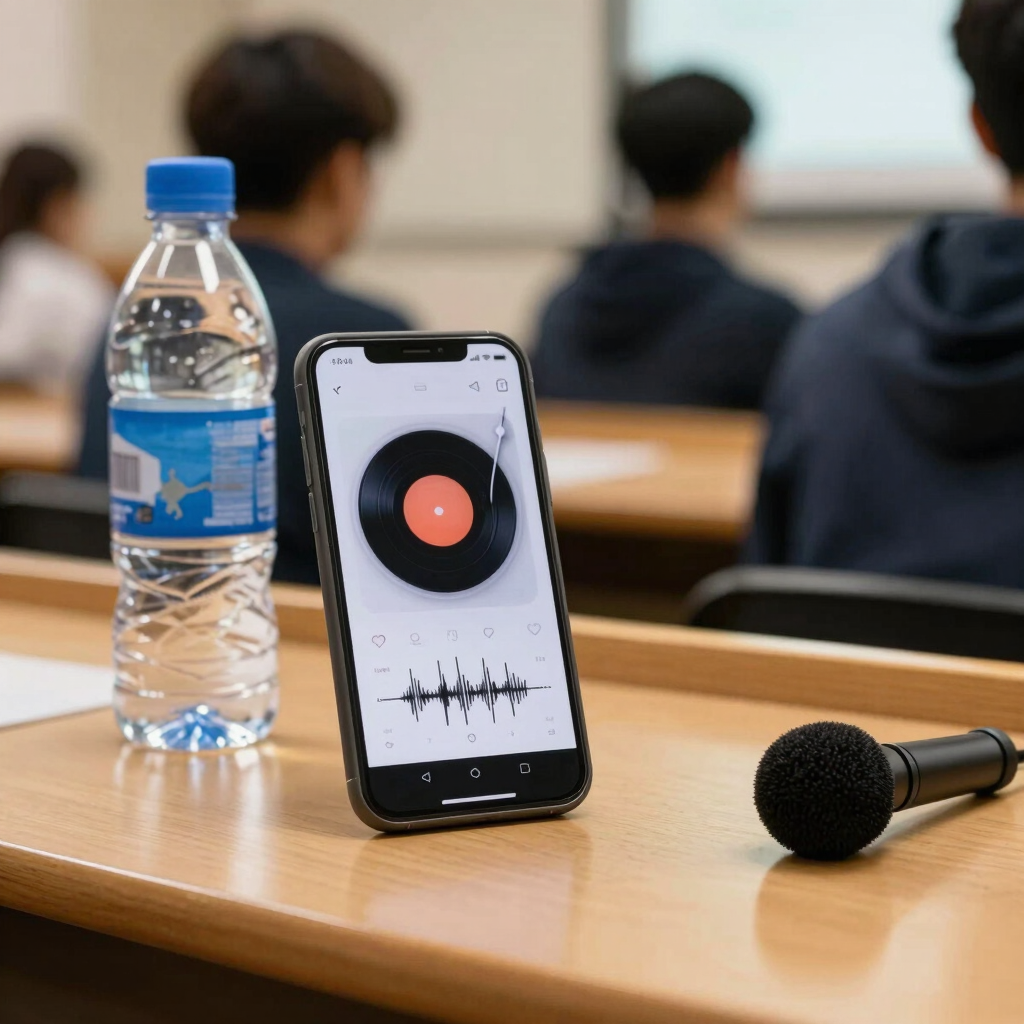
Easy Voice Recorder does one job and stays out of your way. The developer says it has no time limits and lets you choose a compressed format, so even the longest classes are practical to record. It also works offline, so a weak connection in the lecture hall doesn’t matter.
You can keep recording while you switch to other apps, which helps when you need to check slides or messages. Playback speed can be sped up or slowed down, which is handy when you review a fast talker before an exam.
The free version covers recording and playback. The Pro upgrade adds folders, trimming, extra formats such as MP3, FLAC and AAC, Bluetooth microphone support, and automatic uploads to cloud storage. Pricing varies by region, so check the app’s Play Store listing for the current figure.
Limitation: This is a recorder, not a note-taking or transcription tool. Pair it with something that handles the notes, such as the next two apps.
Google renamed NotebookLM to Gemini Notebook on July 16, 2026, keeping it as a standalone research tool. It is the same product, so older guides that mention NotebookLM still apply.
Here is why it earns a place on a lecture list. You can upload a local audio file, and Gemini Notebook transcribes it at import and saves the text as a source. Common formats such as MP3, M4A and WAV are on Google’s supported list. Once the lecture is a source, you can ask questions about it, request a summary, or generate flashcards and quizzes.
For Pakistani students, the language list matters. Google lists Urdu, Punjabi, Hindi and English among the languages supported for audio import. Lectures that switch between Urdu and English are common, so test a short clip before trusting it with a whole semester.
The Android app is easy to try. It runs on Android 10 and up, offers an Audio File option when adding a source, and includes flashcards and quizzes. Google’s list of supported countries for the Android app includes Pakistan, though the rollout is gradual. Search Play Store for “Gemini Notebook”; an older install may still show the previous name until it updates.
Limitations to know:
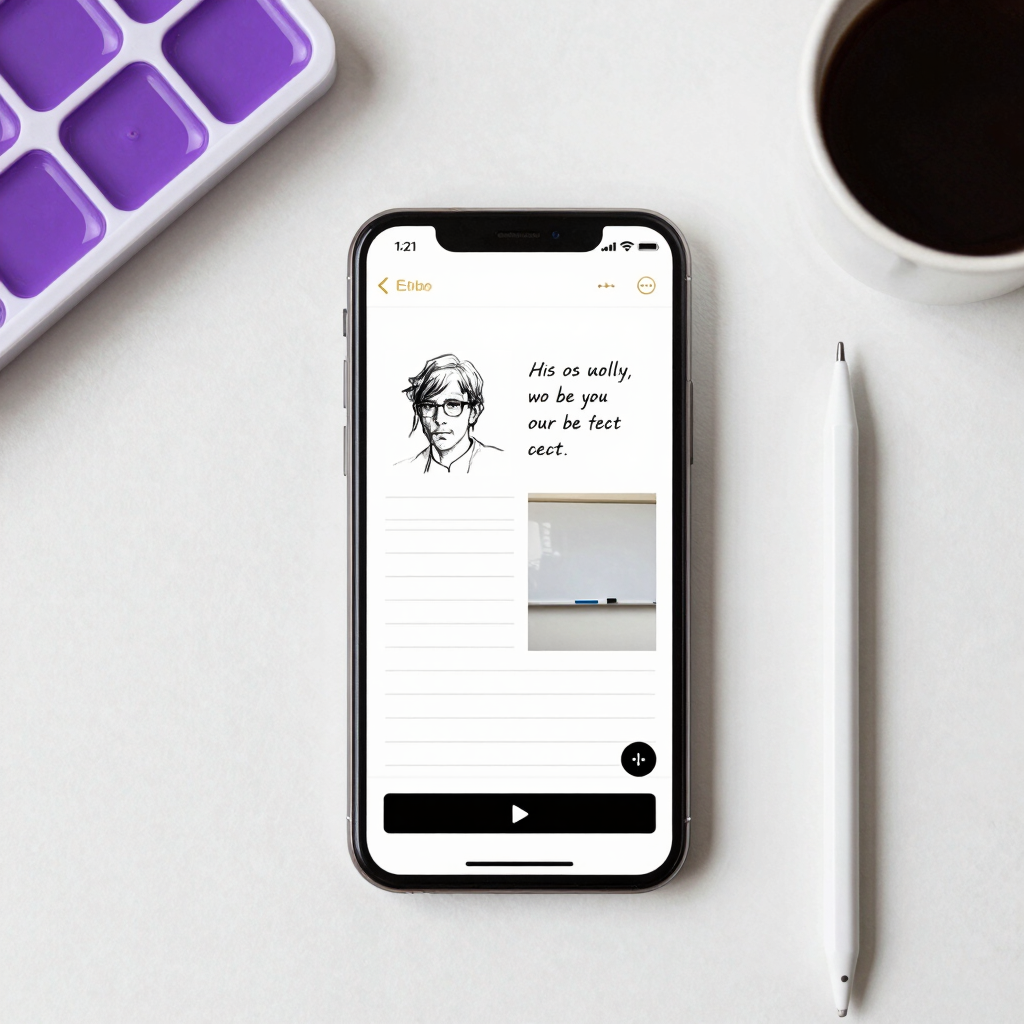
OneNote suits students who take mixed notes: typed lines, a quick diagram, a photo of the whiteboard. The Android app lets you record and insert audio notes, format text, and search everything you’ve captured.
Its quick capture bar offers text, voice, ink and image notes, and the camera button opens Microsoft Lens to scan documents or capture whiteboards. That means one page can hold the recording, your typed points and the board, all synced through your Microsoft account.
Limitations: Microsoft’s instructions for linking your notes to the recording timeline cover the desktop app, so don’t count on that behaviour on Android. Voice dictation on Android supports a limited list of languages, so check Microsoft’s page to see whether yours is included. For long lectures, many students record with a dedicated recorder and keep OneNote for the written notes.
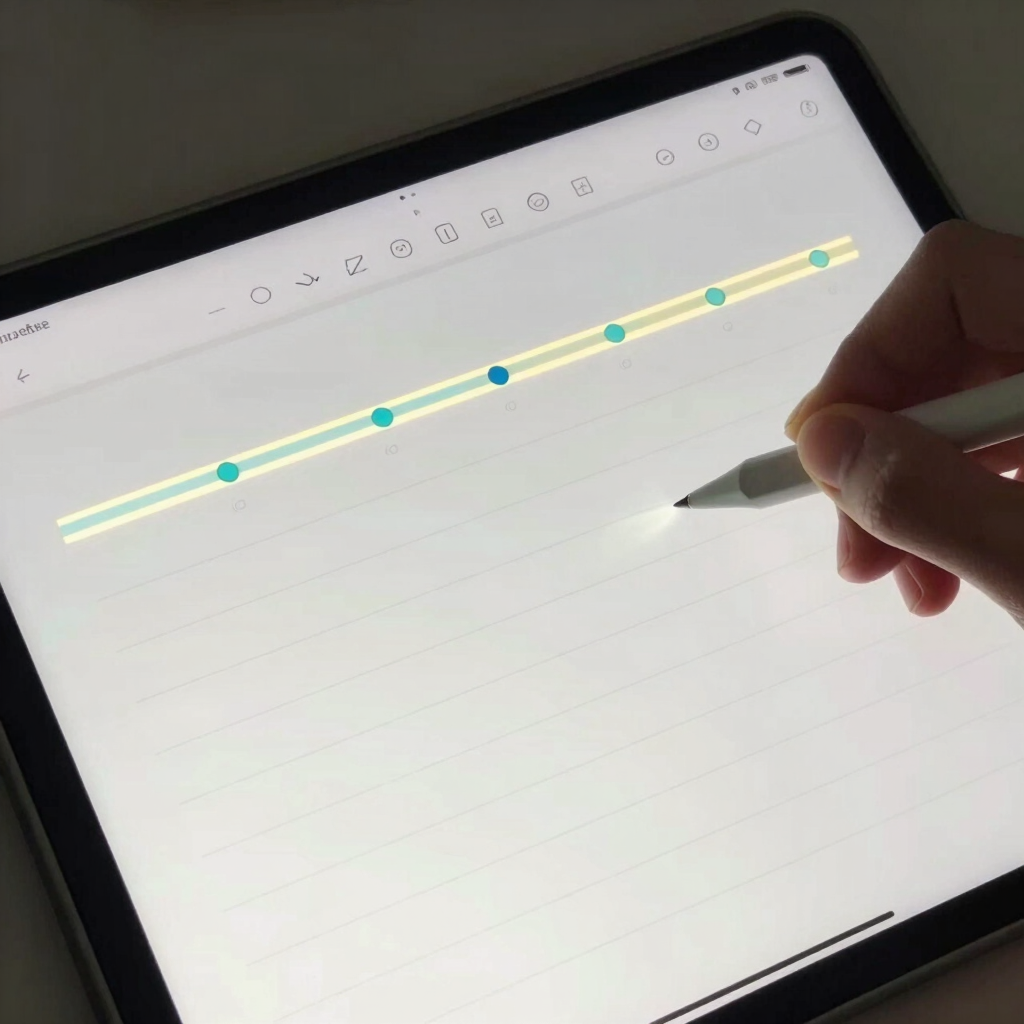
If you own a Galaxy phone or tablet, Samsung Notes may be all you need. You record inside a note while writing with the keyboard, an S Pen or your finger. Your writing syncs to the audio, and your notes scroll along as the recording plays back. Tap a line you wrote and the audio jumps to that moment, so you can find the confusing part of a lecture in seconds.
Samsung Notes can also generate a transcript and a summary of a recording. Samsung notes that some features may be unavailable if the app isn’t up to date, and AI features depend on the device model. Check what your phone offers, including which languages it supports, before relying on the transcript.
Limitation: It only works on Samsung devices. If you switch to another brand, you’ll need another app.

Otter transcribes speech as it happens. The free plan includes live transcription, speaker identification, AI chat across your meetings and apps for iOS and Android. Watching the words appear can help in a fast-moving seminar.
The catch is the free allowance. Free users get 300 transcription minutes a month, capped at 30 minutes per conversation, with only three audio or video file imports for the lifetime of the account. A standard lecture would be cut off at the 30-minute mark, so this is better for tutorials, study-group calls and short seminars.
The Pro plan costs $8.33 a month billed annually, or $16.99 billed monthly, and raises the allowance to 1,200 minutes. Pro also caps each meeting at 90 minutes. These prices are in US dollars. Local pricing may differ, and Otter changes plans often, so check the current page before paying.
Language note: Otter supports only six transcription languages, so confirm yours is covered. For Urdu or Punjabi lectures, Gemini Notebook’s documentation is the better fit.
Two more tools are worth a mention, though neither is an all-rounder.
Google Recorder (Pixel phones only). The Recorder app works on Pixel 3 and later, and a single recording can run up to 18 hours. Real-time transcription on newer Pixels covers languages such as English (India) and Hindi, but Urdu isn’t on Google’s list.
Google Keep. Keep’s microphone button records your voice and transcribes it into the body of the note, and you can still play the audio back. It’s built for short voice memos, such as a reminder about a deadline, so test it with a long recording before trusting it with a full class.
A few minutes of preparation prevents most recording disasters.
A recording is a backup, not a replacement for being in the room. Use it to fill gaps in your notes and to revise the parts you missed, and it will earn its place in your study routine. If you’re also studying languages, our list of apps to learn English pairs well with a good recorder.
Some phones include a basic voice recorder, and Pixel and Galaxy phones have stronger built-in options such as Google Recorder and Samsung Notes. If yours is limited, a free app like Easy Voice Recorder is a simple upgrade.
It depends on the app. Easy Voice Recorder and OneNote are free to use for everyday note-taking. Gemini Notebook’s free plan allows 50 sources per notebook. Otter’s free plan is the tightest, at 30 minutes per conversation.
Among the apps covered here, Gemini Notebook is the one whose documentation lists Urdu and Punjabi for audio import. Test a short clip first, especially if your lecturer mixes Urdu and English.
Recording in a dedicated recorder such as Easy Voice Recorder works offline. Transcription and summaries in Gemini Notebook and Otter need an internet connection, so upload your recordings later on Wi-Fi.
Rules vary by institution, and this article isn’t legal advice. Ask your lecturer and check your university’s policy before you record.