Physical Address
304 North Cardinal St.
Dorchester Center, MA 02124
Physical Address
304 North Cardinal St.
Dorchester Center, MA 02124


Between crowded syllabi, patchy internet and phones with limited storage, Pakistani students need apps that stay useful offline and cost little. These five Android picks cover backup and scanning, concept lessons, revision, translation, and focus, with honest notes on what each one does not do.
A phone can be a student’s best study tool or its biggest distraction. What decides which one it becomes is mostly what’s installed on it.
This list skips flashy picks and focuses on five Android apps that fix everyday student problems: losing notes, not understanding a chapter, forgetting what you revised, getting stuck on English text, and losing hours to your own screen. All five come from Google Play, and each is free to start. apkboy.online is independent and not affiliated with any app or company mentioned here; names are used for identification only.
Each pick also comes with its limits, so you know what to expect before you install it.
| App | Best For | Free Option | Main Limitation |
|---|---|---|---|
| Google Drive | Backup, scanning, sharing files | Yes, 15 GB shared with Gmail and Photos | Free space fills up; scans can’t be password-protected |
| Khan Academy | Concept lessons and practice | Yes, fully free | Mostly English, not built around Pakistani board syllabi |
| AnkiDroid | Revision with flashcards | Yes | Building good cards takes time |
| Google Translate | English–Urdu help, camera translation | Yes | Literal translations can miss technical meaning |
| Forest | Staying off your phone while studying | Yes, with ads | Some features need the paid Plus plan |
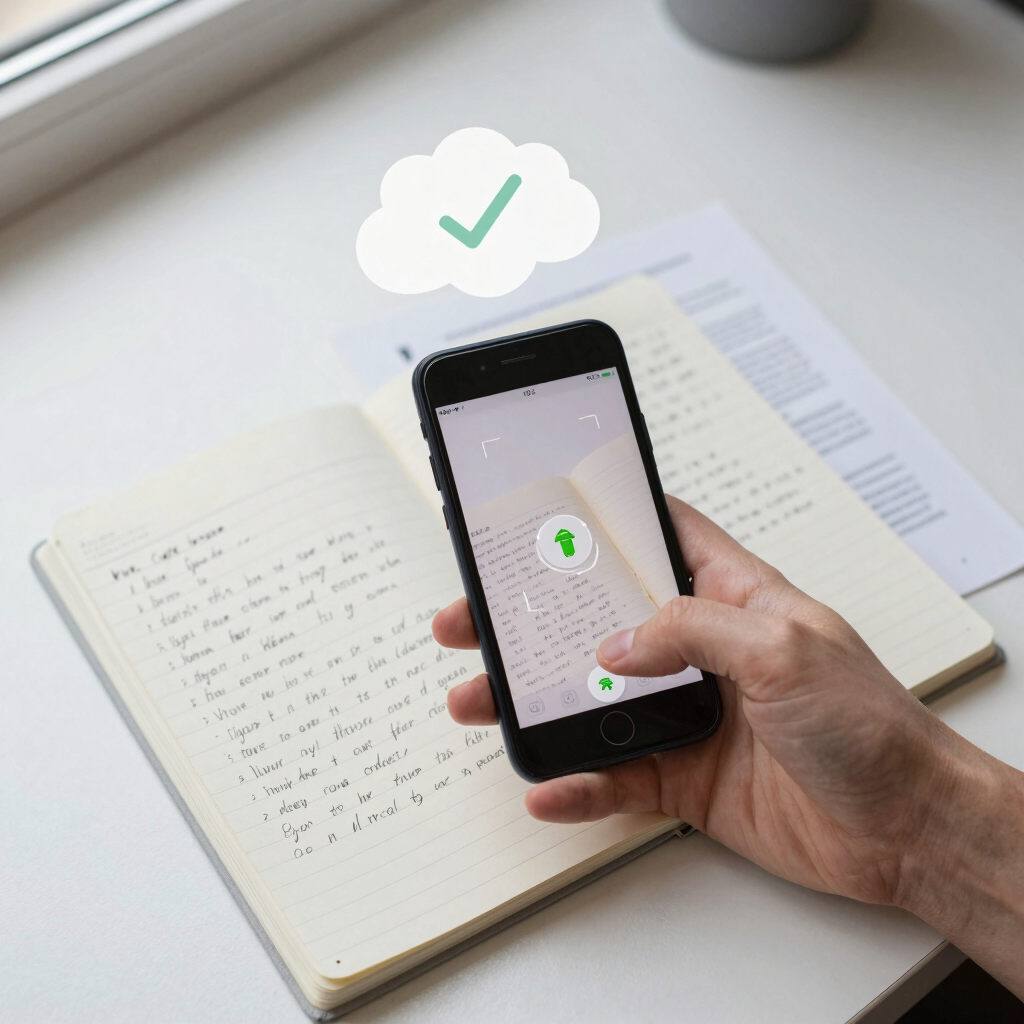
Phones get dropped, stolen and lost. A semester of notes shouldn’t disappear with them.
Google Drive backs your files up to your Google account, and it comes preinstalled on most Android devices, so you may already have it. Every account gets 15 GB of free storage shared across Drive, Gmail and Photos.
The feature students rarely use is the built-in scanner. Tap the + button, choose Scan, and photograph a handwritten note, a teacher’s handout or a past paper. Drive saves the scan as a searchable PDF, so you can find a topic later by typing a keyword. If you’re also comparing note-taking options, our list of the best apps for recording lectures and taking notes covers the writing side.
Before exam week, open your most important files and mark them as available offline. That way a power cut or weak signal won’t lock you out of your own material.
What to watch for: Free storage disappears quickly if Google Photos backup is on. Drive also doesn’t let you password-protect scanned files, so keep sensitive documents such as identity papers out of your casual scans. Paid storage plans exist, but pricing can vary by region, so check the upgrade option inside the app for the current figure. Turn on 2-Step Verification for your Google account, since it now holds your notes.
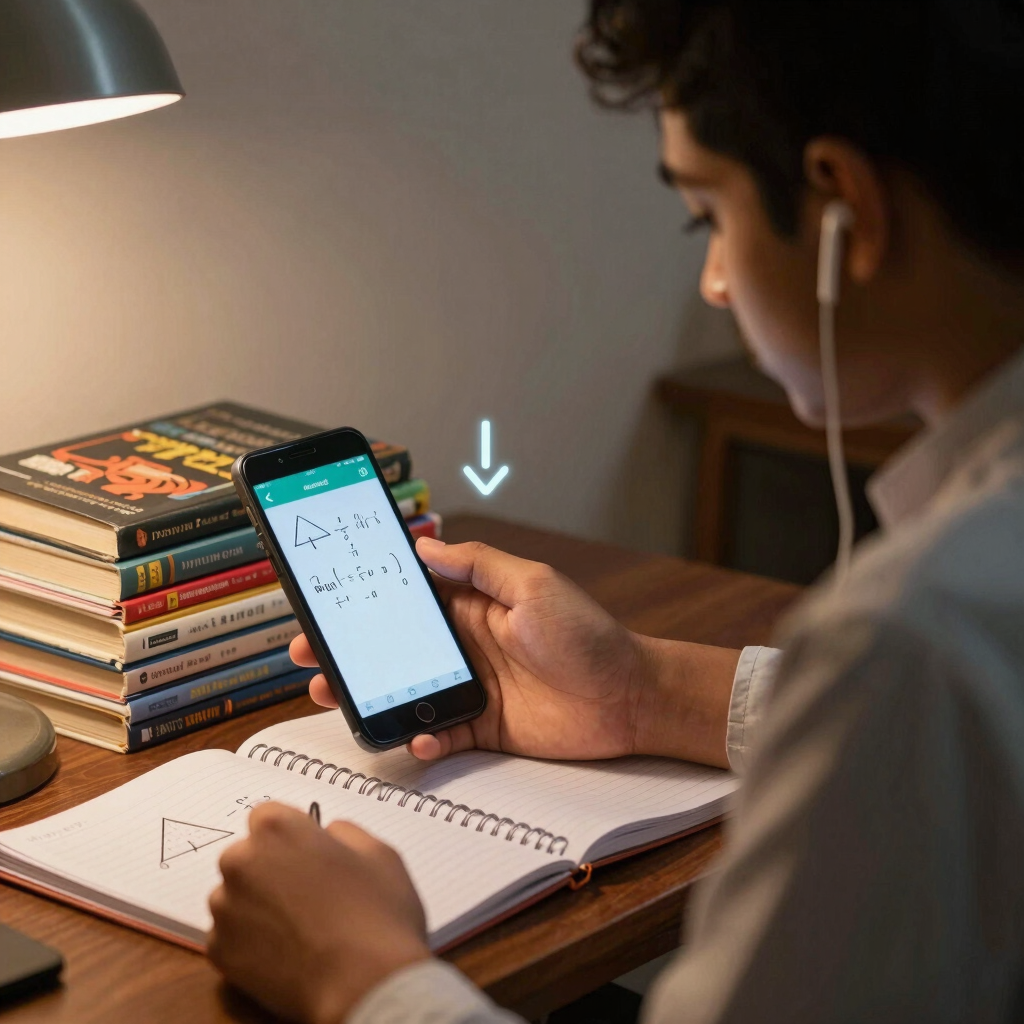
Every student hits a chapter that the textbook makes harder than it needs to be. Khan Academy is where many learners go to see the same idea explained from the beginning.
The Android app is free, with no in-app purchases or subscriptions. It covers maths from arithmetic to calculus, plus biology, chemistry, physics, economics and more. Each topic pairs short lessons with practice exercises, and the exercises give instant feedback and step-by-step hints, so you quickly learn whether you truly understood the idea.
The offline option matters most here. You can download videos for offline viewing, so fetch what you need over Wi-Fi and watch it later without spending mobile data.
What to watch for: Most of the library is in English, and it isn’t built around any Pakistani board’s syllabus. Use it to understand a concept, then practise from your own textbook and past papers. Test prep and some other features live on the website rather than in the app.

Rereading notes feels productive, but it’s often a slow way to remember things. Flashcards force you to recall the answer, and spaced repetition brings each card back just as it starts to fade.
AnkiDroid is the Android version of Anki, a well-known spaced-repetition system. It’s open source and fully compatible with the desktop Anki program, including synchronisation. Cards can hold text, images, sounds and LaTeX, which is handy for formulae and diagrams. You can also download ready-made decks, and the project lists thousands of premade decks on many topics.
This app suits subjects packed with facts: biology terms, chemical reactions, physics formulae, definitions, dates and vocabulary. Ten minutes on a bus or between classes is enough for a useful review session. If you study with classmates, our guide to the best apps for finding study groups and tutors online pairs well with this.
What to watch for: AnkiDroid is built for function, not polish, and making good cards takes time. Start with a small number of new cards each day and build up. Syncing is optional; without it, your decks live only on that phone.
Many Pakistani students study from English-medium books while thinking in Urdu. Google Translate closes that gap when a paragraph or a single word won’t make sense.
The app translates text, handwriting, photos and speech in over 200 languages. The camera mode is the useful one for students: point it at a page and read a translation on screen. Camera translation works offline once you’ve downloaded the language you want.
Urdu has been part of this offline system for years. Urdu language packs became downloadable, with camera translation, in 2018. In the app, tap a language and look for the download icon; if it isn’t there, that language can’t be downloaded. The files are small, and Google advises using Wi-Fi to avoid mobile operator charges.
If your English needs deeper work, see our roundup of the best apps to learn English and other languages. And if you also write in Urdu, our guide on how to type in Urdu on Android helps with the keyboard side.
What to watch for: Machine translation is often literal. Technical terms, poetry and legal language can come out wrong, so check important words in a dictionary or your textbook. For camera translation, good light and clear fonts give better results. Use the app to understand text, not to write your assignments for you.
The last app on this list exists to keep you off your phone. When you start a session, Forest plants a virtual tree. If you switch apps mid-session, the tree dies. It’s a small penalty, and it’s surprisingly effective at making you think twice before opening social media.
The core experience is free, including the focus timer, app blocking, screen-time scheduling and group focus sessions. The free version shows occasional ads, though never during an active focus session. Google Play lists the app as containing ads and in-app purchases. The optional Plus plan adds extras such as custom app allowlists, and its price depends on your region.
Try sessions of 25 to 30 minutes with a short break between them, and put the phone face-down on your desk while you work.
What to watch for: App-blocking features ask for extra Android permissions, so read what each one does before you tap Allow. If you’d rather not install anything, many Android phones have a Focus mode inside Digital Wellbeing settings, though menu names vary by brand.

Power cuts and weak mobile signal are ordinary parts of student life in many Pakistani cities, so a little setup early pays off.
Start with your biggest problem:
If your phone storage is tight, begin with Drive, which may already be installed, and Translate, whose offline files are small.
All five are free to download and use at a basic level. Google Drive gives you 15 GB shared across your Google services, and Forest’s free version shows ads. Drive and Forest also offer paid plans, and local pricing can differ, so check each app’s own listing for the current price.
Partly. Khan Academy lets you download videos, Google Translate works with downloaded language packs, and Drive can keep marked files offline. AnkiDroid reviews cards stored on your phone, though syncing needs a connection.
It helps with understanding concepts, especially in maths and science. It isn’t designed around Pakistani board syllabi, so treat it as a companion to your textbook and past papers, not a replacement.
It depends on the phone and how much storage is free. Downloaded videos and large decks take the most space, so keep only what you need and clear old files regularly.
Use it to understand difficult text, not to write your work. Machine translation can miss technical meaning, and relying on it won’t improve your own English.